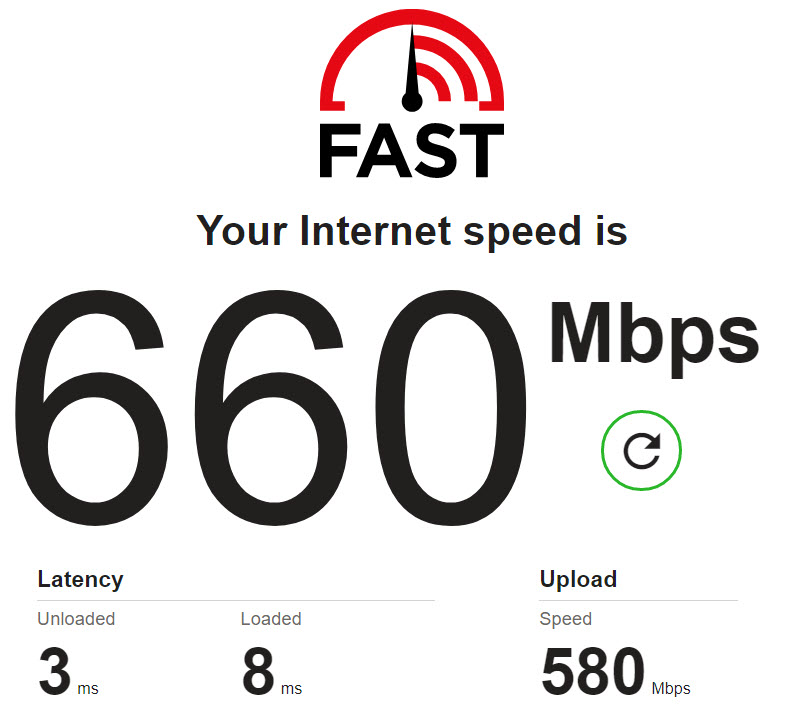
With the same phone when I switch over to wifi, it can play just fine. Any type of formats play ok with some exception of 4k files.
My plex server remote access is blocked, but I have setup a custom server access url. I have also tested the custom server url link in a browser logged in to my server over 4G and I can play movie files.
Are you actually streaming from cellular or just from a “general” remote connection?Sounds more like your RPi4 has trouble to transcode that video to meet the applicable quality limitation.
If that’s the case you should get the same error when setting the iPhone’s home streaming quality to “8 Mbps, 1080p HD” as well.
Are you actually streaming from cellular or just from a “general” remote connection?
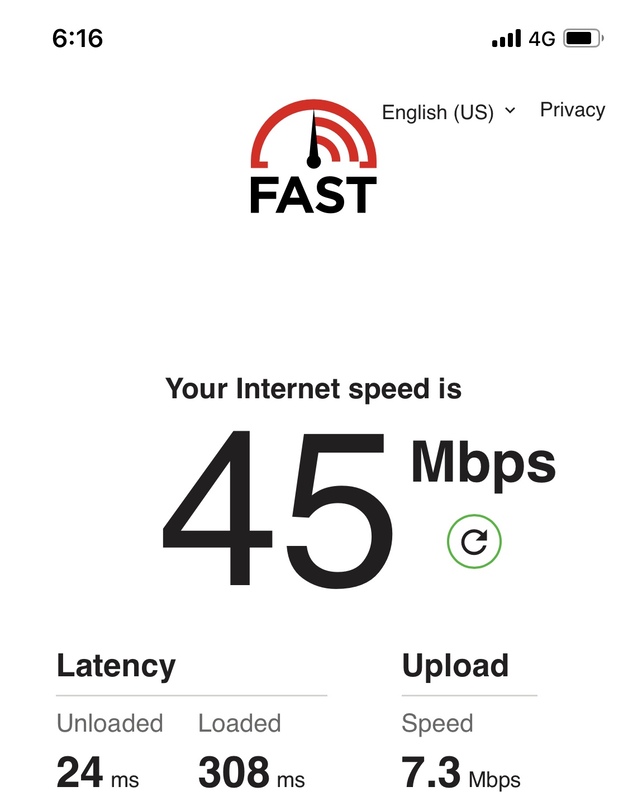
From cellular. If you look at the 1st image up top, I am on 4G.
Sounds more like your RPi4 has trouble to transcode that video to meet the applicable quality limitation.
If the rpi4 has trouble transcoding, the phone while connected to the home network would also have issue with playback, but that is not the case. It can stream over the home network. I have not tested over a remote wifi network yet.
While streaming over 4G, Plex applies the Limit Cellular Data limitation (Settings > Quality > Video Quality > Limit Cellular Data). Based on the screenshot above that’s limited to 720p videos @ 2 Mbps.
If you want to avoid transcoding at all cost you might also want to disable the Automatically Adjust Quality option (this way you might experience a stutter if the bandwidth gets really bad but Plex won’t constantly attempt to optimize the streaming).
4G bandwidth will highly depend on tons of environmental factors (coverage, distance to the next antenna, capacity in a particular cell, number of “competing” users, walls/furniture/metal/…). So while you might not have a permanent/stable 45 Mbps connection, it should easily be able to deal with more than the 2 Mbps from your video quality limitation.