Server Version#: Version 1.21.0.3711
Player Version#: Version 4.29.2, Firefox 83.0 & Chrome 86.0.4240.198
Logs Redacted
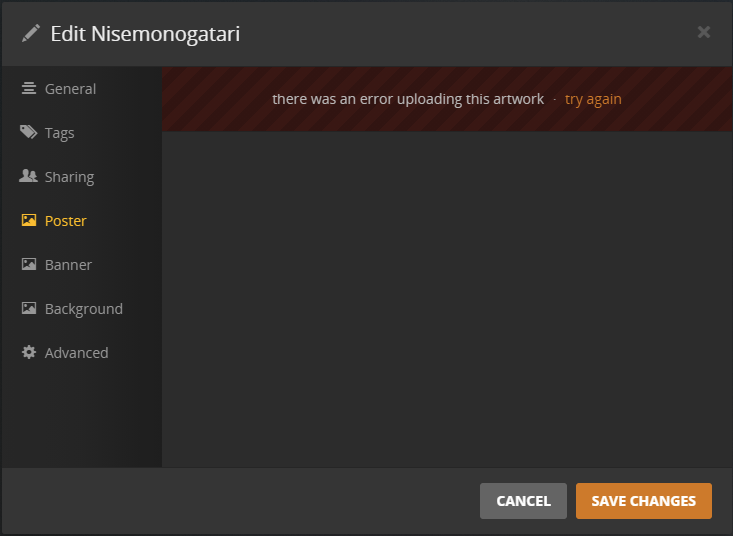
image is 44kb and wont upload.
I have updated server versions several times hoping this would be addressed but im having no luck. Any assistance on what this idiot is doing wrong?
Also, no new show is pulling metadata at all from any scanner.
Don’t do it that way. Put all artwork in separate jpg files into the media storage.
That way it is preserved if the plex database is lost.
I have tried that too and still fails. Honestly its annoying as I’m going through updating my libraries and moving from defunct drives to find that the metadata is lost and i cant rematch, or images be re added no matter how i try.
Is there another fix i can try maybe? I have been searching forever and nothing shocks me
Heck, this is also happening to movies now. What the heck
Logs Redacted
i’m having the same issue. posters will not load and same error message.
I solved my issue I recently upgraded to OS Catalina 10.15. I use photoshop to make posters for personal videos, I didn’t realize after OS upgrade my PSD files were being save without JPG or PNG extension. Once I added JPG or PNG to poster file, artwork loaded to Plex.
Have you had any luck at all? Also for my own sake, what AV are you running?
So tried again several days later, reinstalled scanners after clearing database etc etc. Restarted, turned off VPN, Firewall, Network Protection and still being left disappointed
Logs Redacted
Still unable to add images of any kind even from local folders etc as previous article suggested. Am i truly stuck with no fix?
You were part right.
D drive is the first of many data drives in NTFS. There was not server version to install, however i looked at the registry entries the guide has shown and it has worked sinced changed.
Further investigations do not show how this has occurred as %Appdata% is where i would have left it, however with how windows updates (mixed with my bad luck) im not overly suprised. I will also mention that i did need to disable my AV (BitDefender) to get data moving around as intended, however everything is now working as intended.
TL;DR - Check data store location, disable AV and restart pc