Hi there,
Just realized that since couple of weeks ago, my external subtitles put inside every folder (all of them in .srt format, and respecting the naming conventions) are not been loaded anymore.
I’ve been a PMS user, since 2 or 3 years ago. All the media loaded since then, continue available in the libraries created. Loading the external subs that were put along the video file since then.
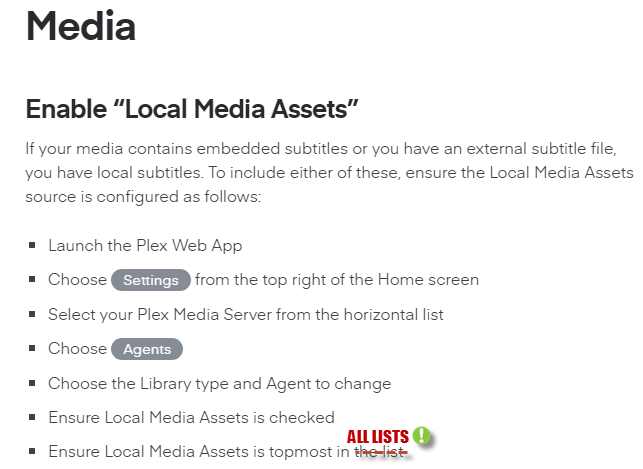
In agents, for all the libraries created the “Local Media Assets”, have been selected, and put on top of the list.
Recently had to deal with the “Checking for Updates” Issue, which as many of you know, consist the Update button get stucks and wont allow you to check for updates. It was fixed yesterday by downloading latest PMS version, then updating manually. At first I thought that could be related with the current subtitles problem, but after updating the problem continue.
Hence here I come, looking for help, in order to solve this annoying issue. I’ve searched the web for solutions, but none of the suggestions have helped me to solve the issue.
Could anyone help me locating the root of this subtitles problem please?
If you need some server logs, let me know which one of them will be. Checking the “Troubleshooting section”, managed to download latest log but inside that, it’s coming lots of log files. Really doubt all of them will be need to troubleshoot this issue.
TIA.-
Server Version#: v1.15.1.791