Except we DO have to use it. We can unpin Discover, but our search results are still polluted with results from other services we either don’t subscribe to or don’t WANT to subscribe to.
5 Likes
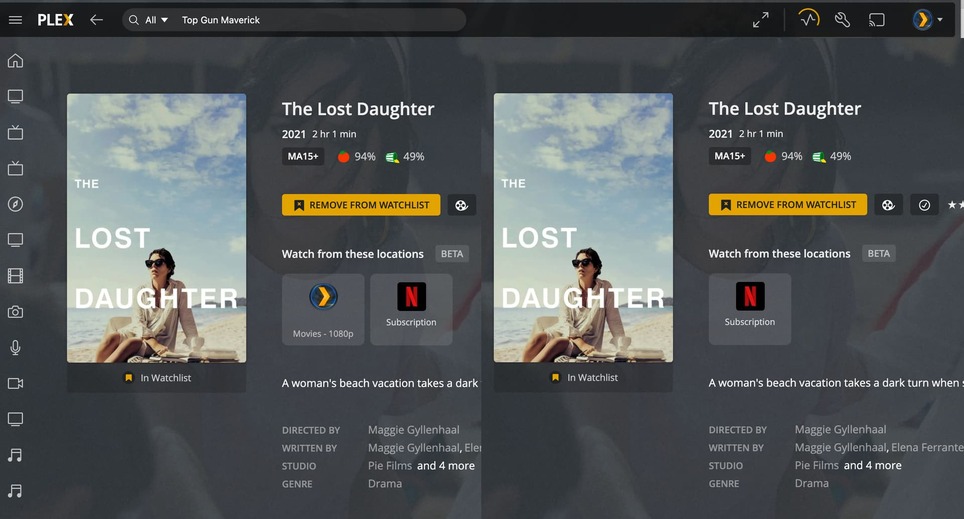
Yup can confirm the issue was that the library has to be re-scanned before the option appears to play it from your own library.
Since this is aggregating justwatch, it would be really nice if those of us who already have justwatch accounts could import our watch lists. I don’t see any point in using this over the justwatch website/app otherwise, since I already have a curated list of things I’m interested in over there.
3 Likes
That’s not how discover or the universal search works. Read up… no need to go all conspiracy theory 
The search results are based on the overall movie/tv-show catalog used by Plex… no other providers are contacted to live-check their catalogs. The search results are then compared :
- by your own Plex client against local/shared libraries of yours (given Plex doesn’t know what’s on your server)
- against a reference database what’s available on certain platforms (again… no individual requests through your user directly to those providers)
Sad but true
1 Like
found a bug where my own server randomly doesn’t appear for movies. Usually getting our of the movie and back in loads the local version if available.
@triks_melb which app are you using or is it happening in all of them?
Pretty pointless bringing it to the xbox then !
so far tested on macOS and Android TV apps - identical issue on both. The PMS server (Shield) is scanning music in so could be a performance based issue…
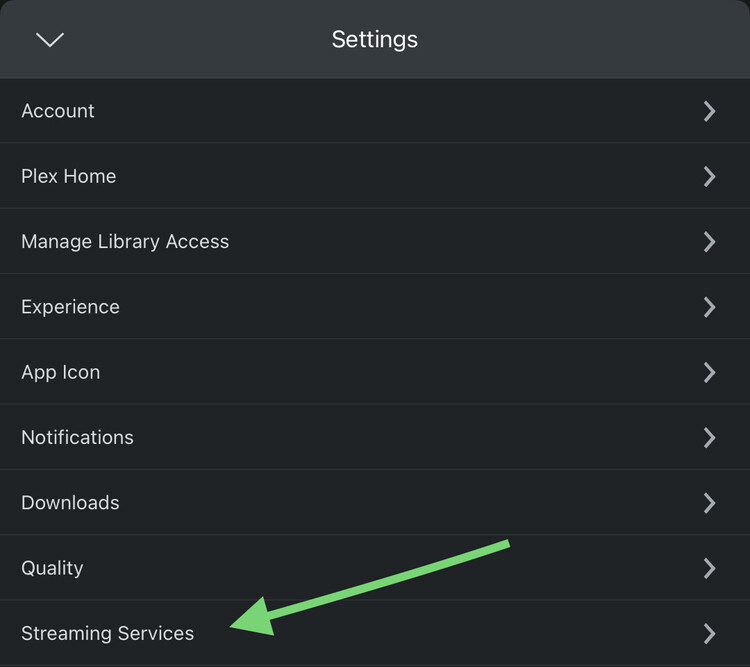
I really want to try out this feature but when I go to the streaming services page in settings I’m unable to select services. Is there something I need to toggle to allow this? I am logged in with the admin user, accessing through app.Plex.tv, tried on different browsers.
From where are you accessing Plex? The streaming sources are grouped/filtered regionally… so that might explain why none are considered available(though from what users have posted that filter might occasionally be off)

1+ And to Roku since they also said links aren’t currently allowed per Roku policy.
Question, are you attempting to do this on a touch device? I’ve attempted to select using an iPad as well as using an android tablet and neither touch devices seem to want to work with the functionality of selecting items. Had to resort to using a desktop environment instead.
I am attempting from a touch device. I will try from a laptop later. Thank you @D_eight6
If you open your installed Plex app on iPad or android device using the admin account, you should receive a touchscreen version of the services to select.




That works the same everywhere else in Plex.
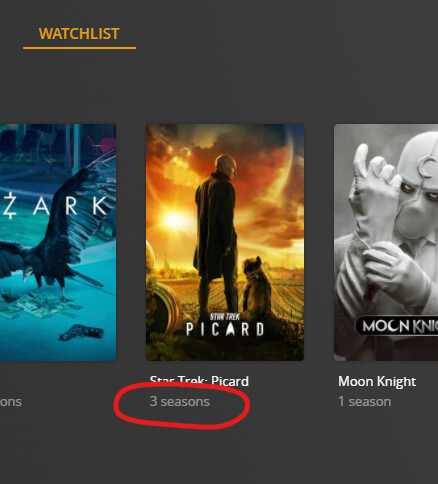
It’s the “Specials Season”, bearing the season number “00”.
3 Likes
OK, never noticed this.
Thanks for the answer.
Pain is there yes, but opening app isn’t the only thing this update does. It takes care of discovering content, adding it to wishlist, and has universal search.
How does the ‘Trending on’ feature work?
If I look at ‘Trending on Netflix’, Plex shows Selena The Series, The Big Bang Theory, Black Mirror & Suits
If I look in Netflix, the only one of those trending is The Big Bang Theory, the other 3 are not in the trending list
