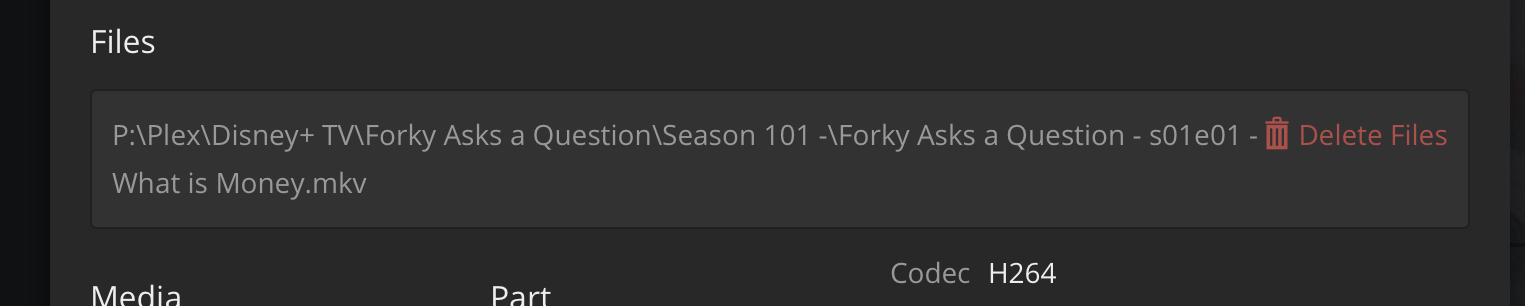
A TV Show Library\ <----Plex aimed here - nowhere else
........Forky Asks a Question\
...............Season 01\
....................Forky Asks a Question - S01E01.mp4
Not exactly sure what you mean by that, but…
You can’t put TV Shows and Movies into the same Library Type.
Movie Library for Movies
TV Show Library for TV Shows
I had to abandon the Filebot (YEAR) field trick for TV Shows. Now they only get a (YEAR) field if it’s in the name at TVDB and still that fails almost every time.
Remember the days of using the name TVDB uses and having it work?
I do.
The good old days.
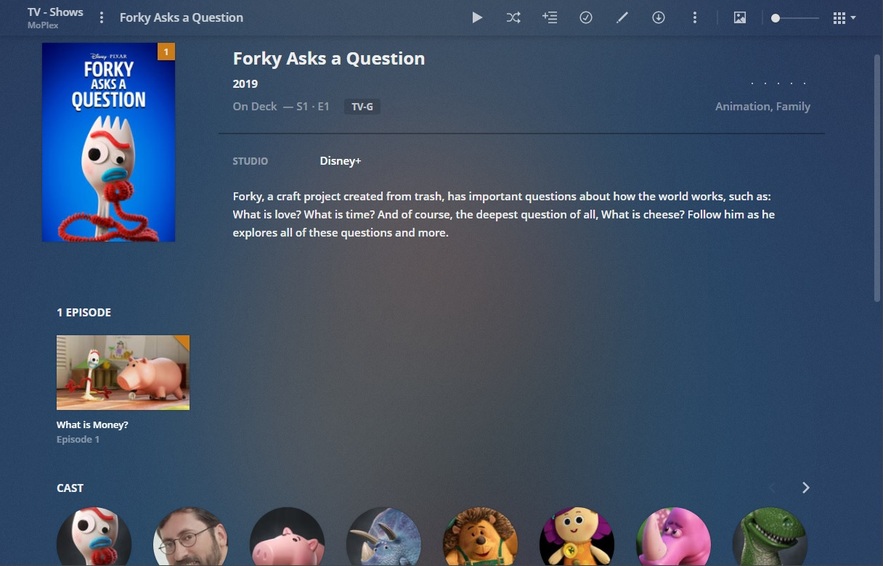
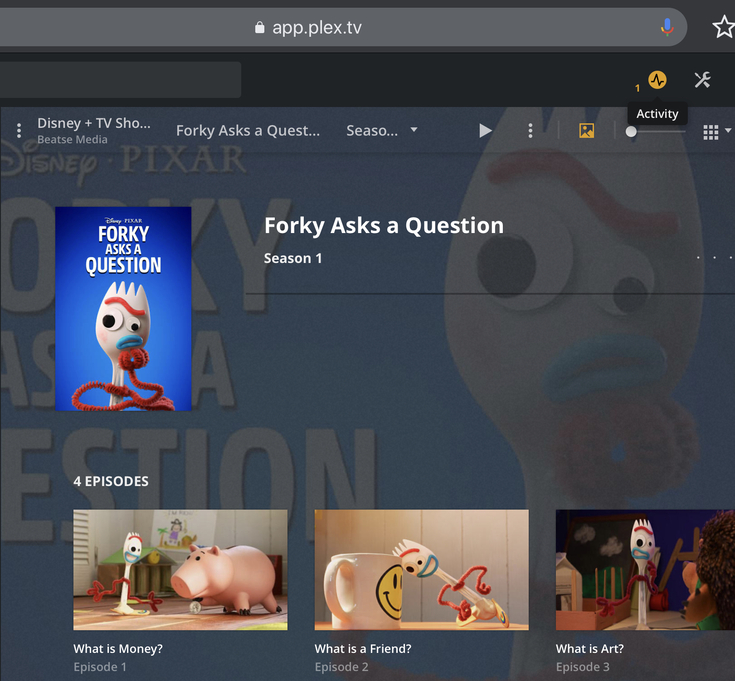
This is exactly how I have it set up. I have an external hard drive for my TV Shows and another one for my Movies; each collection is aimed at that hard drive. I have over 800 tv shows and 2000 movies and they all show up. This is the only one that is not showing up. I have the forky folder on my tv shows hard drive and on my movies hard drive. It is bugging me having a tv show in with my movies, but that is the only way it is showing up right now; so its there for the time being since my son needs his forky… lol. The other folder remains in the tv show hard drive until I can figure this out and remove it from the movies drive. I have no idea why it is doing this. Looking at Disney+ the forky shots are separate like the movies are, but looking it up on imdb and the movie db it is shown like a tv show. So confused.
I’ve come across a number of shows where information prior to the TVDB API Version upgrade has changes.
In one case they combined 2 seasons into one.
A few shows that I have that are decades old have had some episode dates changed to current dates. My file names have the correct dates and I’ve made them read only just in case.
Some shows that were UK and were marked UK now have no such marking.
One case it now matched the same US show.
I don’t mention the shows since they are aware and I hope fixing the issues.
Will see, never had any luck with them.
My only suggestion is If you have issues with matching is to go to their database and try to match it. And hopefully as their database gets corrected so will our metadata.
OMFG Thank you. I literally just did this and it totally worked. I was just going to leave it as-is cause I didn’t really care that much, but it’s really nice when stuff works the way it’s supposed to…