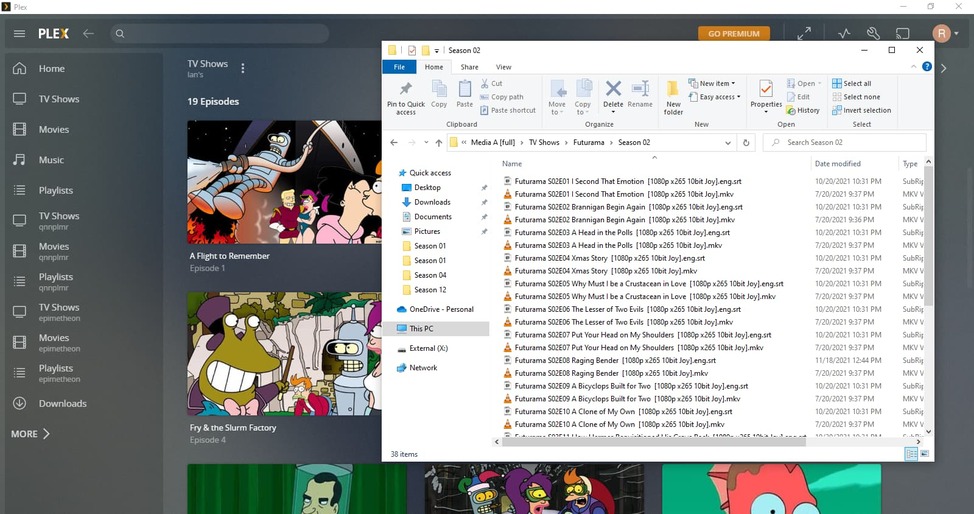
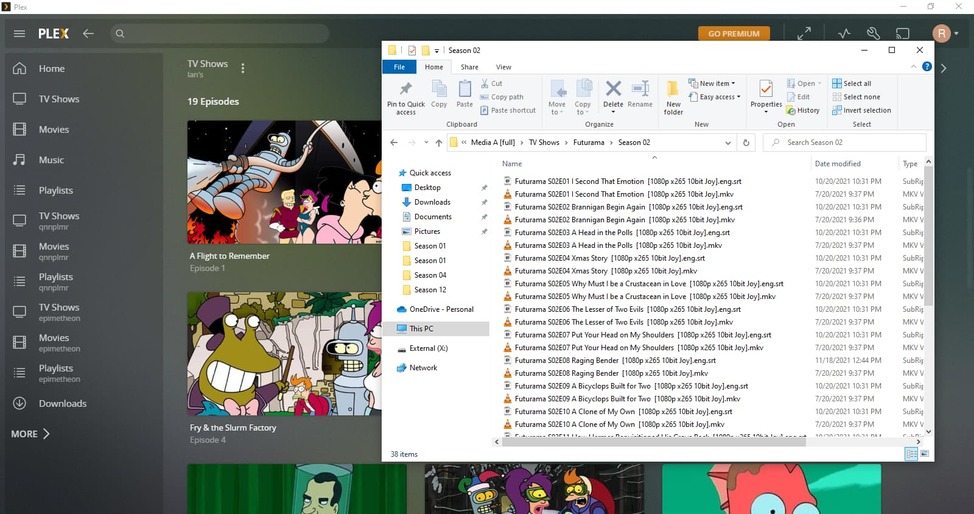
I was googling how to get Plex to display Futurama in the correct order, and all I could find was someone here saying they “click the button for DVD ordering” in 2019.
So, where’s this button?
I was googling how to get Plex to display Futurama in the correct order, and all I could find was someone here saying they “click the button for DVD ordering” in 2019.
So, where’s this button?
That’ll depend on what agent you’re using for this library.
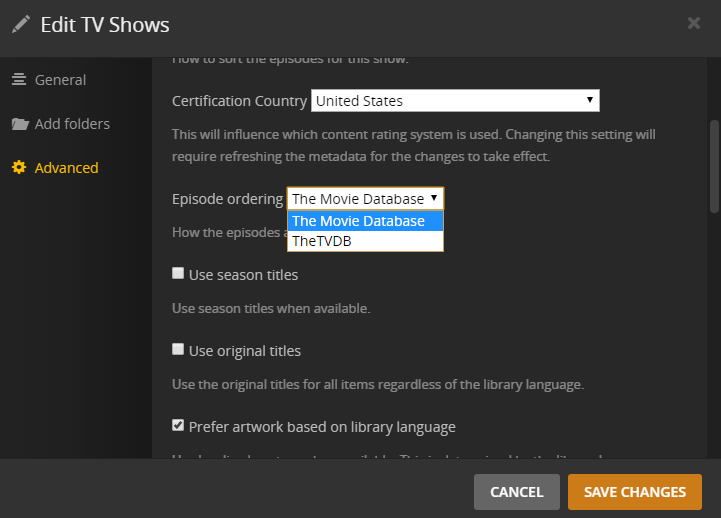
If your library is using the Plex TV Series agent, you can configure the episode ordering in the show’s advanced tab ( >
> Advanced > Episode ordering).
Edit: the mentioned option is available when editing the show; corrected the incorrect information about looking for it in the show’s context menu
See post linked below. It shows where to select episode ordering at library and show levels.
Where are these three vertical dots
*Nvm found it under edit
No need to rescan – just refresh the show’s metadata after setting the Episode ordering to the desired option.
Judging by your screenshot it appears you are using the Aired order. You should be able to change this to DVD order as per screenshot below …

… and then force a refresh of the entire show which should align correctly.
I believe Tom was incorrect, in stating it was under the triple dots for the show. It’s actually under the Pencil icon on the show level. This allows you to set the show’s episode ordering to use (DVD Order) rather than (Aired Order). If you found an “Advanced” under “EDIT” I think you might have changed the entire library’s default order.
Strangely, I cannot seem to find a way to set a TV Library’s Aired/DVD order default, only on a per-show-basis using the pencil icon.
Ok divideby0 was right, it was under the pencil not the three dots. Thank you, it’s working.
That is from the library TV Show edit screen and not the show edit screen. Go into show and then edit from there.
Tom originally told me to use the wrong menu. It’s been edited
Thank you though