Server Version#: 1.59.1.3398-dab42972
Player Version#:7.0.19.8058-54d0393d3-Plex
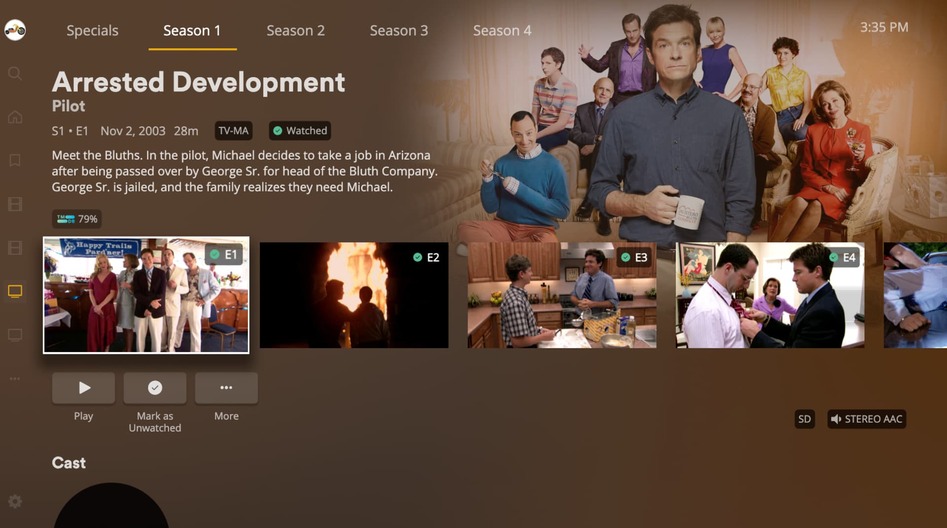
I just noticed that tv show episodes are no longer displayed in a grid and are a long horizontal line which only shows a few episodes at a time which must be scrolled.
Is there an option to get the grid view back as I can see so many more episodes per page. If there is no way to fix this I would at least request and option so people can choose. Any help here would be great.
I am on Library. not recommended. I get a grid for the all the TV shows but when I go into a tv show and select a season I no longer have a grid display for the episodes in the season but the scrolling horizontal display. This literally just seemed to change overnight as it was working yesterday.
Unless you were running some extremely old version of app, or have been using folder view ( from top level of library), all TV based app have has this same design for a number of years now.
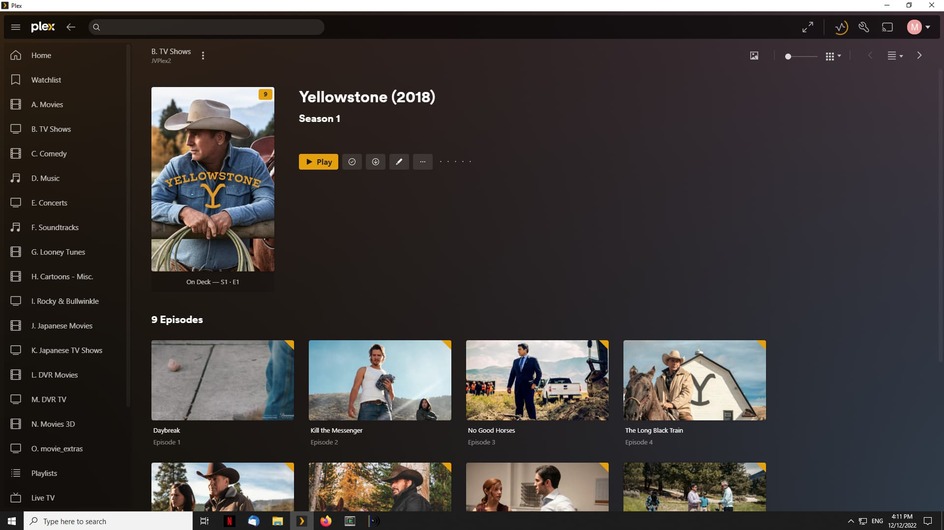
This is how my PC Plex looks for looking at episodes, and my roku looked very similar prior to today. There must be some setting causing this or a new version of plex for roku just got updated.