Look how the lines seem wrinkled and low quality, as if the image had been drawn on microsoft paint. The image from before (hardware acceleration off) looks way smoother.
I chose a cartoon for this comparison so the difference is more obvious.
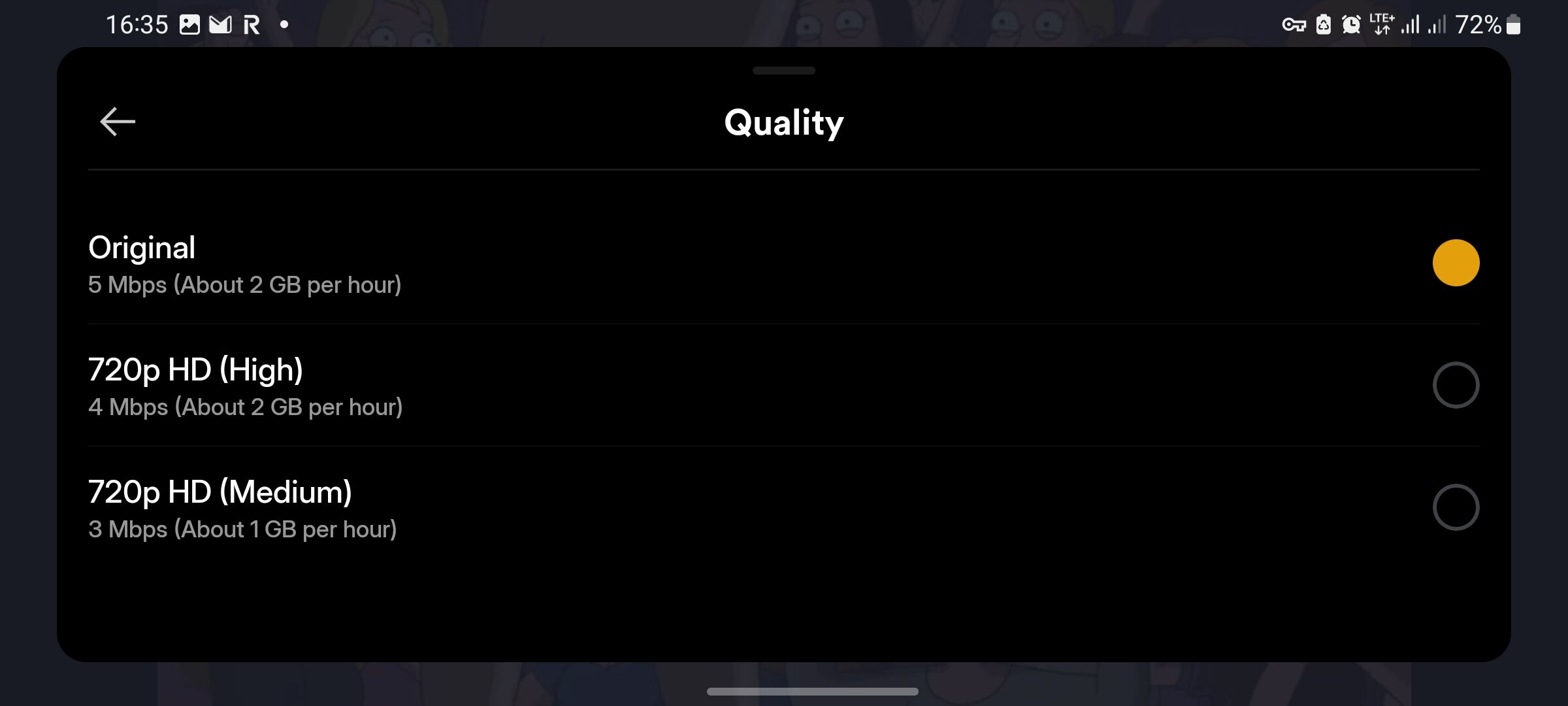
Both examples have the “quality” set to “original” but still when hardware acceleration is turned on the quality decreases.
This seem so strange to me.
My transcoder settings (hardware acceleration is disabled):
Software encoding will always beat hardware encoding if you tell it to “Make my CPU hurt”.
Hardware encoding can save time and energy, but it is not better than a software encoding at a high quality setting.
My GPU is supposedly more adequate for video transcoding and should be able to handle multiple instances at a time. My CPU is limited and would not be able to handle multiple instances.
How do I configure my transcoding with hardware acceleration to have great quality across the board for every stream?
I would wager a guess this is why Netflix keeps so many versions of every file, they’ve encoded them to be the best quality possible for almost every scenario
Precisely. If you invest computing time, you can optimize both file size and picture quality.
Hardware transcoding cannot do this. To put every encoder optimization into hardware would be too expensive and complex. So hardware encoders are cutting corners.
But hardware encoders are still necessary when you need to transcode video with a low power device, or when you need the job to be done at real time (or faster).