@brycegturner, yes, source 4k HDR10 x265 audio truehd to hd 720p AAC 7.1 doing fine.
@dnmaia Interesting. On that same build I’m running an Asustor AS5304T with a Gemini processor and I’m still getting skipping and pixelation. I wonder what’s going on.
I’m on 1.18.6.2368 and also still having the problems with pixelation and skipping
Scroll up and re-read FordGuy61’s response, click on the last link.
latest version PlexMediaServer-1.18.6.2349-f0bf4dd50-x86_64 still has transcoding issues. I deleted the i_HDxxx driver and its working again.
@wingman any idea when you’re launching the ‘beta’ update?
Do you have any problem with that version and live tv recording?
I can’t use live TV in Plex with my provider.
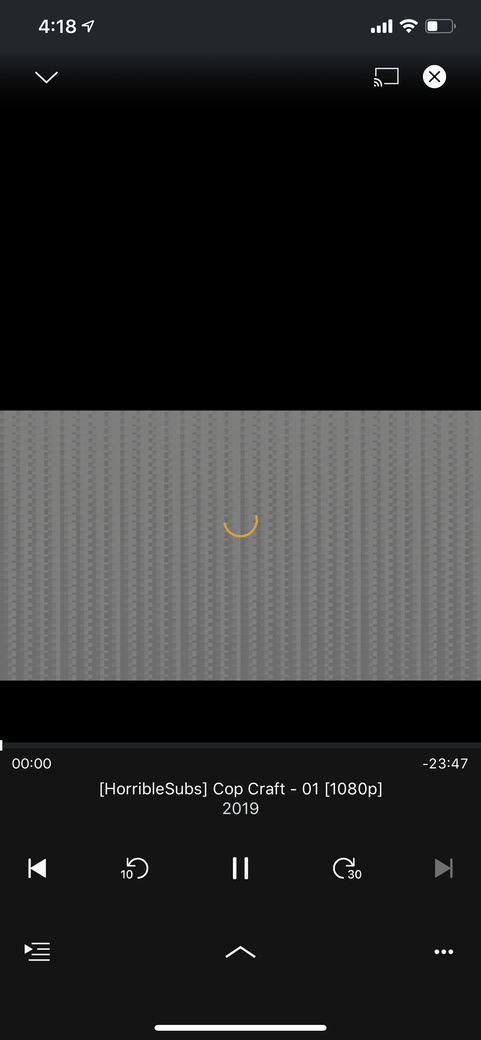
i’m still going to stick with 1.16.6.15.92 until a stable build has been released which addresses the problem.
Wait for 1.18.7 PMS beta build before upgrading. chrisallen already informed this when he posted 1.18.6.2349…
Using the status under 1.18.6.2349, using the Android KODI PLEX add-on, there is a transcoding error.
Also hanging tight for an update.
Beta PMS 1.18.7.2415 is out with this fix
1 Like
Where’s the changelog for the beta?
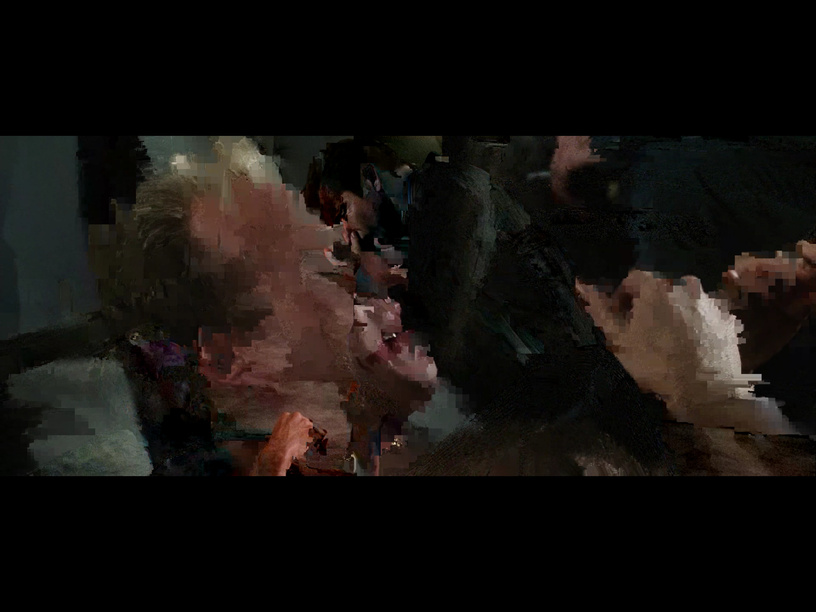
I’ve just installed and it is working
Not entirely solved for me. When transcoding from 4k HDR to 720P 4Mbps the image still very low quality pixelated. from 1080p to 720p it doesn’t look so bad. DS918+ apollo lake here. i’ll still go back to 1.18.6.2349. works better.
Edit: I decided to stay with the new one. it’s ok for use. no big problems.
Thanks for the update. Ran the update over my old installation and it seems to work. Thanks
Installed the update on my Synology DS218+, it’s working fine!
