This issue only affects Apollo Lake (6th gen) Intel CPUs with a Linux-based OS
With this hardware transcoding yet again starts working as normal on my Intel J4105!
Same issue here. I am running 1.18.1.1973 on WIN10 Kaby Lake NUC7i5. Videos are in mkv h264 format. Subs are EIA_608 format. Blurring issue pulses on screen every 5-10 seconds between blurry and clear. Issue stops when either subtitles or HW Transcoding are turned off. Clients: Nvidia Shield, Roku Ultra
Not the same issue, sorry. Please open a thread in the appropriate forum tag
Should I call it “hardware-transcoding-broken-when-burning-subtitles-kabylake-based-WIN10-Servers”?
Seemed similar enough to me. My bad I guess.
I wanted to clarify @chrisallen comment:
“ This issue only affects Apollo Lake (6th gen) Intel CPUs with a Linux-based OS “
Since I have the same issue on my rig…
ApolloLake is 6th gen and part of the SkyLake family.
KabyLake is 7th gen.
The subtitle issue is known on multiple platforms with different symptoms and root causes.
I would name it “Hardware transcoding problems with Subtitles” and tag it Server-Windows
In that thread, you can reference here (link to it) and ping chrisallen if you wish.
We are currently working on a fix for this issue. In the mean time, please continue to use the workaround I posted earlier in this thread
1 Like
Maybe not the same issue but thought I’d mention that I found this thread because I noticed HW transcoding was no longer happening on my J5005 NUC running Plex server on Ubuntu. The only thing that changes on that server is the Plex version so assuming it’s related to the driver issues. I don’t know how to force the old driver on Ubuntu Server to verify
1 Like
@brimur Please raise a new forum thread with details about your setup, and PMS logs that cover your attempt to HW transcode.
@chrisallen Can you tell us the location of the driver for Windows users? I’d like to implement the workaround without having to use an old version of PLEX.
On Windows we use what ever driver the OS provides. So the workaround mentioned here is only for Linux x64 platforms where Plex provides the Intel driver.
For Windows, you could try downgrading the Intel Display Driver version from intel.com
1 Like
Same issue here since last update, on videos that used to play fine with HW/A and without it ( since few months when i renewed my plex pass and even before i did it )
Settings is PLEX on a DS218Plus NAS from Synology and a 552 Q7F QLED TV from samsung .
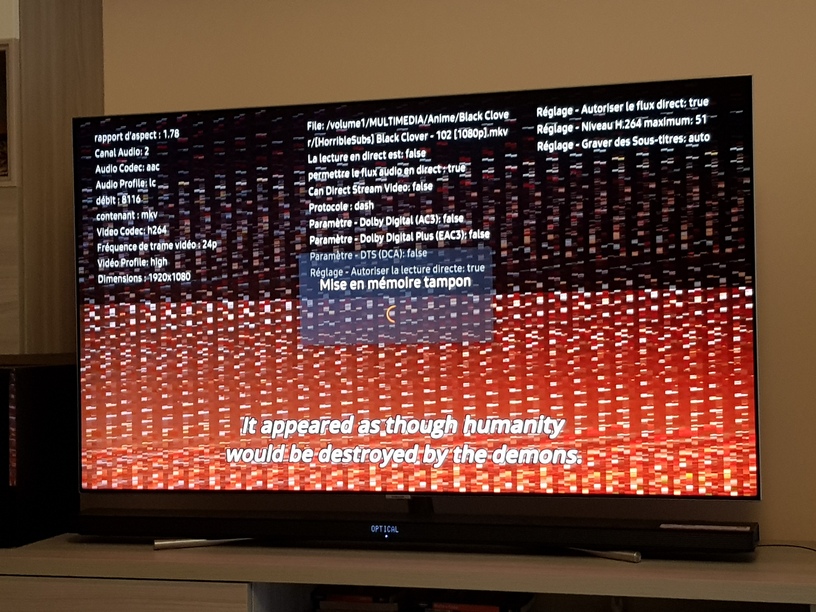
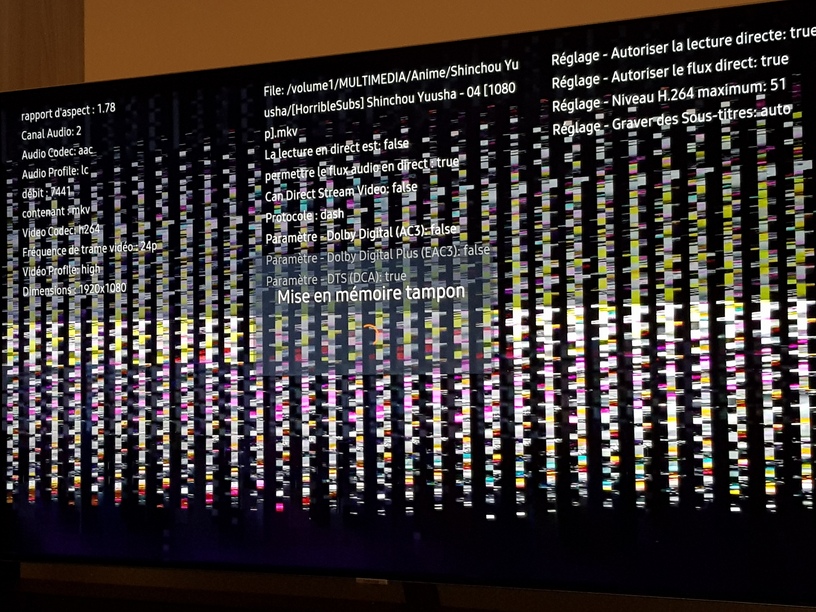
i have the same problem with ubuntu 18.04.2 abd a Celeron J4105. Is there also a work around?
I am having the same issue. Can you provide where we should send the logs to? I don’t want to post my logs publicly i rather send them to a designated plex email address.
1.18.2.2015 transcoding still broken on Synology
Ubuntu Linux Server 18.04 LTS here in a NUC with a J5005 CPU; hardware transcoding has been broken for me as well. It’s a headless server not running X and nothing has changed on it except for the Plex server updates. You can hear audio, but the video is either frozen or just one huge macroblock mess.
I’m also getting distorted/garbled video when playing videos with subtitles. I have disabled hardware transcofing to avoid the problem in the meantime. See attached.
Hardware: Synology DS918+
Processor: Intel Celeron J3455
DSM 6.2.2-24922 Update 3
Plex Version 1.18.1.1973!
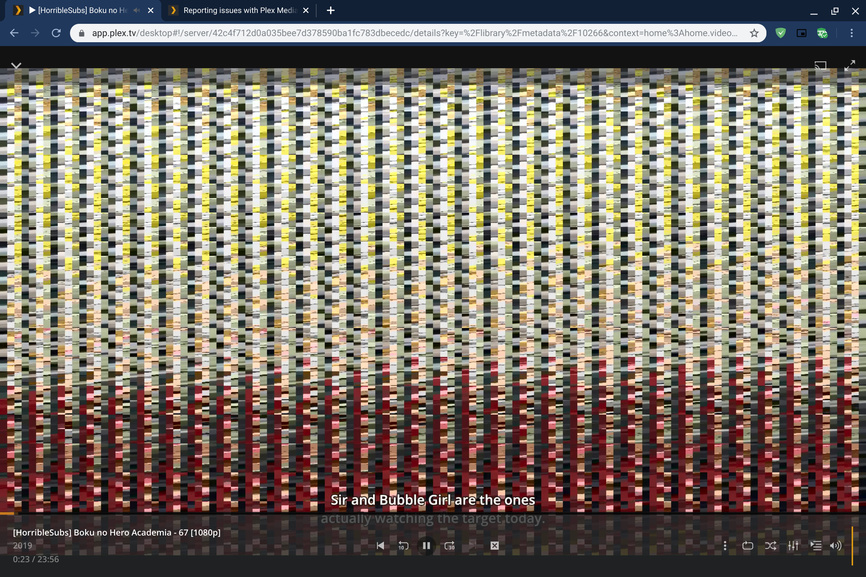
Plex Media Server Logs_2019-11-09_06-40-58.zip (4.2 MB)
Same issue on 918.
Yes i fixed the problem by unistalling PLEX from my Synology and installing an older version i still had in my downloads the Version 1.16.5.1554
Everything went back to working smooth
I can’t seem to use that workaround. I can enable SSH and begin the login process through terminal, but the password is apparently not the same as for my account on the NAS and I have no idea where to find out what it is.
Edit: Never mind, got it working through PuTTY. However, after typing the command to remove the driver it give me a “Permission denied” message.
Edit 2: Finally managed to gain root access and remove the driver. Just a heads up that you have to go through some extra steps to do the fix on DSM6. You have to log in as admin, then you need to enter sudo su -, then re-enter your admin password, and now you can remove the driver via the rm “/volume1/@appstore/Plex Media Server/lib/dri/iHD_drv_video.so” command.
Thank goodness I got this working! Hopefully, this info will help anyone on DSM6 who was having trouble until Plex can release a patch that fixes the issue.
