Hey Franck
Turns out @ChuckPa was right. The real reason why things were working better, had nothing to do with NUMA.
Previously when I was tinkering with various options in the BIOS. I disabled C-states, among other power saving features to increase performance. As expected this causes the CPU’s to draw ton of power with accompanying increase in temperature.
It also caused NUMA/CPU 0 to stay in all core turbo boost ~3GHz. While NUMA/CPU 1 went into all core thermal throttling ~1.75GHz. The fans were only properly cooling the front CPU closer to the fans and not the rear one.
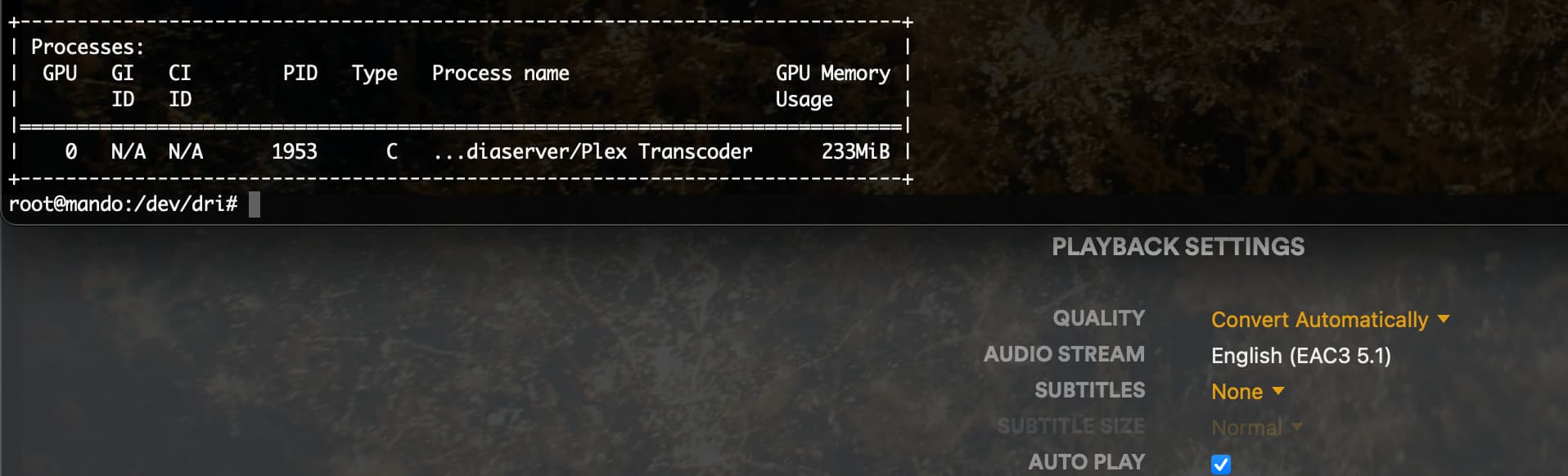
After changing some fan parameters both CPU’s are getting proper cooling, C-states are still disabled and all cores on BOTH cpu are ~3GHz and power draw is a bit insane, transcoding is now working pretty reliable on both NUMA nodes. Transcodes start fast & switching quality in chrome works almost always.
But it seems when I enable all C-states and other energy saving measures. The CPU cores hover at ~2GHz and transcoding is working intermittently. Seems PMS is not getting much benefits from the regular core turbo boost. Switching quality in chrome works some of the time. Was worse still when running on the thermal capped CPU.
I tried a new thing. Enable all C-states & power saving measures in BIOS. Assign only 8 cores to Guest VM. And added idle=poll to the kernel command line in /etc/default/grub on VM.
This causes only the CPU cores the VM is using to never sleep and get perma turbo boosted. PMS is transcoding even better now than previously with this setup. Takes maybe 0.1-0.2 sec less time to start transcode playback. And even harder to break when switching quality in chrome.
It seems to me, that PMS requires quite a bit of single core performance when doing the probing or looping VAAPI/NVENC/NVDEC stuff. And there is some kind of timing issue, if things don’t finish fast enough.
This does not quite explain why it was working so badly on the Xeon. As I was testing on Xeon’s that should turbo up to 3.6Ghz. And did not get it working no matter with c-states disabled and whatnot.
But this would explain why it works much better on all the desktop CPUs I have tested, since they all have base clock of at least 3.6Ghz and go upwards of 5Ghz with turbo, which is quite a bit higher than regular Xeon’s.
So yeah, I’m pretty certain PMS is very sensitive to good single core performance when starting NVIDIA hw transcodes.