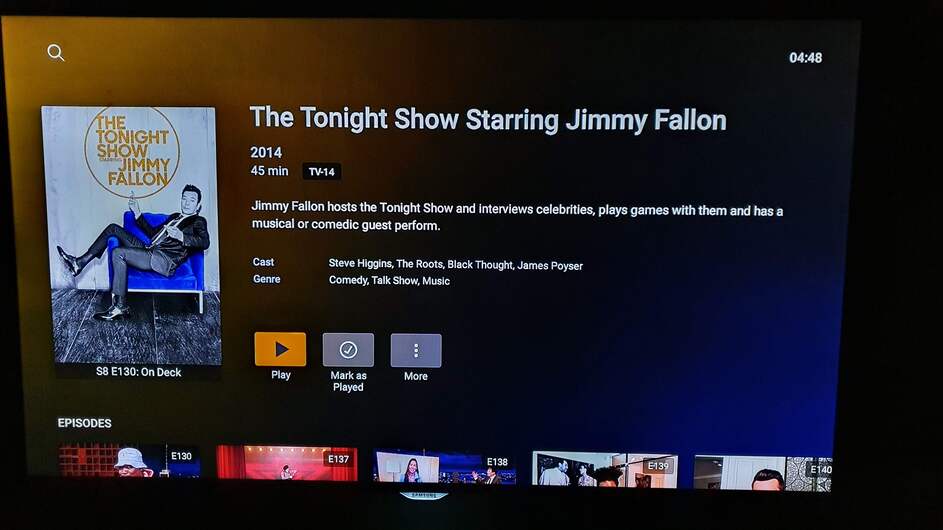
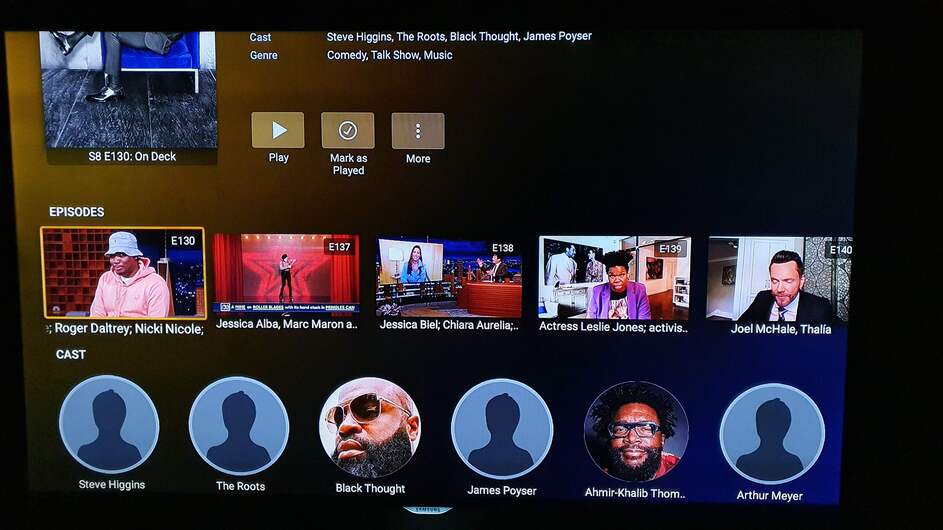
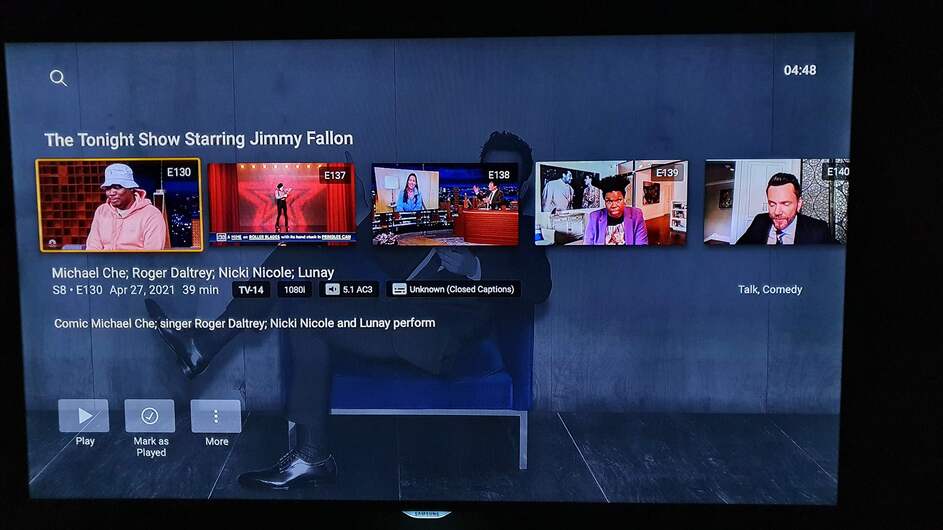
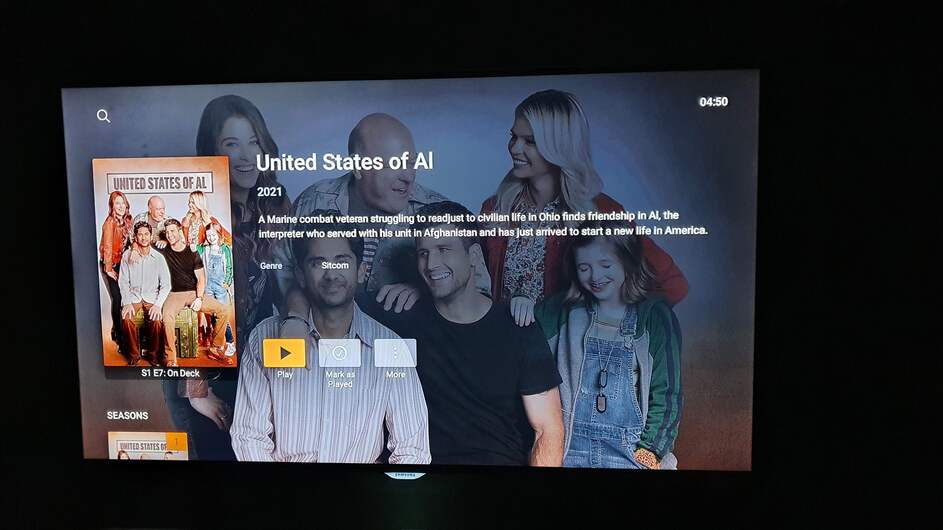
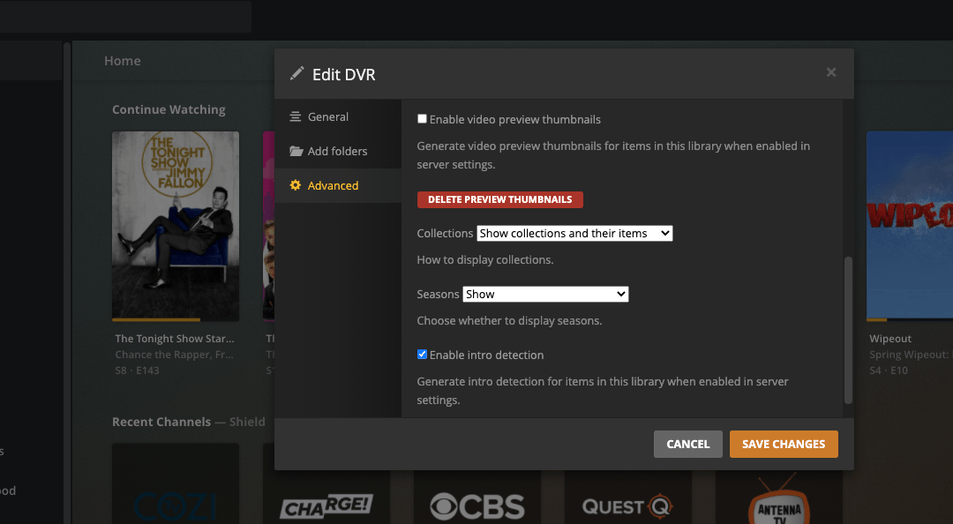
It looks like Plex is setup so that, by default, when it records a TV shows it expects it to default to break down by Season and then episodes. However, if there are no seasons then you wind up selecting the episode twice.
Example of how it appears to be coded:
Go to Show.
** Show has Season 1, Season 2 – Select Season 2
*** Select an episode from the list and play it.
Example of what it happening:
Go to Show.
** A single season of shows is listed – Select any episode.
*** Select the episode, AGAIN to play it.
In the attached log file from the player on the Nvidia Shield you will see examples from the Tonight Show & Love Boat.
What you are seeing is the Android TV’s behavior when you have the library set to hide seasons. The app doesn’t handle that situation well so when you click on the show, it’s still expecting to show seasons and thinks it’s at that level. When you click on an episode, it then goes to the episode level so you get the list twice. This is on the to-do list to get fixed eventually.
I do not have the library set to hide seasons. I have not looked into why some are added to their respective season folders and some are not so it would be a plex issue for not adding the shows with the correct structure.
You can see from Screen Shot 2021-05-14 at 1.15.01 PM.png that I do in fact have the DVR library set to sort by seasons
As you can see, from a couple of recordings, United States of Al in my DVR library shows seasons whereas The Tonight Show is not displaying the season.
No @anon18523487 you said “when you have the library set to hide seasons.”, I have nothing hidden so this would be a plex ‘feature’ as I do not hide any seasons.
For good measure I threw in what Green Acres and the United States of Al look like - showing Seasons, also in the same DVR Library and recorded within the past day.
Can you double check the setting for that show from Plex Web? Check the library setting too.
What you have shown is exactly what you see when you have the seasons hidden. If the show should not be hiding seasons, then that is a bug. Having to click the episode twice is expected until the app supports that feature.
The DVR Library is set to ‘Show’ season information.
The information for the show - as it appears in the library and you can see that it is recorded into a directory for the season.
** I looked at the recording options for the show and there was nothing about seasons there.
I have also attached a .xml file for the show. The forum software didn’t allow me to upload it so I just added a .txt extension.
** Interestingly my shields is set for English (and maybe Polish) so why is it recording the Tonight Show as if it were Spanish?
WHAT THE HE** !!!? It was set to hide but why? I have never set any shows to ‘hide’ the seasons.
It was frustrating to see 50 episodes of shows spanning 6 seasons recorded during a marathon on TV. I will go fix the rest of my shows, TV life can again make sense.
It still seems like a bug though. If I am hiding seasons, then the Plex should start playing it when I select an episode to play and not go into the ‘season’
Confirmed, that was a bug. DVR was set to use “hide” by default. However, this was fixed back in the early part of the year. It should now default to “Library Default”. It does for me in a quick test I did.
This does not change existing shows but should work for new shows. Let me know if you still new shows being set to hide and I can reopen the issue on our end.
I changed that many moons ago to Show.
I like that as the default, but change it for all those Seasons of NOVA, for instance, with only one episode in them.
Confirmed @anon18523487, it looks like it has been fixed sometime since my 1st shows were set up to record and now. Based on what shows had/didn’t have the correct setting I would agree with your timing of the fix.
Thank you for being response.
My next issues that I’ll whine about after I get data:
When when the last show in a season is done playing does the screen go black for about 30 seconds (and progress shows -2 seconds left) before starting up the 1st episode of the next season. This is the Shield playing from a Windows PMS.
Why, with such a long countdown between episodes doesn’t Plex pre-fetch and start queuing the next episode. It would be valid to assume that people are watching 1 episode after another and if I (said user) elect to pull up a new show/movie then buffering will begin. But the shield will often show a screen shot of the new episode as the Windows box is preparing/transcoding the stream.
Like I said, for a future post, just wanted to get those ideas stuck in your head.