Has there ever been a resolution to the high CPU usage on MacOs? (Currently 10.12.6 Sierra but I’ve had the same issue on other versions of MacOs)
It seems to happen at least once a day where I hear the fan spin up and I log in to see and have to force quit it in Activity Manager and restart PMS. It will not go away on it’s own. If left, it just keeps cranking up higher and higher CPU usage. Luckily the Mac hasn’t burned out.
The Mac is almost solely used for PMS.
I’ve checked numerous other threads on the subject and tried all the things suggested but it’s been years and every day it still happens. No, not at the same time and no, not when updating libraries. I can not figure out a common link. Maybe it’s some stupid setting, but I’m at a loss as to what else to try.
Video Preview Thumbnails have been turned off since this problem started years ago.
For the most part I figure this is just the price of using Plex but I guess I’ll throw it out there and see if we can figure out a solution together. Cheers.
That sounds like the client version (desktop client?) The version number is found under General in the left nav, UNDER the SERVER name. Please post that when you have a chance.
Have you ever gathered the logs while this happening? Or immediately after restarting?
Make sure DEBUG logging is ON and VERBOSE logging is OFF:
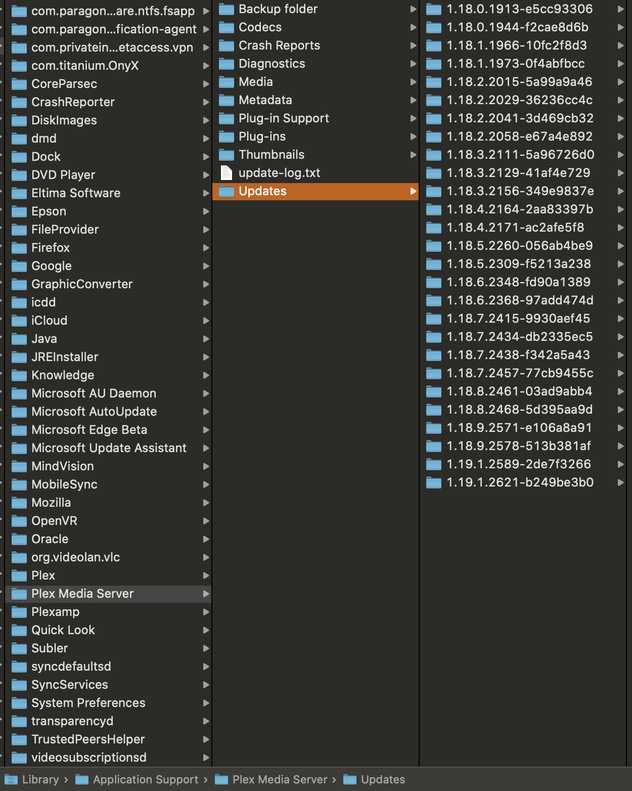
Sorry, I did an update on the Plex server while writing the post and was confused when the server version changed from 1.18.x.x to what I put in the original post. I thought it odd, but for whatever reason after each update it replaces the server version with a number like that. I’ll get logs.
Plex Media Server Logs_2020-04-03_19-20-14.zip (6.5 MB) It happened about 4:30pm local time. Probably before that (that’s just when I walked into the room and heard it firing up and checked Activity Monitor to see it using more than 100% CPU). I closed and reopened PMS around 4:42pm.
I’m sorry but yes every time I update, on the General screen it changes the server version to that gobbledegook until I close and reopen the page (or player if I’m using an App). Only after an update. I took the new server version from the same place. I’m not saying it actually changes the version number just that it displays incorrectly right after any update. It’s not a problem, I don’t care about that issue, I was just explaining why I posted incorrect information. I had it posted correctly but checked the version number after the update and it changed to that weird number and I foolishly changed it just before posting thinking I’d make sure it was the latest version. After going back, it was the proper number again.
Your Logs are not for the time you have stated 4.42PM. You will need to restart Plex prior to the desired time and enabled debug logs ONLY prior to attaching these logs
Sorry I had left debugging on. Here they are anyway. Not only is it using CPU this time but it also was using a lot of local bandwidth. I’ve turned debugging off and will turn it on again when the problem occurs and then download for the next time.Plex Media Server Logs_2020-04-06_09-59-43.zip (8.4 MB)
So here’s the problem. Third time in a row. When it’s using 150+% of the CPU, I can’t access server settings or go in and enable debug logs. I can’t even see the server version, it just gives me the player version like in the problem noted above. PMS is running, using CPU and I can see all my programs and even view them (but they’re choppy with the CPU so packed up).