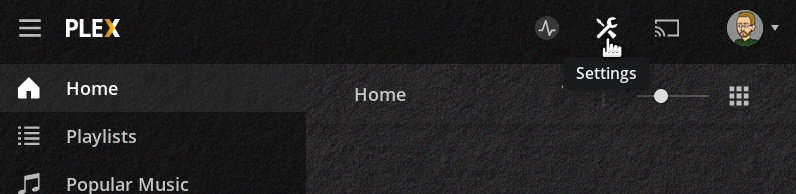
More plex changes their new gui more difficult it is to find stuff. On my previous version their was a tool icon where it showed me my Plex settings for server and web player.
Now I am trying to navigate through a unlimited maze of menus and sub menus and I cannot find the server settings for my server.
Anyone know how to access it?
I’ve looked through all and can’t seem to find it.
Note: mini rant.
Plex while it’s nice to see your updating stuff but I don’t get why your putting menus within sub menus and a massive maze of stuff you have to go through just to find one thing?
Neck you need a bible manual just to navigate the gui. This is so annoying. Mini rant done.