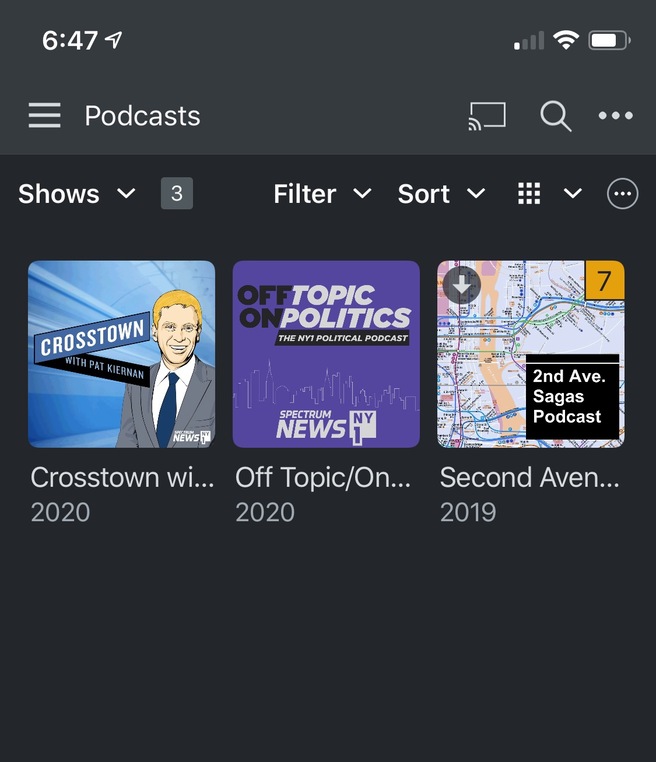
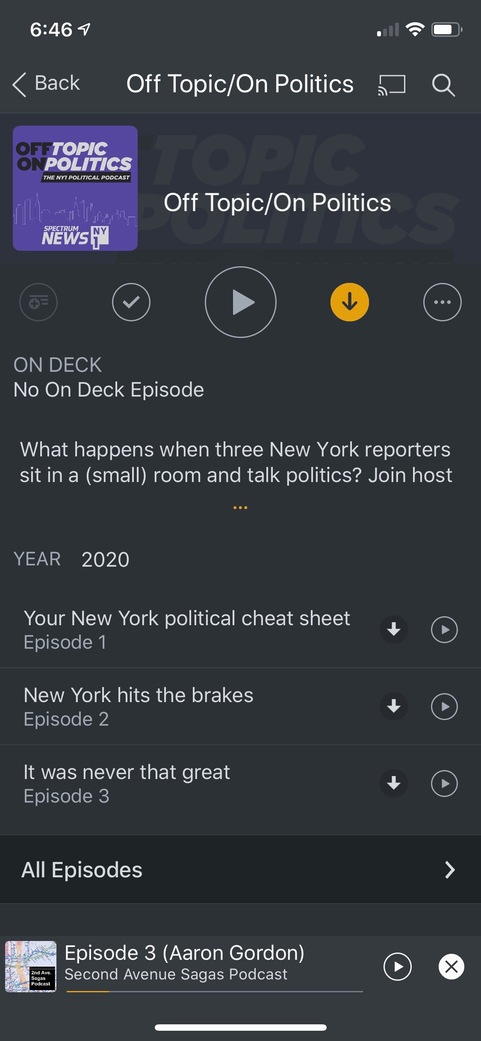
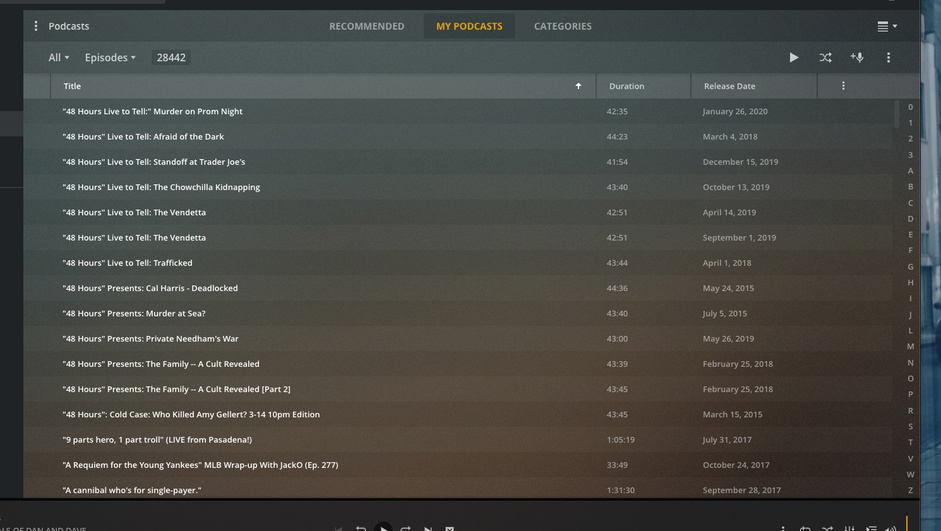
I imported my OPML files and I have over 100 shows with 28,000+ episodes that I want to mark as played and have it only show new episodes
How do I easily do that?
This is one of the many, MANY problems that make podcasts unusable.
Yeah, that’s disappointing.
I was excited to bring over my podcasts but there’s no way I can use it in the current state it’s in.
I don’t understand how they expect anybody else to use it?
yeah that threw me a while back too.
try it this way
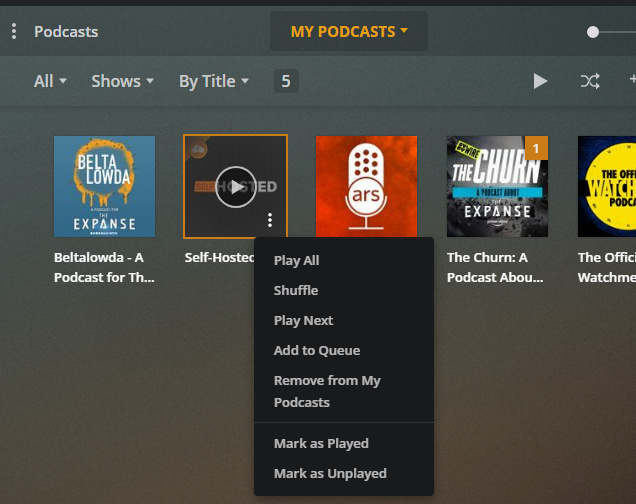
That’s the problem.
I don’t have that option.
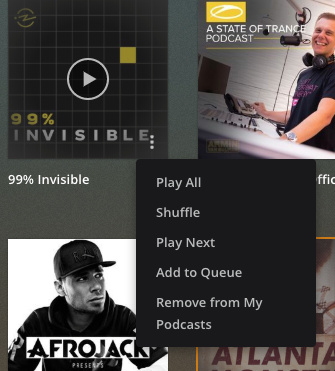
very strange.
perhaps bad data in your import?
try removing the podcast then re-adding it (try via plex search not opml)?
edit: one sec, I have a (never played all episodes unwatched) podcast that does not show the mark as played/unplayed.
I went into the show, marked 1 episode as watched
now, the show has the played/unplayed menu

That would be a big pain in the ass because there are hundreds but I could do that as a last resort I guess.
I wish Plex would help. I’ve been a paying customer for a long time. 
see my edit above, it appears that any podcast which you have not played any episodes, fails to display the ‘mark as played’ at the show level.
Try mark just one episode as played, then see if the menu works.
Nice work, that does seem to fix the problem.
It still will be a pain in the ass to do it manually for each show but hopefully this will help the Plex team fix the bug.
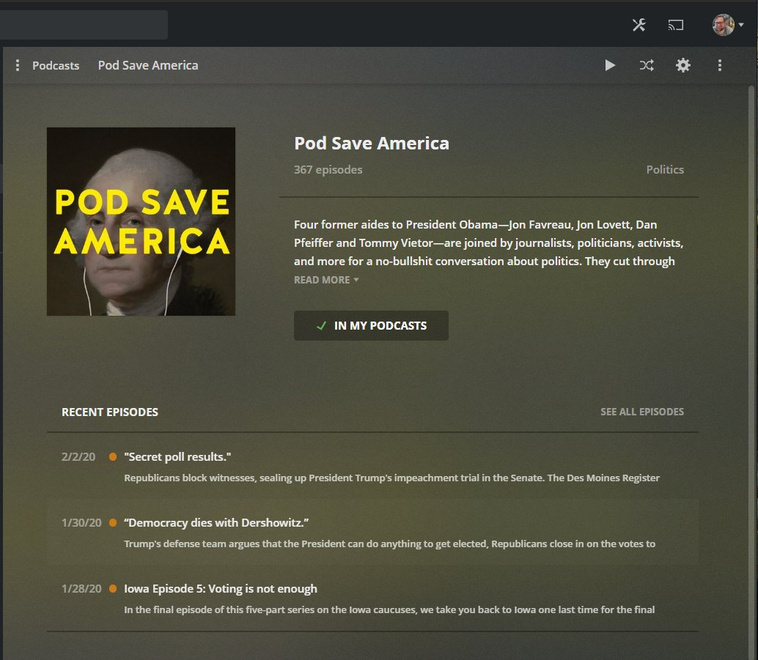
Ideally you would be able to mark all as played from the main podcast screen in the overflow menu here
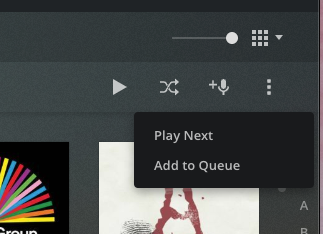
agreed, hopefully a mod/plex team will see this and can file an official bug.
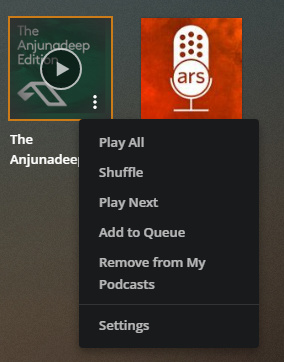
adding from podcast context menu

no watched/unwatched menu

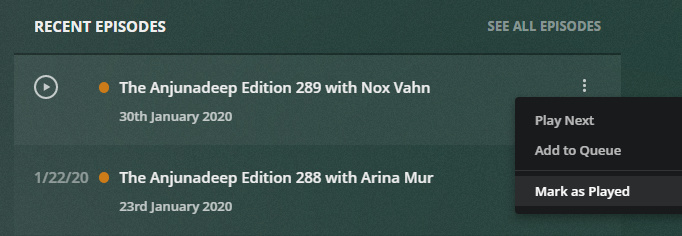
marked last episode as played
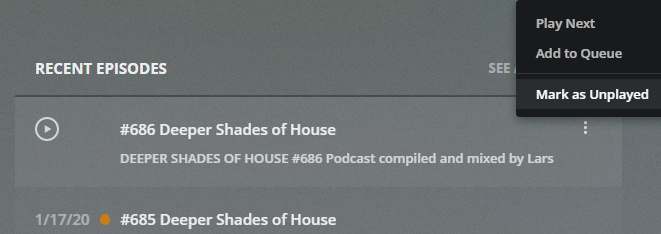
now ‘mark as’ menu appears

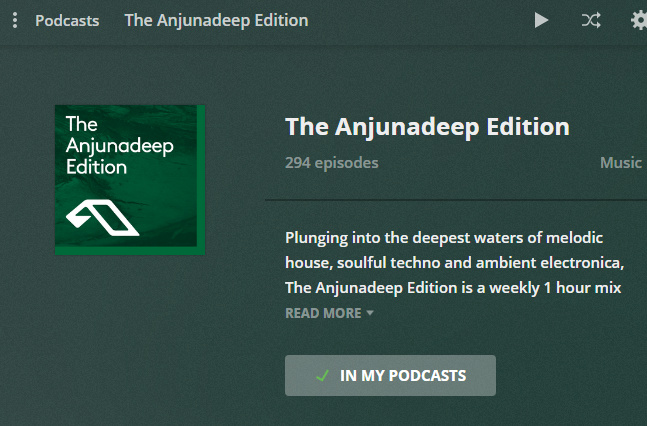
added another, from the podcast page
interestingly, this menu shows ‘settings’ (but the other one did not), but still no ‘mark as’ menu
marking last episode as played
‘mark as’ menu now visible
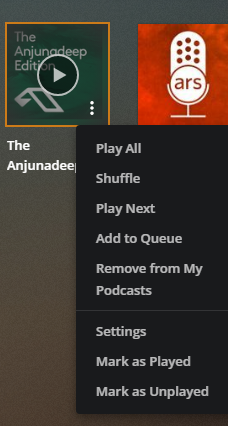
and one more data point, using the menu I re-‘marked as unplayed’, and the menu correctly changes only to 'mark as played.

or wait until you want to play just one episode, and it adds e-v-e-r-y s-i-n-g-l-e episode played or not from that podcast to the play queue.
and the real problem is the queue, say you add some episodes to the queue to play (but you really can’t, see above), then after a few you need a break and want to watch a show or play some music, the queue gets wiped! There is no separate queues for different media.