Server Version#: 1.41.8
Player Version#: Just using Safari 17.6 on macOS 12.7.6 by double-clicking the “Plex Media Server” app in the Applications folder.
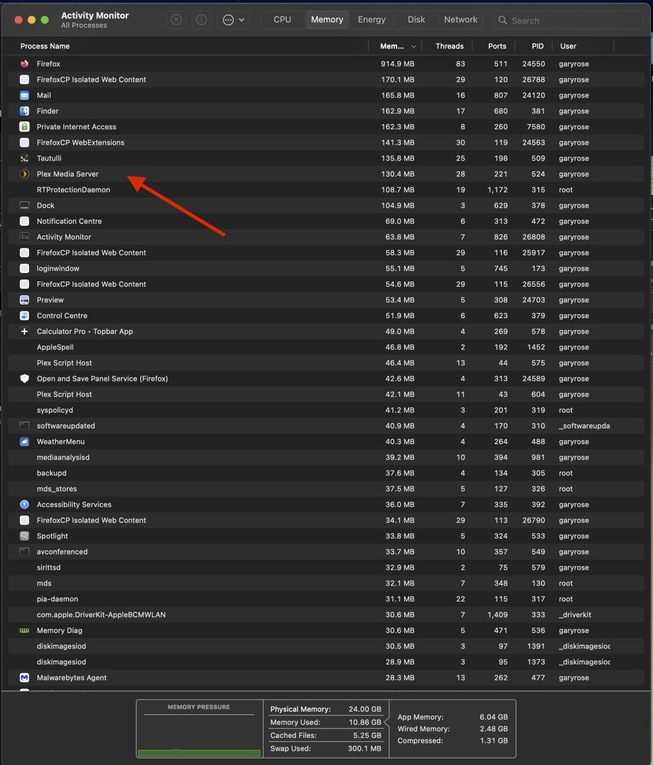
I have not run my PMS on my headless Mac mini in more than 2 years… and I’ve forgotten how it all works. I can see that PMS (Plex Media Server) is running via Activity Monitor, the Dock nor CMD-TAB does not show PMS. The only way I can see to bring up the interface is to double-click the PMS application which Launches Safari but this interface does to see to allow a restart of PMS. So, how do I quit PMS?