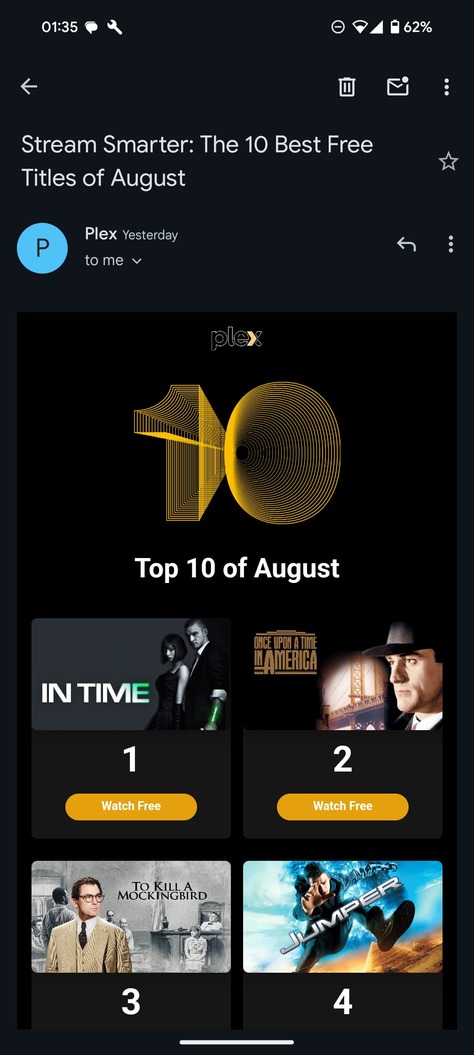
If I click the unsubscribe button at the bottom it brings me to a separate page that does not list Plex self promoting lol
- Open a web browser, go to plex.tv
- Make sure that you are signed into the same Plex.tv account to which the email was sent.
- open the address https://www.plex.tv/email-preferences and peruse all the checkboxes
I’ve been meaning to ask about this and this seems like a good thread so here we go. At https://www.plex.tv/email-preferences I now only see the following …
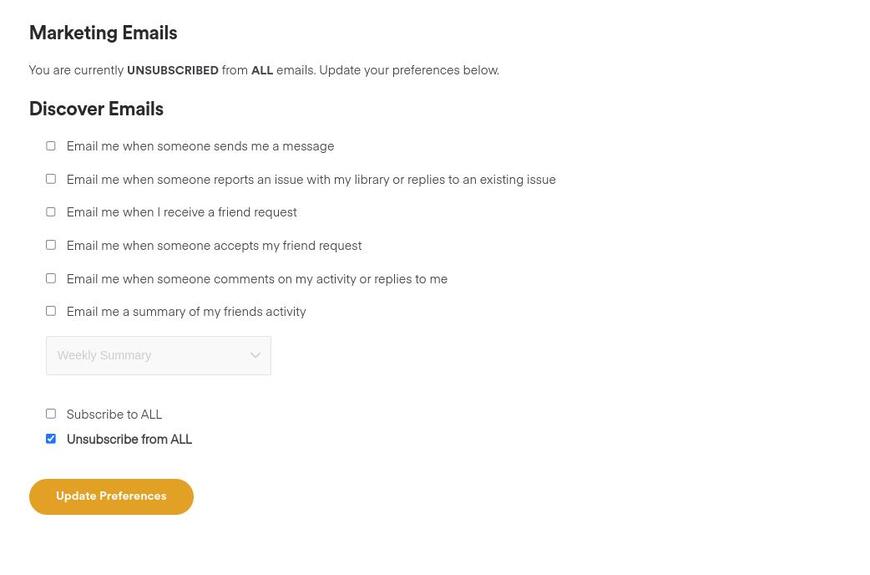
… all the marketing stuff is gone. Is this a bug or has this moved to some other location ?
What “marking” do you mean?
Sorry, typo. Should have said …marketing… I have fixed it.
Ah, I see what you mean. Let me ask around.
Thanks. For reference, it use to look like this …
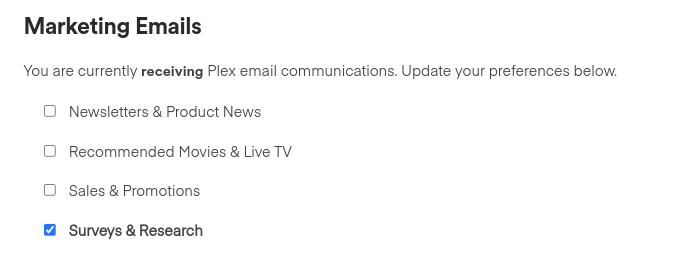
Please reload the page. This should be resolved now.
Thank you for reporting!
Thanks, that’s fixed for me now.
Thanks for such a quick response. I’ve updated my settings.
