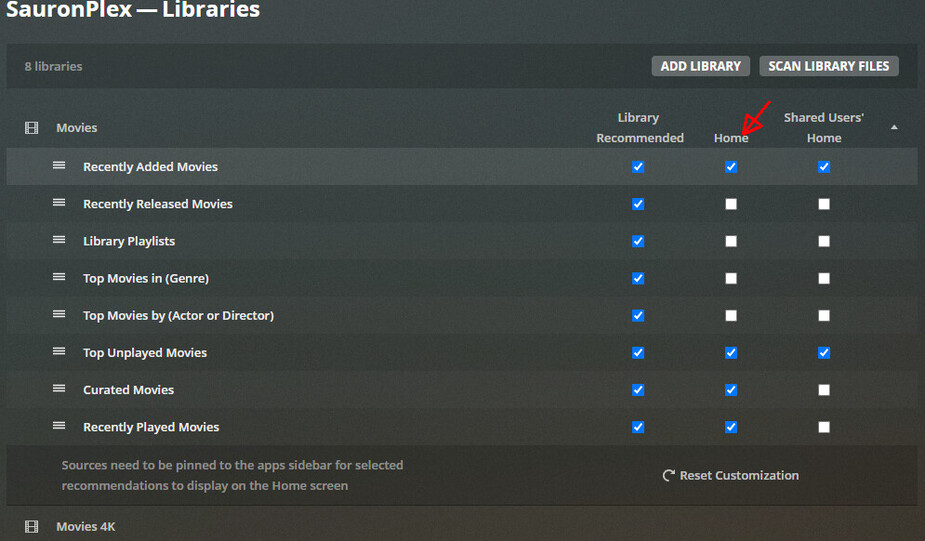
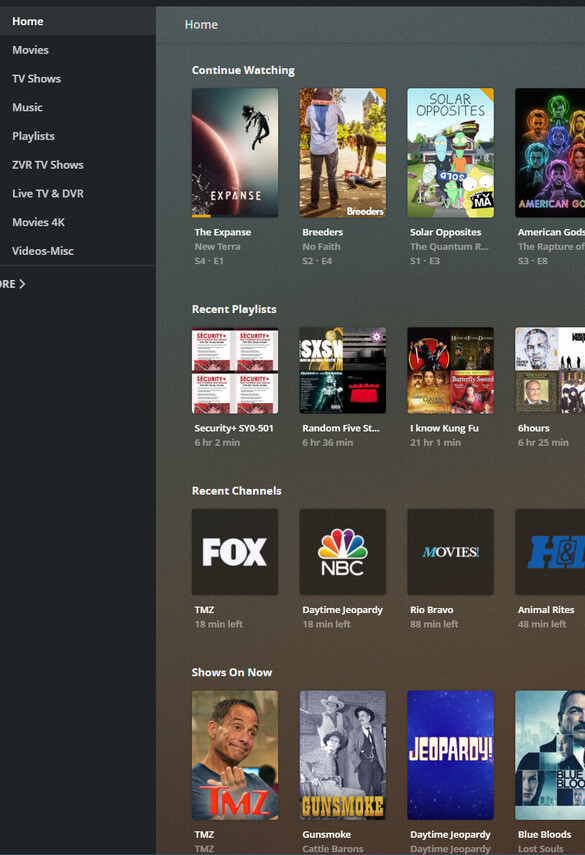
I’ve been using Manual management of my Home page from the beginning because I had no use for all the “Discovery” hubs, On Deck, Continue Watching, Recommended, etc. Now it looks like I’m not going to have any choice in the matter.
Please add a way to disable these features in the new design.
I just tested setting both “Weeks to consider…” and “Maximum number of On Deck…” values to zero; after doing so the “Continue Watching” hub was removed from my home screen (on Plex Web 4.55.0, at least).
Plex Media Server version 1.22.2.4282.
[Edit to add]
It also removed CW from my iOS devices as well. And my Apple TV 4K.
There’s another little quirk that will split up the combined CW and OD hub. If you click on “More” and then on your server icon, the hubs are separated. They remain separated even after you have returned to the “Pinned” libraries until you click on “Home” once more. I don’t know if that’s a “feature” or a “bug”.
It appears that setting the values to 0 or -1 worked, but it didn’t remove an entry that was already on the Continue Watching hub. I marked that movie as “Played” and it was removed. Movies that have been partially played since then have not been added. So maybe an issue there.
Would be nice to be able to control/disable the Continue Watching on a per-library basis. I’ve got my kid’s libraries pinned for easy access but they often stop a movie in the middle and I don’t need it to show up in CW. But I do want my other libraries there.
You can also remove individual episodes from the continue watching if you hover over the poster, click the 3 dots there and choose Remove from Continue Watching