Server Version#: 1.43.0.10389
Player Version#: 1.43.0.10389
I have a QNAP TS-677 with Plex Media Server and my parents have a Synology NAS DS-220j with Plex installed. Since my parents never use Plex, I’d like to add it, if possible, to my existing Plex Pass account. Since I already own and have access to their Synology NAS located in another state, I unclaimed their PMS and attempted to log in with my Plex account, but I cannot figure out a way to claim the Synology PMS under my Plex Pass account. Any help would be greatly appreciated.
<If providing server logs please do NOT turn on verbose logging, only debug logging should be enabled>
I appreciate the information. I followed the first set of instructions using DSM 7 and received a message that I successfully reclaimed the Synology PMS server using my Plex Pass login credentials, however, the Synology PMS still shows it being claimed by my father’s email address. I thought the point of reclaiming a PMS resulted in another Plex account taking ownership over an unclaimed PMS? Is this not the case or is my interpretation of the process incorrect? In order for me to see both PMS under my Plex Pass account, I shared/granted library access from my parents Synology PMS account to my Plex Pass user name, so I can see both my QNAP and Synology PMS in the Plex App. Since the Synology PMS is tied to another email address/Plex Account, do I need to do something in addition to unclaiming the PMS?
If someone from Plex is available, I am wondering if it is possible to schedule a time to do a screen share to see what is going on? I made an adjustment to an account pin setting and now I am no longer able to access the Synology PMS from the QNAP.
Login to the Synology NAS. Using Synology File Station, navigate to the Plex Data Folder, /PlexMediaServer/AppData/Plex Media Server and delete Preferences.xml.
Using Synology Package Center, uninstall Plex Media Server. Use the “Uninstall Only” option.
Go to Authorized Devices and sort for Servers. If Plex on the Synology is listed, then delete it (also delete any old, non-existent servers that might be listed). Do not delete your QNAP server. Otherwise you will have to reclaim it.
Plex Media Server on the Synology is now no longer owned by anyone.
Now re-install….
Re-install Plex Media Server. Use the Plex Claim Token option (like in the FAQ).
When generating the claim code, double check that you are using the correct account. It is listed at the bottom of the window. See screenshot below.
a). If the claim process is not successful, post a screenshot of the error message.
b). If the claim process is successful, login to Plex. You should be able to reach server settings. You should also see the server listed in your Authorized Devices.
I have a QNAP TS-677 NAS with PMS and I have a second NAS, a Synology DS-220j NAS that is housed with my parents out of the state. It also has PMS but it is under a different account. I have the ability to remotely access the Synology, and when I did, I attempted to unclaim and then reclaim the PMS, but that did not provide access in Plex to the Synology. I ended up logging into the Synology PMS, using my father’s email account and sharing the library with my Plex pass account, just to be able to see both servers in Plex. This setup seems strange and I would think that I can simple claim the Synology PMS under my Plex Pass account, but this may not be possible. The Synology PMS is called HansenServer and is claimed by ehansen8340@gmail.com (ehanse8) and the QNAP PMS is called QNAPServer 2 and is claimed by ehansen14051@gmail.com (ehanse5). Below is a screenshot of what things currently look like:
So much for waiting until the weekend! These instructions appear to have worked. Thank you again! One, hopefully final question. When I log into Plex, I see multiple user accounts. Can I delete my father’s Plex account (ehanse8) or should I keep it active in case I have an issue in the future?
Personally, I have a second, non-Plex Pass account I use for testing. When friends I share with run into problems, I use it to try and replicate the issue.
Just now I deleted my father’s Plex account and I no longer have access Music and Photos coming from the Hansenserver (running on the Synology), which I successfully claimed a few days ago using my Plex Pass account. Everything was working until I deleted the other account. Any help is greatly appreciated.
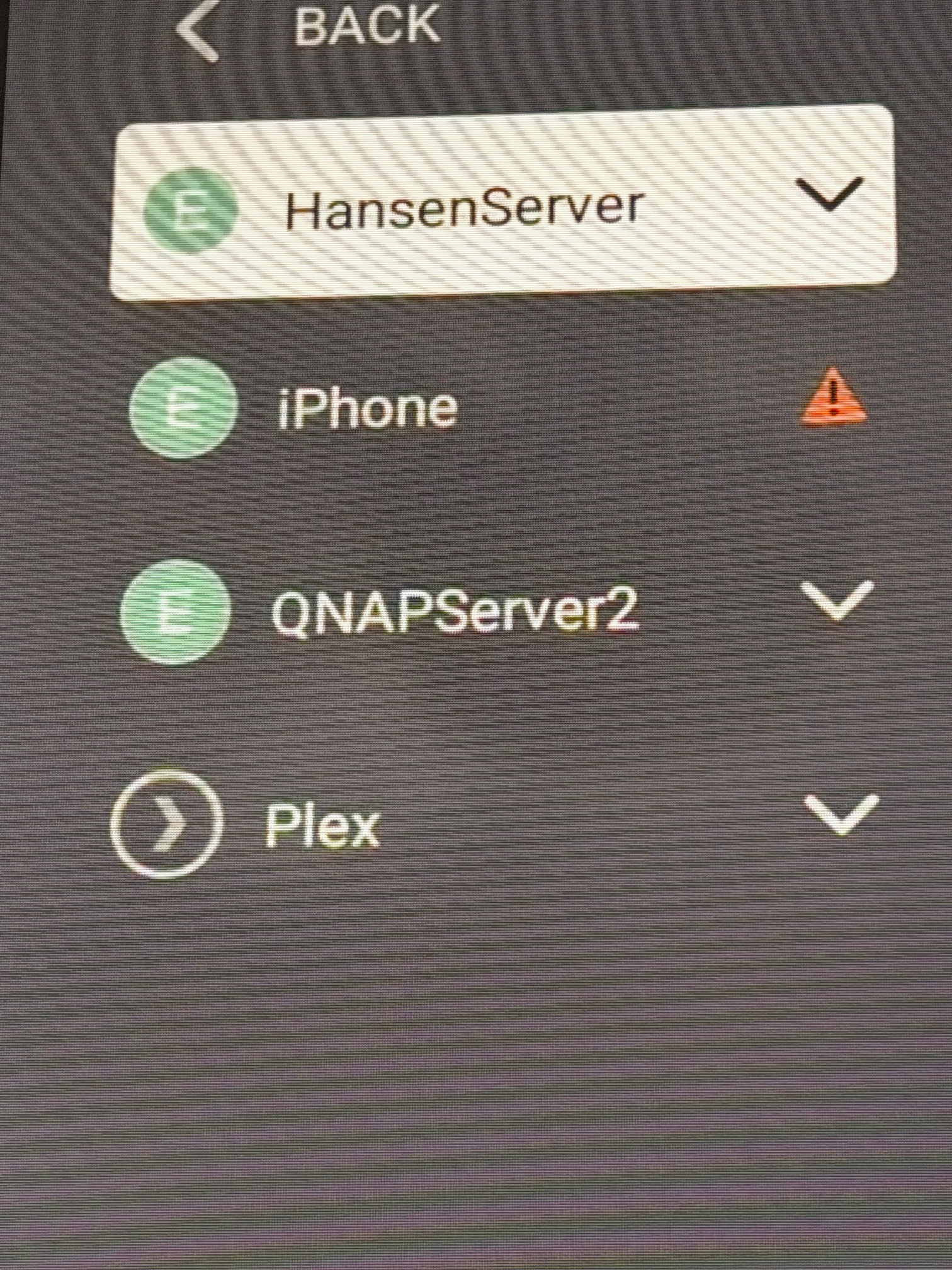
Also, on several of my Plex clients, I see an old server listed, as well as an Iphone. The server is not listed in the Authorized Devices in the settings menu so I am unable to select and remove, but the iphone is listed, just not as a server. Should I remove the iphone anyway?
Third, if the Synology is listed in Authorized Devices, then you should be able to reach its settings.
A server name will be listed below the Plex Web settings. If you the QNAP server is listed, then click on its name. It should be a drop down list where you can select the Synology server.
If you can reach the Synology server settings, then scroll down to Libraries (not Library). You should see the libraries configured on the Synology.
If all of that is successful, then you should be able to go back to Home, click on More, and pin the desired libraries to your Home page.