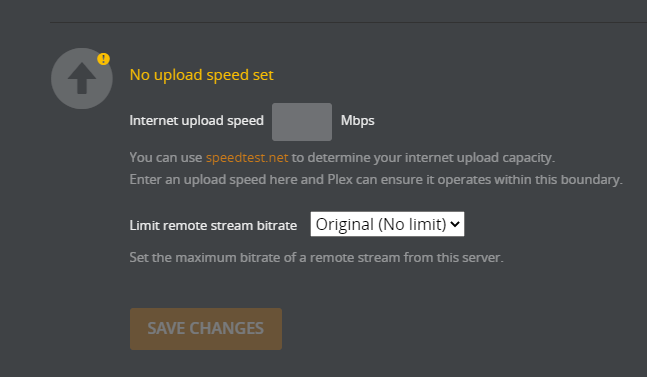
I’m very new to Plex as a Server and I’m trying to get around. Please forgive me if this question was already asked 1000 times but I tried to setup remote access since days and I wasn’t able to make it working.
I have a Fritzbox (in case this is imporant) and I’m trying to port forward to my Plex Server on my NVidia Shield but whatever I try - it does not work.
These are my current settings
Can you please help me what settings needs to be adjusted in order to be able to connect directly to my Plex Server?
When I check here Open Port Check Tool - Test Port Forwarding on Your Router and enter the port 32400 it says it’s closed.
Ask your ISP whether your connection suffers from Carrier-Grade NAT
And if so, if there is a way to change that.
Some ISPs will perform this change without extra fee, some will want extra money to do it.
(and the really evil ones will tell you that this is only possible when you rent a “fixed IP” for a hefty surcharge)
P.S.: And lose the UDP protocol in your port forwarding.
A clear sign that your ISP is employing CGNAT is if your WAN IP address, as shown in Plex or other websites which report it, is different from what as shown as your public/WAN IP address in your router.
There’s a specific IP range assigned for CGNAT, but ISPs don’t always use that. The clue is that they’re different (public IP reported externally vs. that of your router).
Who is more evil? An ISP that charges an extra fee for assigning a public IPv4 address when the whole world suffers from a lack of ipv4 addresses or plex that has not yet been able to fully implement ipv6 support in 2022?
Try browsing to https://plex.tv/api/resources?X-Plex-Token=your_plex_token_here&includeIPv6=1 to see if your server’s IPv6 address is being advertised to Plex’s servers; mine is. Work is being done, and my understanding is that with the correct setup, fully-IPv6 remote access actually works with some clients (mostly Apple, I believe).
By correct setup, I mean allowing access to your public network on TCP port 32400.