How do you fix when an incorrect poster is being used with the new app? The movie title is American Made. Maybe this title was used in other countries?

If you want to do that change on your mobile, best use the Plex Dash app.
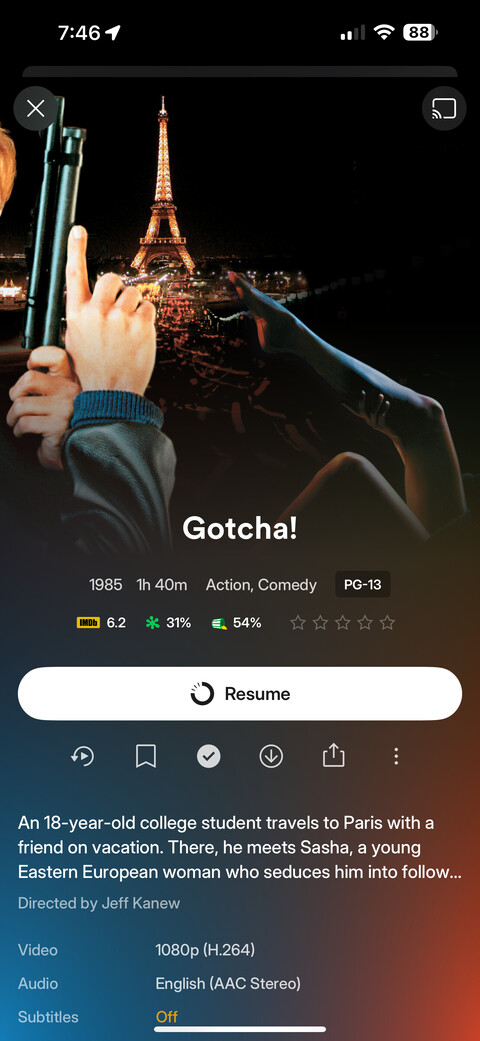
What you see there is not the poster, but a cropped version of the wallpaper/fanart plus the logo.
The latter cannot be changed, yet.
Why did Plex select that title/logo to begin with though? I refreshed metadata on it but it stayed the same. Seems to be a bug in Plex’s metadata database.
Which metadata language is selected for your library?
Do also check this movie individually, because this language can be overridden per movie.
The title on the logo was apparently used in France American Made (2017) - Release info - IMDb
I found the incorrect logo on TMDB. Someone labeled it as English, which is incorrect. I tagged it French.
Now it might take a few days until this change travelled to plex.
You were not asking for it. There’s a feature suggestion to add those logos (just trying to curb down the drama). Nobody has created a suggestion to disable logos (yet).
I imagine it will require a metadata refresh once it flows through though, right?
Yes, unless you have set an automatic refresh in the Scheduled Tasks.
With 44 votes → [Feature Request] Have Plex scrape additional artwork (Discart, ClearLogo, ClearArt, Banner)
Its been discussed here → Logos as a local asset - #5 by dokuro
Personally, I’ve nothing against logos, I prefer clean posters but as long as control over the logo’s is given then fine.

Ok, a whopping 44 votes, I stand corrected.
On the other hand there are feature suggestions with over thousand votes that are getting ignored for years.
For that matter, lots of the posters and movie logos aren’t right lol. Just scrolling through my library and haven’t gotten past “A” and finding plenty to fix.
@Lazarus_Long if you haven’t already take a look at this thread Feedback about the logos, posters and backdrops.
It outlines brilliantly why the artwork implementation is a mess on the new client.
As I explained above, what you see on the movie preplay page is not the poster, but the wallpaper.

What’s the original title? Is it “Airplane!”?
That’s the Australian title. And since the antipodes also speak English, it is technically correct. Many of the metadata websites only differentiate by language, not by release country.
Well that’s an issue…Plex needs to figure that out because it’s NOT correct.
FYI… this exact example came up last year during the very first initial drop of their app (Current Missing Features & Bugs with the iOS App Experience Preview - #32 by ApexAftermath). This was fixed as I remember checking myself back in March so its regressed again now.
From what I remember the plex metadata agent was incorrectly taking the logo from tvdb https://artworks.thetvdb.com/banners/v4/movie/406/clearlogo/6124c3aa2ca9e.png over the ones from tmdb.
Honestly, when I read this, at this point, I don’t know what to say anymore…
Or let’s rather say that I prefer to restrain myself.