I use both Plex and Emby since recently getting PlexPass.
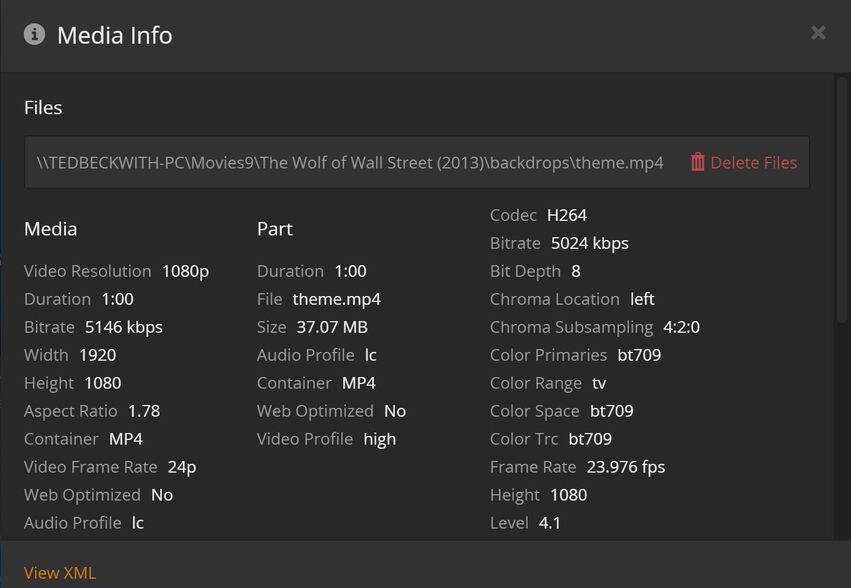
I use a Plugin in Emby Called Movie Theme Videos which basically puts short mp4 videos in the same folder as the movie / show and this video plays back when opening the page to the video before starting the video similar to what Netflix does.
These Videos are showing up in my library as “Backdrops” as that is what they are called..
Is there a way to hide these from showing in my library?
So I can create a .plexignore file with *.mp4 in the folder containing the backdrops as it is merely a *.mp4 in there and then re-scan whereupon Plex will ignore the video. The file would be one line as follows, I believe:
#ignore theme mp4's
 *.mp4
Or one level up as
#ignore backdrop files
*backdrops/*
This file cannot have a *.txt or any other extension associated with it.
For whatever reason when I typed it in code the “carriage return” didn’t stick and it showed as only one line. Either way though, it seems I need to identify the directory (folder) containing the *mp4. I assume this text file needs to be in the same directory that contains the backdrops\ folder or can it be put up at the root of the folder containing all the movies and shows? That would certainly save me a bit of time…
you want the file in /Movies/.plexigore and the contents to be */backdrop/*.mp4 which should ignore all mp4s in sub directories named exactly “backdrop” ( or *backdrop/*.mp4 where it should ignore all
mp4s in sub directories with name ending with backdrop like “moviebackdrop” )
So you don’t want to remove the association, just the file extension. The link below has a description of how to show the file extensions. Scroll down to the section titled: How to Show File Extensions in Windows 7. Once you have the extensions showing in Windows Explorer you can edit the file to remove the extension.
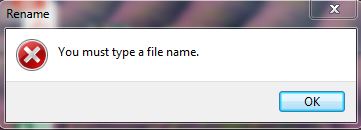
I already have file extensions shown and was trying to delete it whereupon I got this error.
The last minute or so of the video shows how to remove the extension using cmd.exe, command line. I ran it elevated and was able to ren (rename) the file without the extension.
My file has one line (I don’t need #descriptions). It says
*backdrops/*.mp4
and I am going to put it in the root of each Movie Folder/Directory. I’ll report back my results.
Glad you got it resolved the error message shown in the image is saying that you need a file name. You should have been able to remove the .txt extension leaving the plexignore filename. It at a computer at the moment to test that myself.
Thought about this more and think the issue is probably in Windows Explorer it is not seeing a filenames because of the leading period before plexignore. So the only way to remove the extension would be from the command prompt.
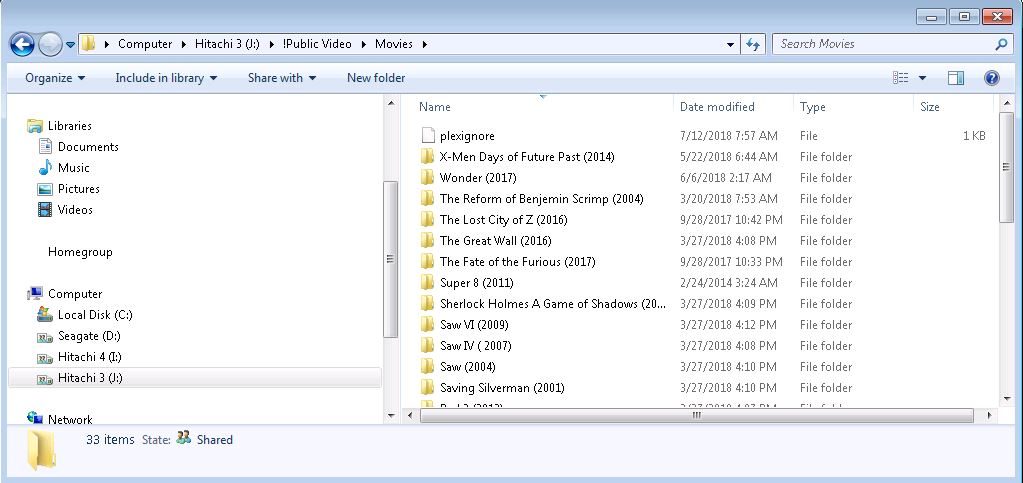
I put my .plexignore file at the top of all my Movie Directories and re-scanned my library. The Backdrops still show, filling up a lot of the “B’s” when sorting by Title…
I tested with this file just now and works for me. I’m on a mac but was just made from a plain text file so should not matter you are on windows. Plex Ingore.zip (1.2 KB)
So only *backdrops/*? I had *backdrops/*.mp4. I guess that’s too definitive and just a wild card in the backdrops/ directory to ignore everything in there is all that is needed?
At any rate, I’ll try this later today and report back.
I had it remove stuff content that was already there. I wonder if it might have to do with because a network location. You put it in the Movies9 directory right?