I did try googling this; I don’t want my desktop showing up as a cast option from the Android app. Where’s the setting?
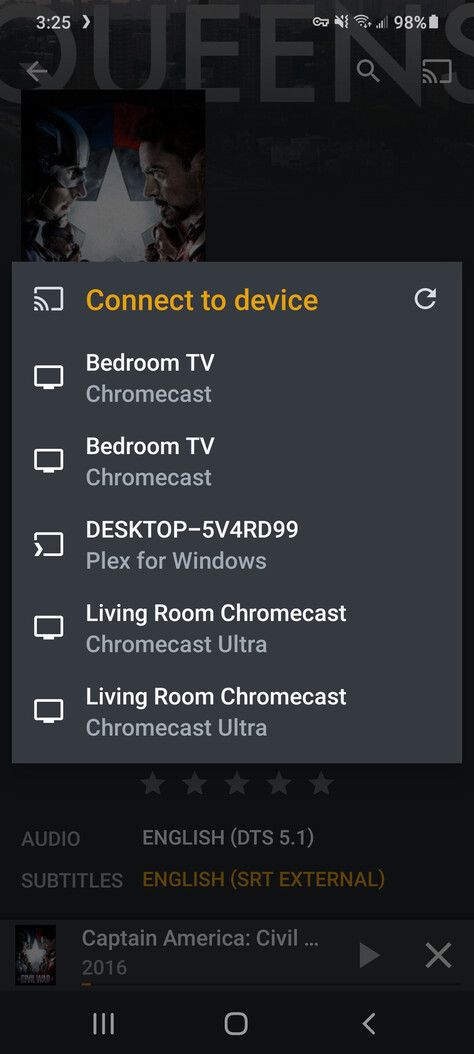
- Plex Web:
Settings>Plex Web>General>Advertise as player - Plex for Windows:
Settings>Plex for Windows>Advertise as player
Under for future reference, it’s Plex for Windows → General → Advertise as player.
Ty
This topic was automatically closed 90 days after the last reply. New replies are no longer allowed.
