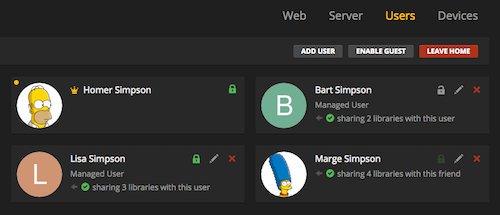
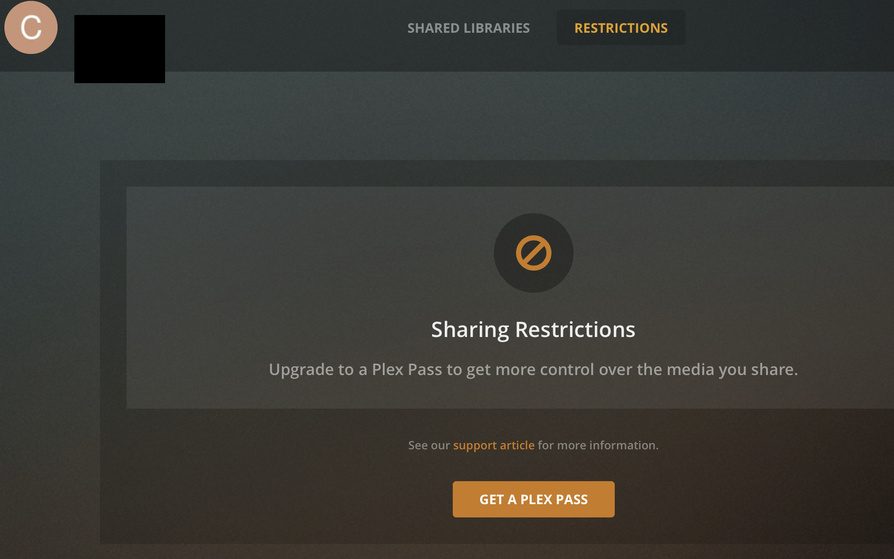
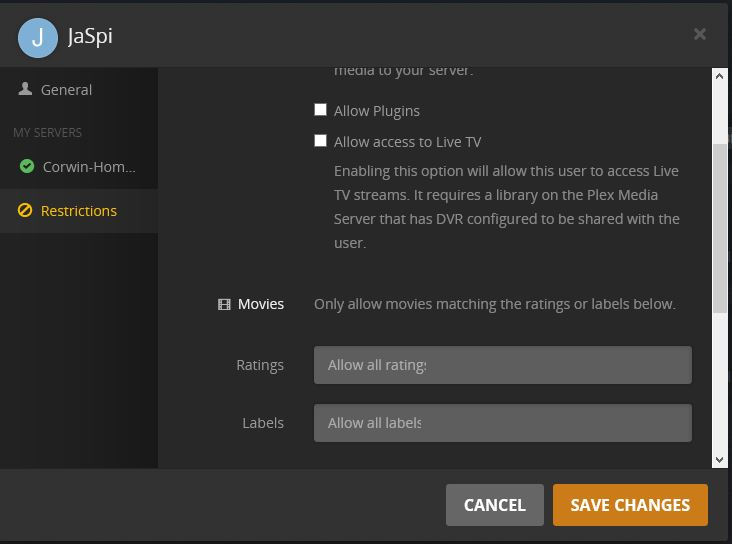
I only have the option to delete them, or set/edit PIN. I can’t add new users, or manage Restrictions.
And yes, I have an active Plex Pass
I only have the option to delete them, or set/edit PIN. I can’t add new users, or manage Restrictions.
And yes, I have an active Plex Pass
Are you trying to create Home (Managed) users or just regular shared users?
There are limits to each, maybe you are running into this limit: https://support.plex.tv/articles/203960236-consequences-of-being-in-a-plex-home/
Hmm, thanks for the info. I’m going to ask the web team to take a look.
Which web app version are you using? Check in Settings -> General.
I would try using PMP instead and see if it works using that.
Edit, I just checked on app.plex.tv and no option to add home users, but there is on PMP
Yep, that’s it - has to be done through the app, not the site. Thanks!
Thanks for the report! Can you please try using Automatically Sign In and confirm that it now works as expected ?
It will be fixed in next release (or sooner  )
)
If I turn on Automatically Sign In Then the Invite Home User Create Managed User and Enable Guest options re-appear.
Thanks taking the time to confirm. It will be fixed in next release.