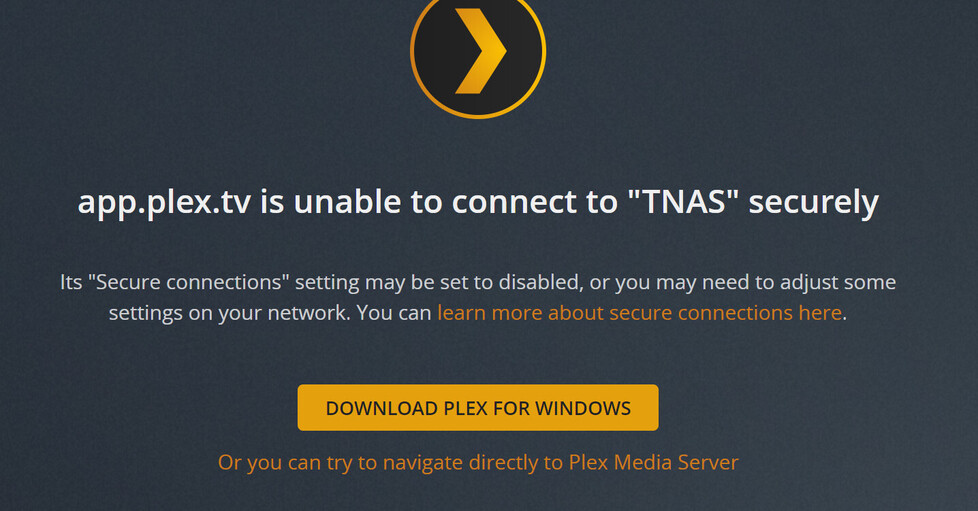
I also seem to be having similar problems.
Could i possibly add to the cert refresh requests?
I also seem to be having similar problems.
Could i possibly add to the cert refresh requests?
Still getting the “app.plex.tv is unable to connect to server name securely” issue that was supposedly “fixed”. Downloaded the latest update for the server, restarted the server, restarted my client and still having issues.
seems fixed, big thanks!
Having the exakt same issue. Any fixes?
I’m having what appears to be the same issue as the OP. Any chance I could get the TLS cert reset? I’m happy to send logs, but would prefer not to post them publicly.
Thanks in advance for your help!
The problem from yesterday is NOT fixed at all !!! No one can get access to plex - app.plex.tv is unable to connect to server name securely " OMG …
My issue was due to the DNS problem, thanks for fixing it.
Thanks. It works now. Certs have been loaded and all connectivity seems to have been restored.
Back to watching movies again. 
@Karinakardel_mail_dk i don’t see anything wrong with your cert at the moment. Just because you are having a connection issue does not mean it is the same root cause of the outage as others had. Have you restarted your server and looked at your server logs for errors?
@ianneub @zmezoo I don’t see anything wrong with your cert. Are you still having issues?
If anyone is still having issues please restart your server and grab logs afterwards if can’t connect. and please let me know if you are getting a specific error
Hey Bigwheel,
That’s what i did yesterday, restart the NAS, made sure plex was updated on it, and then also made sure to refresh any logins etc that were remote.
I also made sure the Secure Connections were set to preferred and also not required. Same result.
Getting remote connectors to use the plex app for windows circumvents the issue, assuming it uses a secure authentication from within the application.
@Kal_Jerico Can you access it via local IP? and does the server show as claimed/signed in currently in the servers general settings.
Looks like their may be an issue at Cert provider. Let's Encrypt Status
Aye local IP connection is fine (through IPADDRESS:PORT in the URL bar) works fine.
Connecting through plex.tv shows:
And it’s shown as claimed in the General tab.
I am having the same issue, I no longer able to connect to my Plex server from my web browser. I am on Mac OS platform. but it work fine on my amazon fire plex app. please help. I try everything with no luck, I need plex to reset my certificate and hope this will fix it. I could connect on the browser using http:// (ip address suggested ) but it is not secure
having same problem after other day dns issue. i cant not access my server from a web browser only the app on phone and tv. is it possible to have my cert reset?
Same issue to can’t access from plex.tv but can from the app can I also have my cert reset
Hello BigWheel I saw that certification had been resolved but as of today i still can not connect to my server at home using browser on my mac book. Please help

Thanks a lot!
@kammak Do you know how to look at the console logs in chrome?
Can you change it to filter on errors only and then reload the page and message me a screenshot of it. (do not post it in this topic because it will contain sensitive data.) Also can you message me your server logs

Bigwheel,
I restarted and still can’t connect through web browser. Can connect direct to my IP address port. Can connect with roku/plex apps/android app.
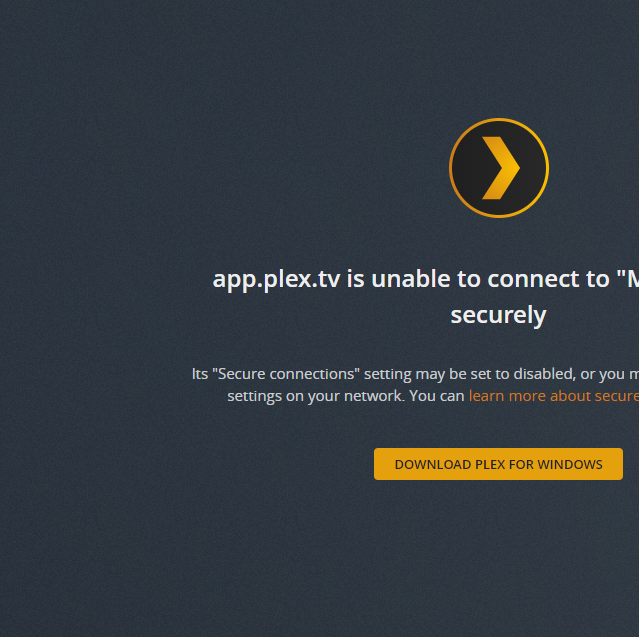
Here is error in my logs after restart:
Jul 20, 2021 21:46:34.782 [13004] ERROR - getaddrinfo(192-168-10-106.abcdefghijklmnopqrstuvwxyz012345.plex.direct) failed: 11001
Jul 20, 2021 21:46:34.782 [15700] ERROR - getaddrinfo(192-168-10-106.abcdefghijklmnopqrstuvwxyz012345.plex.direct) failed: 11001