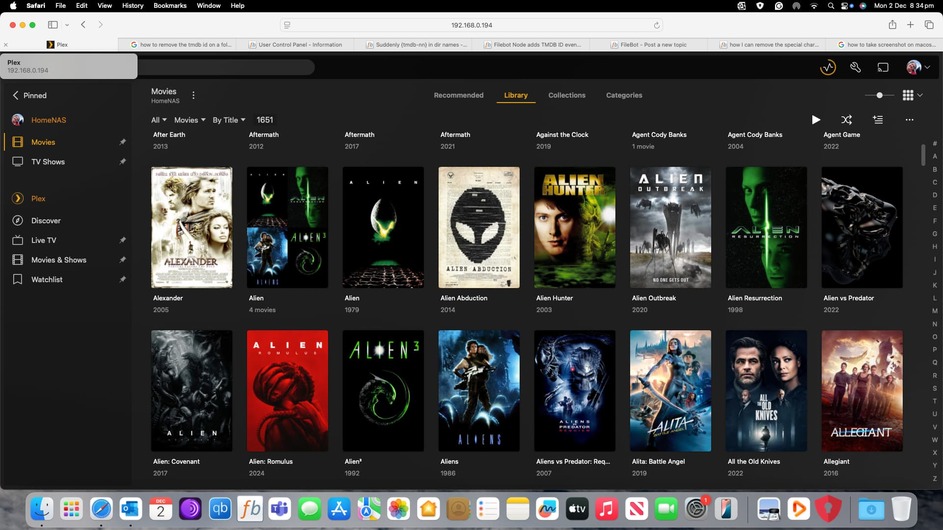
I recently had to remove the old plex media server from the QNAP NAS store and I installed a newer version because it was failing to start back up after a power outage (don’t know if it that issue has been fully resolved, but I saw lots of discussion around it). Because I did not know about the ability to save the particular folder which stores all of your metadata information, PMS had to do an entire new scan to add it all again.
For whatever reason, the newer settings is not hiding the TVDB ID that is in the folder name of each series, which is automatically added through FileBot. This use to be hidden and I cannot locate any setting that allows it to be hidden again, this is not the case with the Movies database that uses TMDB ID. I will attach screenshots showing what I mean.
The year is included in the actual file name. This is the way FileBot renamed them for Plex. But I don’t think this explains why Plex is suddenly showing the TVDM ID suddenly as it was this same format on the previous version and Plex had no issues.
I found the issue. For whatever reason, FileBot added all the ID’s under TMDB and not TVDB, even though I specified for it to search and rename under TV Series for PLEX. I also had the scanner set as TMDB in the TV Shows Library Setting. Many of the ID Numberings were actually incorrect. Upon editing the file names back to the TVDB, they have corrected and removed the ID numberings in the name. Thank you for the help