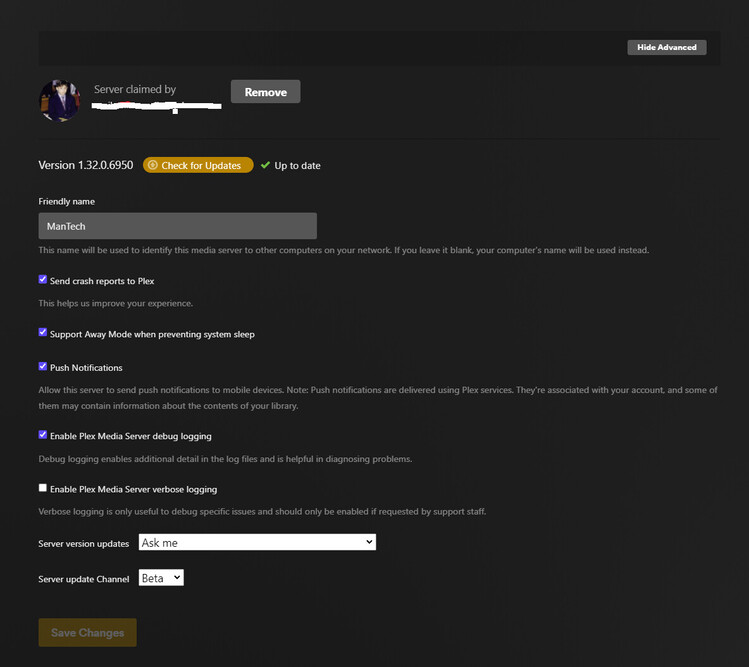
Server Version#: 1.32.0.6950
Player Version#: 4.104.2
hi all, since my telephone line was disconnected then reconnected under a different contract , plex started to behave weirdly and i cant seem to find a solution for it
accessing through the app.web.plex always throws back an indirect connection,
the provider is always the same ( virgin media the only thing that changed is the router, but port r configured and everything is working remotely so why the indirect connection on my local network?
also my log
Plex Media Server Logs_2023-04-19_08-18-17.zip (1.9 MB)
DNS rebinding protection
https://support.plex.tv/articles/206225077-how-to-use-secure-server-connections/
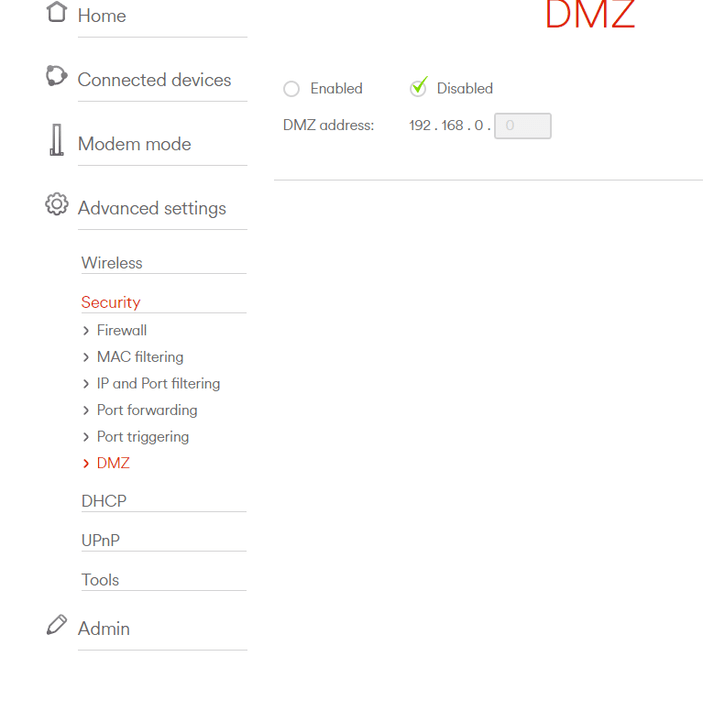
Did you connect your server directly to the public WAN port of your router? (“DMZ”)
This will prevent direct access from within your local network as well.
i did nothing differently than normal the upnp oped the port , my server is visible on the outside its just the indirect connection on my internal clients
dmz on the new router is disabled
currently and on port forward a rule has been create by upnp for plex
Please drag screenshots directly into the message composer of this forum.
Please read again https://support.plex.tv/articles/206225077-how-to-use-secure-server-connections/
particularly below of “Why Isn’t It Working?”
the is no such of setting as dsn rebinding in my router
Please show the options under “Security”
Have you tried to use a different DNS server? like 8.8.8.8
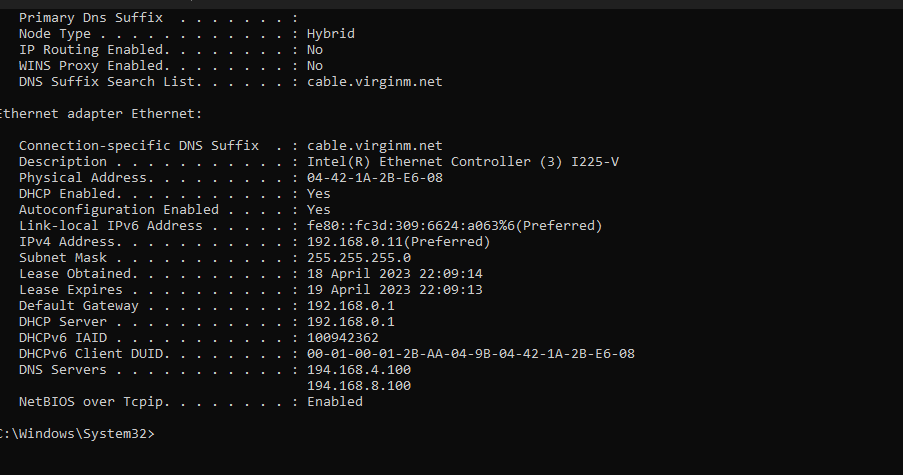
From your screenshot with the connection properties above it looks like this router is still using your provider’s one. (which tend to do things in an unexpected way, sometimes solely for the benefit of the ISP but not the customer)
no eveything is default how do i change my dsn into 8.8.8.8 please ill try
I don’t know. It should be in the user manual of the router.
Unless the ISP has prevented that (which is not unheard of, either). In which case you will have to cascade another router behind this one.
the provider is virgin media in the uk
the previos version of their router had no problem , will a fresh install of the server solve the issue ?
like clear all windows registry and start a new server? (as last case scenario)
It most likely won’t.
The difference is in the router software. It appears they have nailed it down to prevent their customers to use their own DNS settings. Which makes it easier for them to control what websites you surf to and to block things.
i’ve noticed website porn doesn’t work either
will ask them to unblock that benefit my server
everything works fine on apps and remotely just internally on any browser
Can you show the options you have available under “DHCP” in your router settings? The DNS server addresses the router hands out to clients is usually configured there (since it is a DHCP option).
Hmm… That’s pretty barebones. Unfortunately there don’t appear to be settings to configure the DNS handed out by DHCP, at least not in the usual place. You may need to manually set the DNS used by the clients on the devices themselves.
ive changed windows dsn to cloudfare but no changes
i wonder if i start ia new clean server with this router…
There should be no need to stand up a completely new server.
To clarify, your clients’ DNS should be set to Google/CloudFlare; you can set your server’s DNS as well, but it won’t affect the clients. You may need to flush the clients’ DNS cache for this to work. On Windows you can do this with ipconfig /flushdns from a command prompt. And/or for other clients, a reboot may be required.