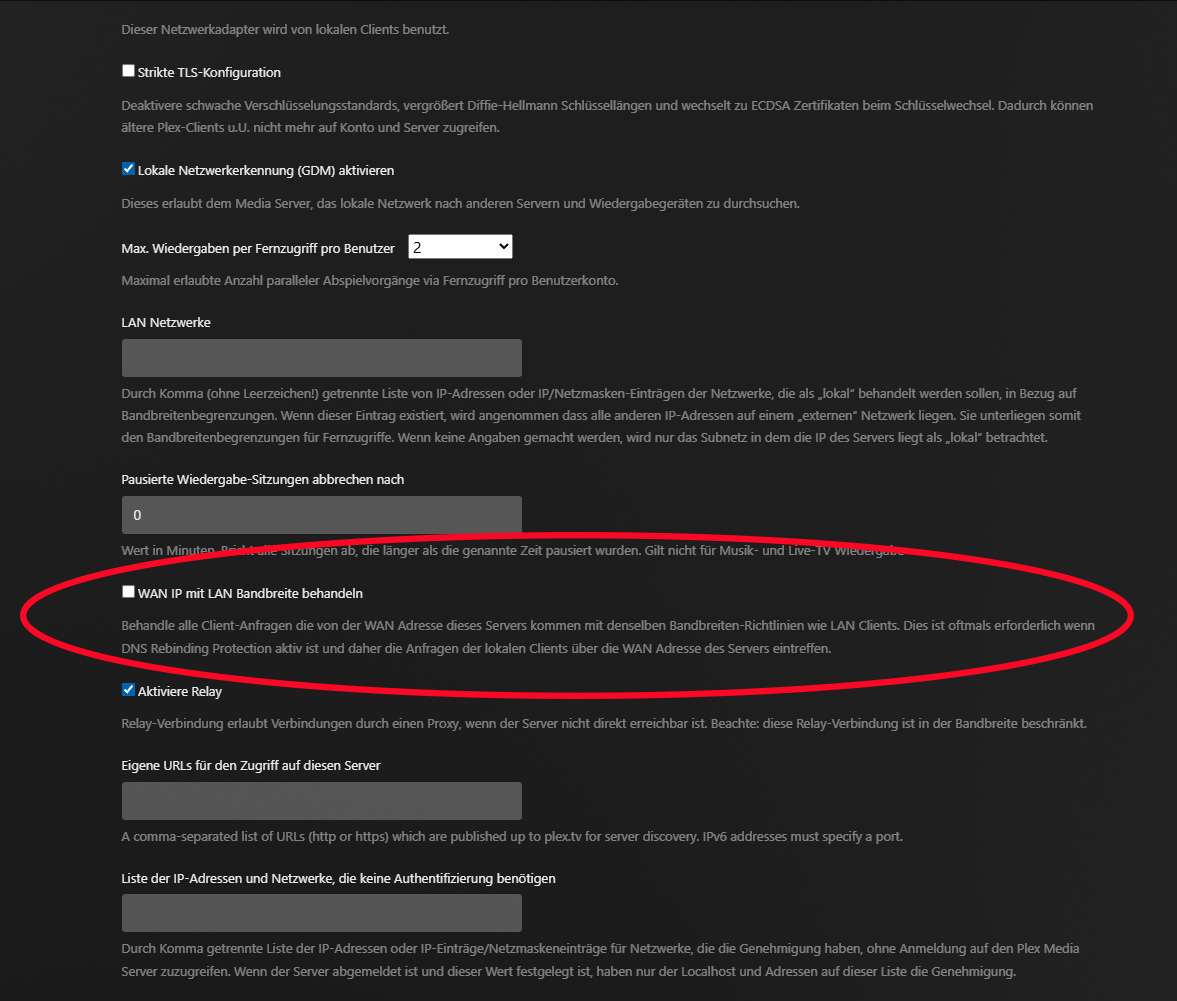
My connection issues seem to have largely sorted themselves out; technically, I don’t think I’m able to help myself out much! I now seem to be getting ‘Indirect Playback’ error when I try and play something “You are not connected directly to this server so streaming quality may be limited. You may be able to connect directly by changing your home network settings.”
I think I should be using port forwarding, although I have little experience. I saw an old help page, which referred to Plex and the Fritzbox router, is this still a good set of details to follow? Many thanks.
I hope you are not using Docker? If you do, you must switch it to use “host network”. Otherwise it isolates the Plex container from your home network by another layer of NAT.
My connection still seems rather all over the place. It is mostly ok in the morning, but by the evening is poor. My Amazon Fire(s) appear to have more difficulty in playing (even listing) the media that the Plex app on my Panasonic Smart TV can play. It’s confusing, I am not sure whether the issue is related to the service from my ISP, Plex or my Synology NAS.
Here’s the gist:
open the configuration of your fritzbox (http://fritz.box/),
open “Home Network > Network > Network Settings” and add the domain plex.direct to the exceptions of “DNS-Rebind-Protection”
(menu items are translated from their original German to English, so they may be tiny bit different in an actual English fritzbox)
I am still getting mixed results from my various Plex players. Is there a way to ‘start again’ with my account, zeroing everything? I obviously have all my media. And would I do better my using a separate computer from my NAS to run everything from, rather than PMS on Synology DSM?