Server Version#: 1.42.1.10060
Player Version#: N/A
<If providing server logs please do NOT turn on verbose logging, only debug logging should be enabled>
My old server was running Debian 12 and I decided to do a clean install of Debian 13 and install Plex back onto it.
I got Debian 13 up and running …. installed Plex ….. stopped it…. copied the following files over and replaced the old ones:
Preferences.xml
com.plexapp.plugins.library.db
com.plexapp.plugins.library.blobs.db
…. made sure the permissions were correct ….. started Plex back up and claimed my server. So far, so good. All my files are in the library but I now need to refresh metadata so I can get all the cover art back and this is where things went off the rails. Half the images aren’t downloading and I’m getting TONS of the following errors in the console:
[CERT] TLS connection from [::ffff:75.52.154.166]:53617 came in with unrecognized plex.direct SNI name ‘172-2-191-99.61cef43e863f4775b642ee321d8cf9ee.plex.direct’; using installed plex.direct cert
Did some searching and I’ve seen other people with the same problem but couldn’t find a solid fix.
If you’re on an IPv4 LAN with no IPv6 – Settings - Server - Network - Show Advanced – Turn off IPv6 support (on by default)
Make certain all players are force restarted
Make certain nothing references your server using the plex.direct address
(which will cause the SNI (Server Name Identification) error every time the cert is updated)
Please make certain DEBUG logging is enabled , recreate / make it try again to download metadata, then make a tar.gz of the Logs directory and attach it here.
HURRAY!!! That seems to have stopped the errors from showing up! Thank you very much!
Bonus question… do you have any idea why the metadata refuses to download for a large chunk of my shows? I thought that TLS error was causing it but doesn’t appear so.
UPDATE: Crap…. error returned: [CERT] TLS connection from [::ffff:23.245.227.148]:65184 came in with unrecognized plex.direct SNI name ‘172-2-191-99.61cef43e863f4775b642ee321d8cf9ee.plex.direct’; using installed plex.direct cert
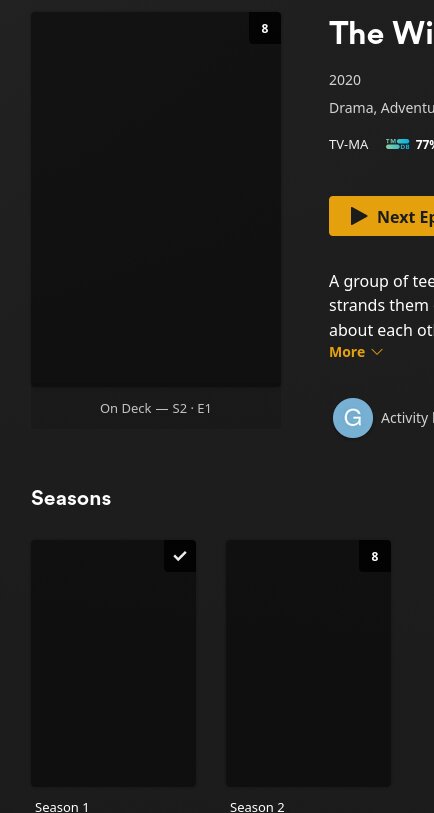
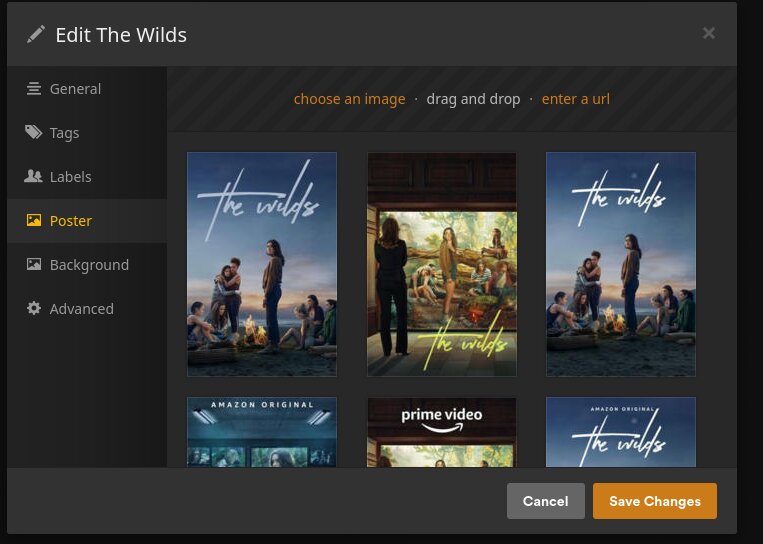
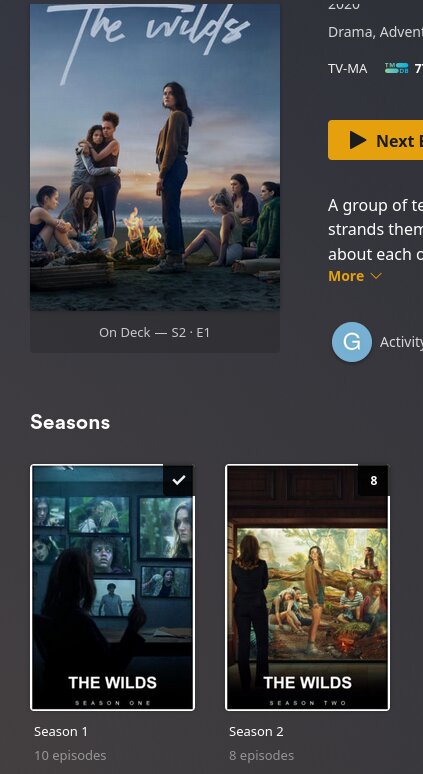
UPDATE: I just noticed something…. looks like cover art -IS- getting downloaded but it’s just not being applied. Example, if I click on a TV show and edit it:
…. but manually doing that for the thousands of TV shows and movies I have would not be fun. I wonder if the only fix is to delete the libraries and add them back? That would stink as it would mess up my recently added stuff and my wife wouldn’t be happy.
I restarted the ATT fiber modem this morning and still see the error.
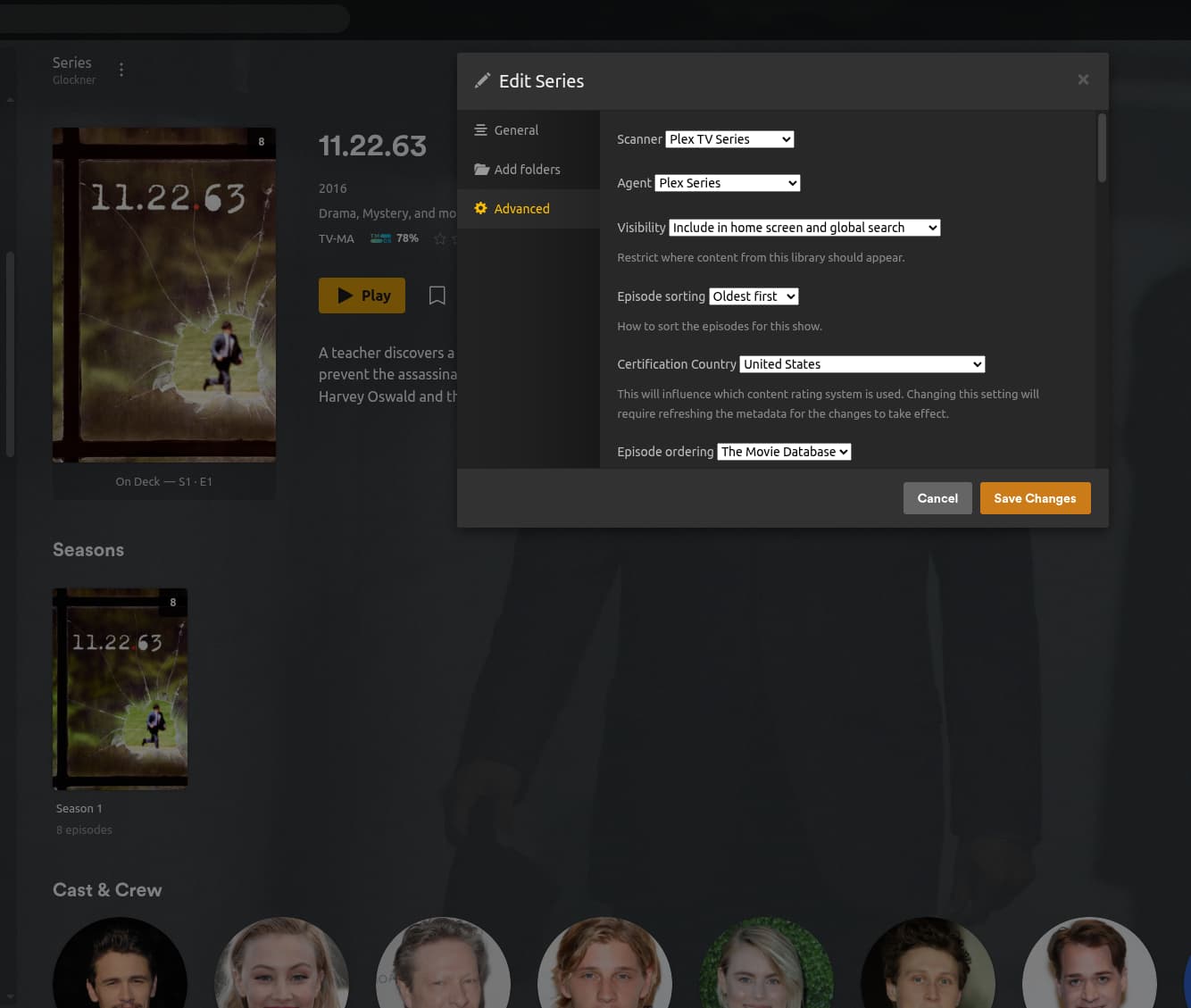
I’ve never used FileBot before but know what it is. I’ll try renaming one of my shows but I’d be baffled if that fixes it because my existing naming convention has always worked up until now:
And it’s weird because as I said earlier, if I edit the show and click on the ‘poster’ icon, the normal poster is already in there and ready. It’s just not applying it and is using a blank rectangle as the placeholder.
I copied a TV show (that had a blank cover art but if I edited it, the poster was there, just not being displayed in the library view) into a new folder and added the library and Plex downloaded the covert art and applied it perfectly.
Does this mean I have to delete all my libraries and add them back to fix this? Only other solution I can think of is to manually edit each one, select the correct poster and refresh the metadata.
Yep, my settings are correct……. …..sooooooooooooooo……… is there any way to delete my libraries, re-add them and have Plex put files with newer timestamps back in the ‘recently added’ section?
I wonder if there’s a script out there that can examine a folder and take the dates from the files and edit the ‘added-at’ entry for each one in the Plex database?
I guess another low tech way will be to move all my media out of their library folders into a temp spot then sort by date then start moving things back into /mnt/md0/Movies with the oldest going first. Then as I keep adding newer and newer stuff, the old things will get pushed to the end of the line.
There is currently no such functionality that I know of.
I’m currently rewriting DBRepair to be a proper static-linked program.
When I complete this, I will be able to perform these type of advanced tasks but that will take time. I am working on it in my spare time. (haha)
As a test. have you tried using something of the form:
Have PMS set to detect changes and run partial scans.
Generate the list of directories (from the top level of the library) using
ls -1t | sort -r
Issue this type command to convince PMS the files are modified
find "TargetMediaDirectory" -exec touch -m {} \;
If you have a lot of directories, something of the form ??
ls -1t > filename.unsorted
sort -r <filename.unsorted > filename.sorted
mark them as modified
while read name
do
find "./$name" -exec touch -m {} \;
sleep 30
done < filename.sorted
I’m positive this will be an amazing set of utilities, very much looking forward to it!
I tried restoring a different backup and ran into the same problem so I went in and deleted all my libraries and added them back and Plex is (correctly) applying cover art and refreshing everything as I type.
One odd thing I noticed… after I deleted all the libraries, I cleaned bundles and optimized the database. But com.plexapp.plugins.library.blobs.db was still it’s original 2.1 gigs. Is that normal/OK? I wanted to start with a clean slate but found it strange that even cleaning everything out, that file was still the same size. If you don’t think it’s anything to worry about, I’ll carry on but if not, should I re-start and straight up delete that file first?
Or maybe the size will shrink after it slogs through everything and empties the trash?
Too late, I went the scorched earth route and started from scratch.
Everything is fine but a problem popped up that many have ran into. I have items in my ‘recently added’ section that are permanently stuck there. I checked their timestamps and they had creation dates from the year 2038!
I fixed and moved them out of the tv folder, waited for Plex to recognize them as gone, emptied trash, scanned the library and moved them back then waited an hour and moved a newer show back but Plex wanted to keep the old shows front and center.
So now it’s SQLite editing time. Just so I don’t screw things up, is this the correct command to update ALL my movies and tv shows (across multiple libraries) with their availability date:
../Plex\ SQLite path to com.plexapp.plugins.library.db (then hit enter and when SQLite has the database open, type the following)
UPDATE metadata_items (hit enter)
SET added_at = originally_available_at (hit enter)
WHERE originally_available_at IS NOT NULL; (hit enter)
Those steps correct? Any downside to doing a bulk change like that?
Lots of Google searches all revolve around that command. There doesn’t seem to be anything concrete on this forum about accomplishing my goal. Can you give me the proper command to carry this out? (Does it even exist?)
Not sure how /home/gene/Videos is linked to my Plex stuff. Was it in the logs I uploaded? I don’t have any libraries that point to it. Everything is in /mnt/md0/Movies, TV Shows, 4K, Movie requests and Friends. Since uploading those logs, I trashed my Plex install and started brand new, didn’t restore any backups of any files.
I recently added a ‘Home movies’ section but I’m using the Plex personal media agent so I don’t think I have to worry about it getting dates. I can nuke that library before doing anything and add it back later to be on the safe side.
Right now, I just have movies and TV shows in there.
 Metadata still isn’t downloading and I’m still seeing those same errors.