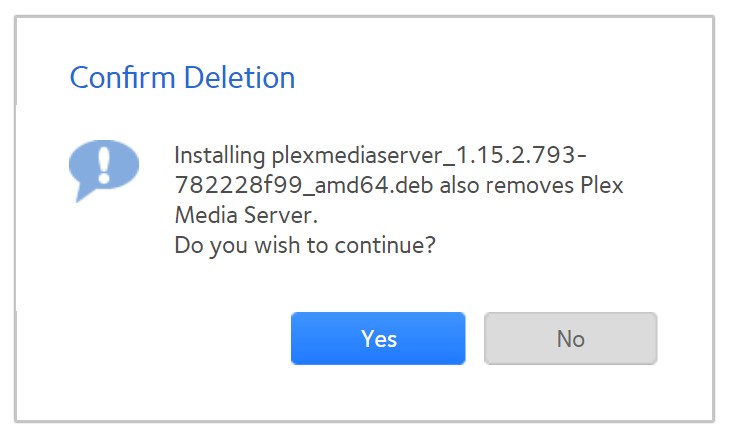
I was just prompted for an update plexmediaserver_1.15.2.793-782228f99_amd64.deb.
I went to upload the update and got a message from the server for the first time ever seeing this stating “plexmediaserver_1.15.2.793-782228f99_amd64.deb also removes Plex Media Server. Do you wish to continue?”
I would certainly like to know if installing this version of Plex removes the entire media server in deletes the preferences, settings and database?
I am running a PLEX on a Netgear ReadyNAS 314 and install the update through the Netgear GUI.
I have installed many updates and have never seen this type of warning pop up.
So I’m not installing through command line as I have limited knowledge. I just didn’t want to corrupt my existing setup.
Nope. I had to re-install the app from the Netgear app store and now, I have to rebuild all my libraries.
Unfortunately, I didn’t have a backup. A word to the wise. In retrospect I should have skipped this update. My app on the AppleTV was behaving poorly & I was overanxious for a quick fix. Oh well!