Issues since updating Plex server

Server Version#: Version 3.108.2
Player Version#:

Hi guys,

I am hoping someone can help me. I have been using Plex for several years without any problems.

Yesterday, I updated my version of Plex on my Synology Diskstation (6.2DSM) to Version 3.108.2.

In doing so, my TV did said the file type was invalid. In trying to resolve it, I disabled the server via the synology server and have had issues since. I cannot fathom how to re-add the Plex library to see my media.

Can someone point me in the right direction?

Thanks for the swift response @trumpy81

I have had a read of that thread and have updated my Plex permissions to read only for my Media folders.

I was unable to see Plex Server in the settings folder.

However in Package Center the installed version is 1.16.5.1554-1e5ff713d

Any other advice?

@trumpy81 thank you again for reaching out.

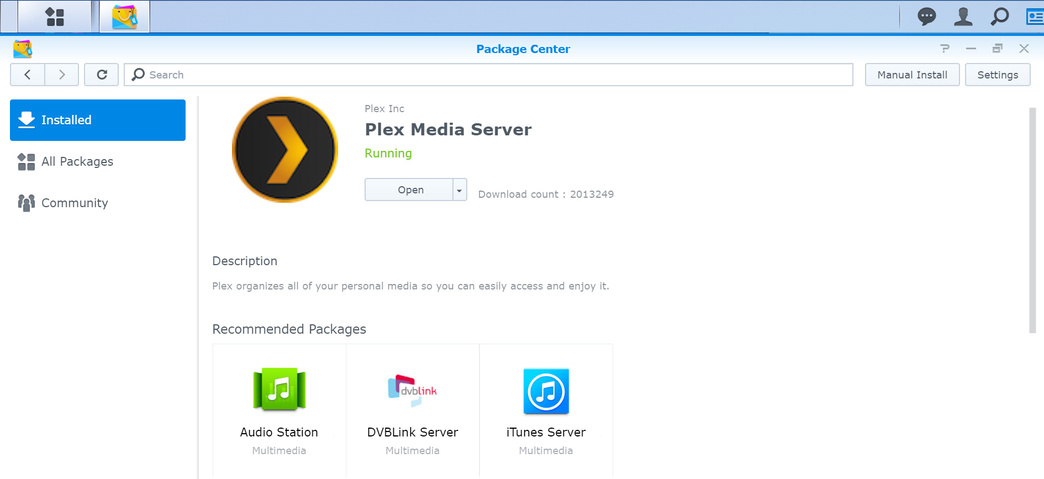
I can confirm Plex server is running on the Synology box.

When Plex is open this is the view I get.

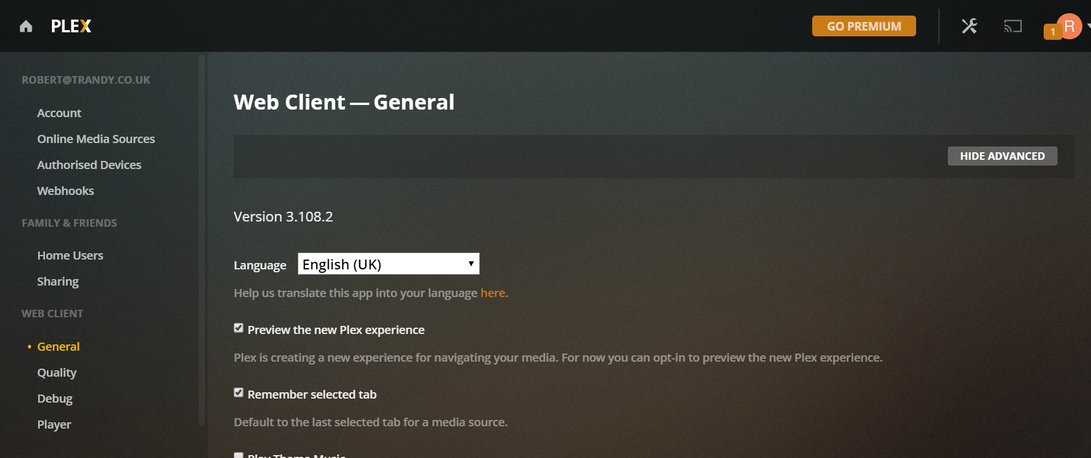
When clicking on Settings I get the following screen.

As you can see I do not have any options to access my Media, or see Server in the settings.

I attach my log below.

log.txt (37.8 KB)

My TV can see the Media, but when I click a file, I have been getting invalid formats. I can confirm this media has previously worked - the formats are MKV files, or MP4 files.

Any further advice would be appreciated.

Thank you @trumpy81 - I am making slow progress.

Renaming the preferences helped. I ran through the set-up and can see my old media again. :slight_smile:

However, ALL Media is still unavailable so I attach the logs as requested.[Plex Media Server Logs_2019-09-11_20-35-59.zip|attachment]
(upload://oPR7LqfNnCJ6S7HZAxtrp38Fc2H.zip) (2.8 MB)

unavailablemedia.txt (8.6 KB)

I can confirm I have updated the permissions on my Media files as below.

Appreciate the help so far.

Log files below:

Plex Media Server Logs_2019-09-11_20-35-59.zip (2.8 MB)

Hi @trumpy81 - thank you so much for your support and assistance. I am pleased to say I had a breakthrough tonight and managed to get it working.

Only when I had installed Putty and followed the permissions from Q18 did it resolve itself. Saving the permissions via DSM Control Panel > Shared Folders had no desired affect.

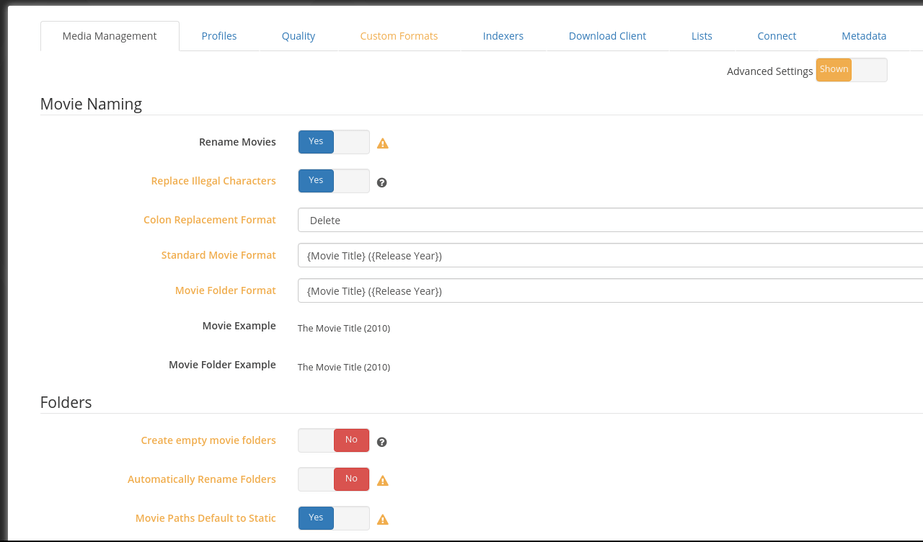
I am intrigued by your suggestion to rename the files via FileBot. I am currently using Sonarr to rename my software.
Anyway, thank you again. I really appreciate it.

To augment Trumpy,

In lieu of FileBot, should you use something like Radarr or Sabnzb, et al, the following Sonarr-equivalent would do the same job

This topic was automatically closed 90 days after the last reply. New replies are no longer allowed.