Server Version#: 1.14.0.5470
Player Version#: 2.23.0 (On both ends, PC to PC)
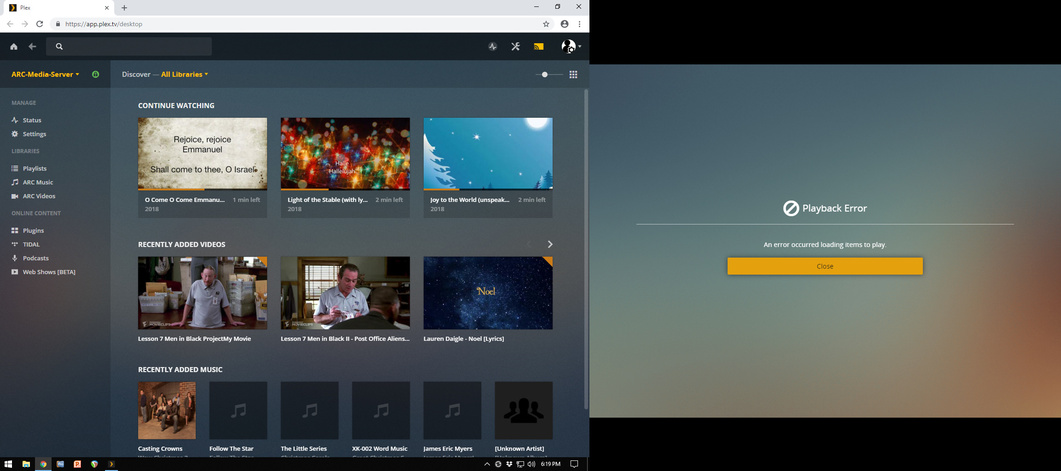
Connecting from Player to Player works, but when trying to start playback of an item, it prompts “Playback Error: An error occurred loading items to play.”
Using another player type (iOS) as remote works fine.
I’m having the same issue.
I use Plex is a ‘dual screen’ mode where I use the web app on one monitor and the windows app in TV full-screen on the other monitor.
I use the web app to cast to the winapp on the second monitor. But, it has stopped working.
I can make the connection, but when I try to play something, the winapp shows the error: “Playback Error. An error occurred loading items to play”
Did you manage to find a solution for this, I’m having a similar issue. I’m trying to cast from the web player to my media player on another computer and I get this error.
I am still getting this error with the latest versions of Plex.
Plex Server Version: 1.14.1.5488 (on Windows 10).
Plex Media Player Version: 3.83.1 (on Windows 10).