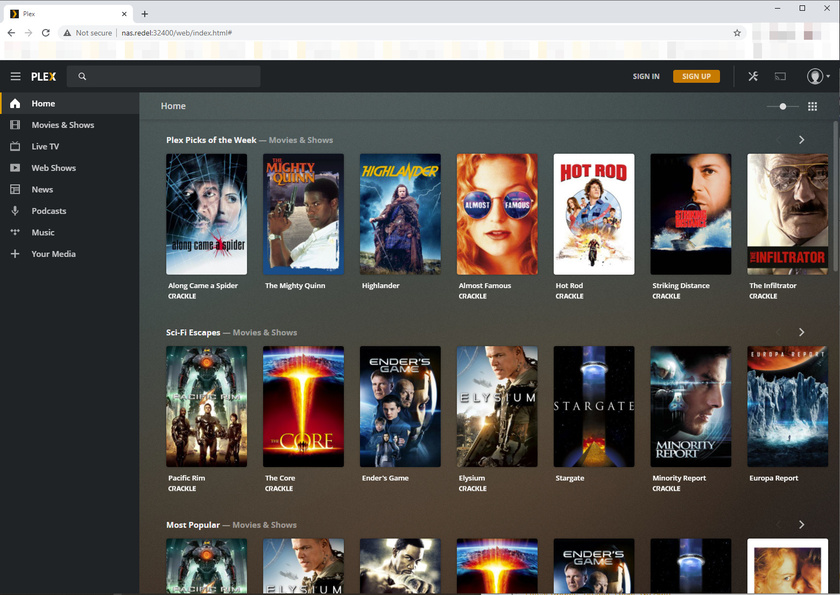
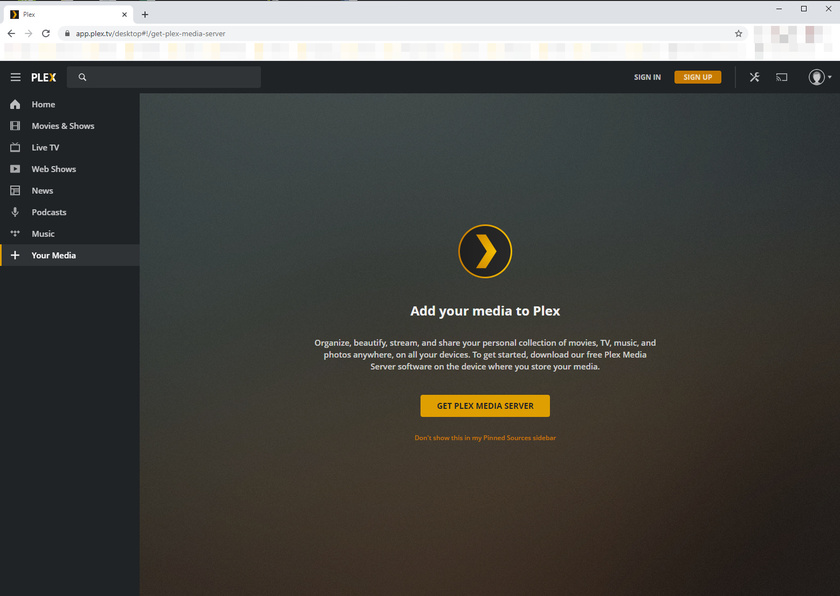
I encountered the same problem, although there is no option to ‘pin’ things. It is only remote hosted content or sign in. Those are the only options. I first noticed this after updating to 1.20.5.3600.
I get this whether I try to connect through app.plex.tv or manually to the local IP:Port of my Plex Server. If I don’t sign in, I can’t access my local library or live tv/dvr like I used to and guests would need me to sign into plex on their devices to access anything on my wifi because of it.
I also am encountering this behaviour, when I am in an allowed no Auth network, I will only see the hosted content, no option to select any of my managed users, I am forced to sign in before able to even access the content, which would defeat the purpose of noauth.
I have a feeling this is related to this, Plex Server Web Client Displays Content (Not Mine) Prior to Login and that it should be resolved once the local Plex Web app is updated in the server (which will probably be the next server released based on Elan’s last reply in that thread).
Just a thought I had and hopefully will give you some answers.