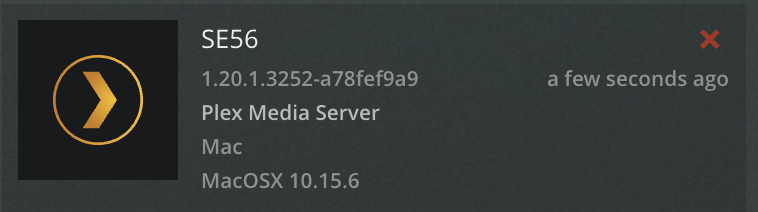
Server Version#:1.20.1.3252-a78fef9a9
Player Version#:2.2.0 / 5.1.2
WebOS Version#: 05.20.01 / 4.2.0
Hi
I’ve recently updated the server software to the latest version. I have three LG TV’s that can each normally access the server however one has now stopped working. What happens is that I get a Sign-in button with which I authorise the TV and then I get a grey screen that does not change.
I have deinstalled/deauthorised the player and then reinstalled it and reauthorised it (the authorisation appears when I look at the settings on a PC client ). IP6 is switched off.
Can someone advise as to what I need to do please? Is it possible to get hold of an older version of the server software and try that out?
It’s authorising the TV device so the tile reappears. I’ve tried the network setting which has no effect.
What puzzles me is why it suddenly stopped working and the other TV’s still work. The only thing I can think of that is different is the server version.
I honestly don’t remember. Is there a way to revert to the non preview version (I’ve deleted and reinstalled the app a couple of times but the result is the same)?
I’ve tried deleting the app and restarting the TV from the power before reinstalling to no effect. I’m really hoping that the solution isn’t to do a TV factory reset. Strange that it seemed to coincide with the server update - is that a coincidence? Has anyone else experienced issues?
I have that TV big brother and it works fine, I’m very happy with it’s new app. Have you tried adding the servers LAN IP as static address in your router. Restart.
Yes, I was quite happily using it until this happened. That was also without the server IP address needing to be entered. Have you also updated your server software recently?
I’ll try entering the server IP address again, this time with a reboot
The issue is not to do with static IP’s or local authentication but with the Guest user account.
I had disabled the guest user (and given access to home users). By re-enabling the guest account I was able to see all other users and authenticate using my own user id. Once done I could disable Guest again and now all works fine. Its a minor bug in the software perhaps but I’ve found a workaround.