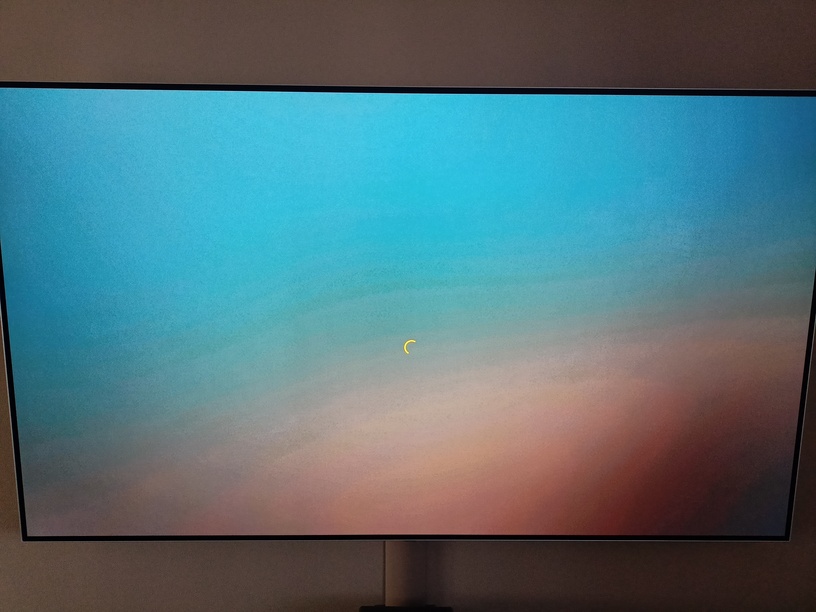
When launching the app the sequence of events I get:
Plex Logo on black large
Plex Logo on black smaller
Spinning orange circle as per picture.
I’ve left it doing its thing for an hour and it doesn’t get any further.
Things I’ve tried so far
Rolled back PMS to last known working version
removed TV from Auth devices in PMS
Removed app from TV, powered off at plug, waited, powered back on installed and tried.
Rebooted Router,
Tested other apps on TV (fine)
Tested multiple other Plex Clients on other TVs/Fire Sticks/Smart Phones (fine)
The Plex app on the LG loads from the internet every time you launch it. The version is pretty much always the “current” version, unless you leave the TV on and the app open all the time on your set.
I think the only things left for you to try is a full reboot of the server (in case this is an issue with the client individually talking to the server), and a factory reset of the TV.
Thank nx6, yeah I figured those would be the next steps, however I now have some more info!
The Wife confessed that on Saturday she changed plex ‘back to the old one’ because ‘music album pictures looked better one the old layout’ so I don’t know if that will cause anything to get confused… will try a server reboot anyway and get the family prepared to redo everything they have on the TV. Will report back.
Update:
A factory Reset got it working. However just to note Plex shows the early access page as the very first thing you see before even logging in. So I’m wondering if wifey leaving early access caused the issue originally like some kind of bug… Thanks nx6 for your help.