Server Version#: 1.41.0.8994-70008994
Player Version#: 5.4.0
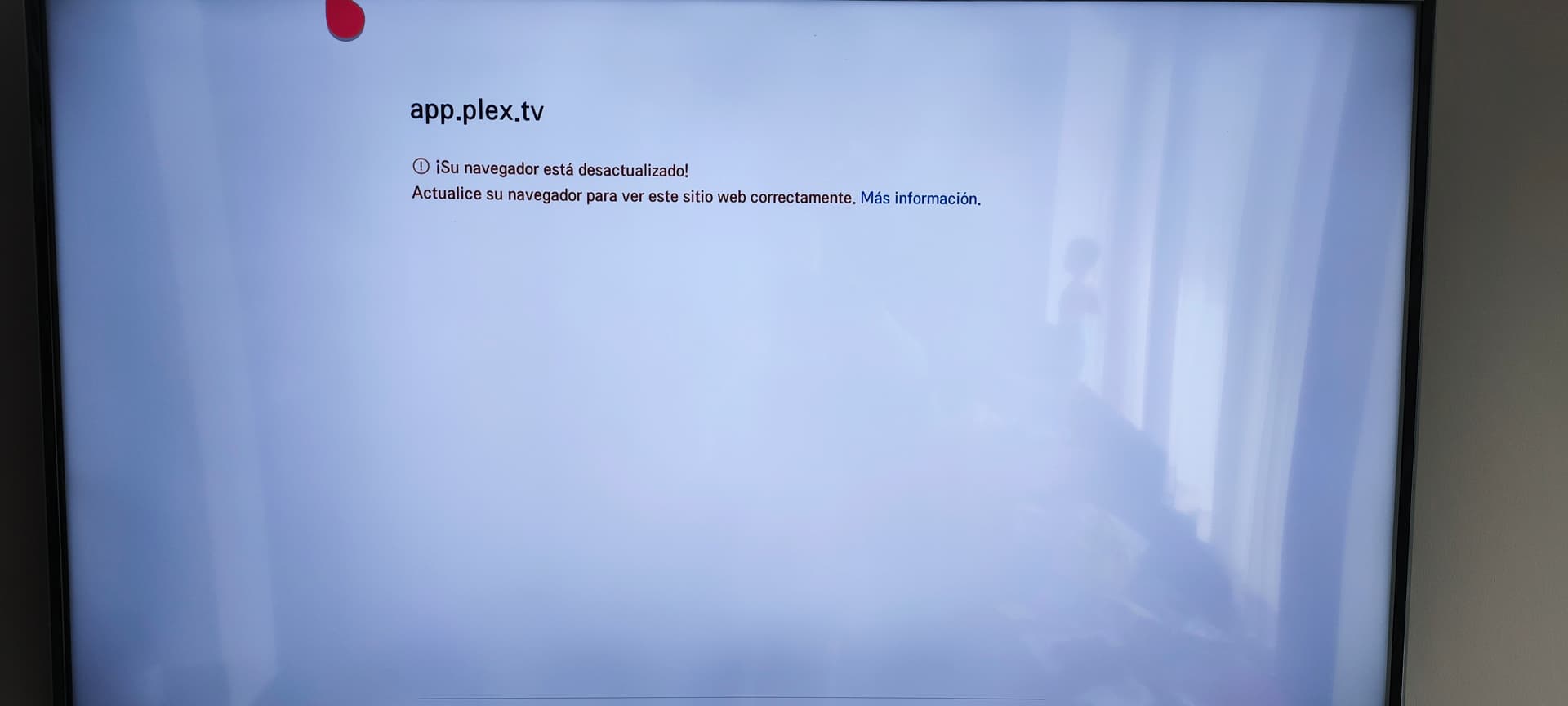
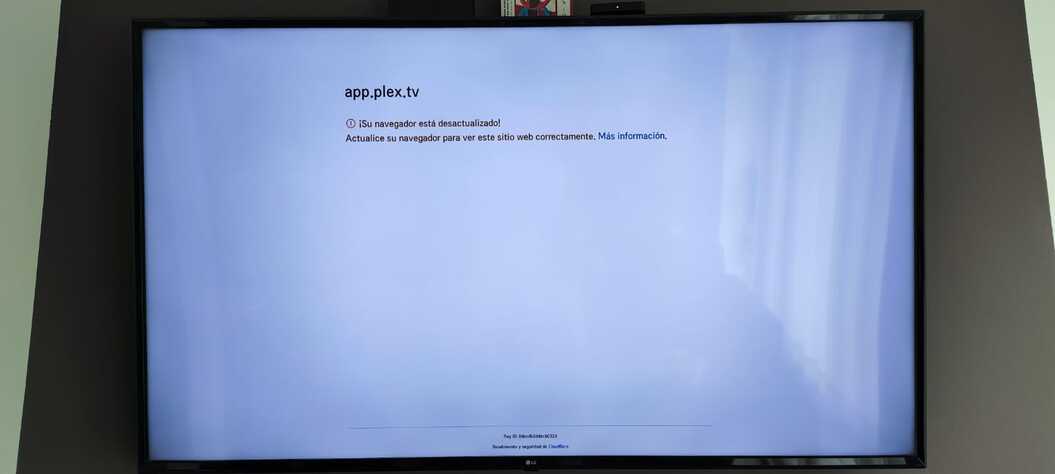
Since 2 days ago every LG WEBOS based SmartTV in my home was not able anymore to launch Plex, a white screen appears with the message “app.plex.tv - tu navegador està desactualizado - actualice su navegador para ver correctamente esta aplicacion” (your browser is outdated, please update your browser to launch the app).
This is something insane, every other googleTV-based PLEX Player in my home still work correctly, but evidently something is happening server-side for LG’s, because this was repentine, before and after updating player and server (I found updates for server and player after seeing the problem, but updating wasn’t changing the situation).
I was get scared when wasn’t find anything on the web about this, possible that I’m the only having this problem?
<If providing server logs please do NOT turn on verbose logging, only debug logging should be enabled>
The Plex app is working on my LG B7 OLED.
Do other TV apps work OK - Netflix, Amazon, etc.? The Plex app requires an Internet connection. When first launched, the app check for updates with plex.tv. If it cannot contact plex.tv, it will not work.
Some things to try:
-
Reboot your router. Turn off the TV, reboot the router, when the router is completely back online, turn on the TV and launch the Plex app.
-
Remove power from the TV. Turn the TV off, remove power (unplug it), wait ~20 - 30 seconds, restore power, turn on and see if app works.
-
Uninstall / re-install the app. You will have to login again and re-pin libraries to the home page.
All these suggestion was already applied, every other app is working on the LG tv’s (actually I’m using Emby to see my media on the NAS), only the plex app is giving problem, and only on LG’s.
When an app is giving problem on ONE device there are a lot of variables, but when don’t work on FIVE SmartTV sumultaneously, also upgrading, disinstalling, reinstalling the client apps and also the server app on Synology NAS, something is wrong on the NAS server side or Plex servers side, because 5 clients that are failing simultaneously cannot be a coincidence, this have to be a bug on the server app or some problem on Plex servers, I also was thinking in a LG SmartTV’s end of support, but can’t find any news relative to this.
There are also other variables to consider knowing that your LG app is working, we have to remember that Plex client app fistly contact Plex.tv servers and only after this is communicating with the user’s internal LAN NAS, so there are a lot of possible causes, we also have to consider other factors as i.e. the geoblocking (I’m in Colombia), but my sensations are indicating me that the principal reason could easily be PLEX.tv server that is causing the problem.
The Plex app on LG TVs is completely different than the app that runs on Android TVs. The TVs run different operating systems (webOS vs Android TV). The Plex apps operate differently and have different underlying video engines.
If the LG app does not even launch, that points to a problem with the Plex LG app, not Plex Media Server. The app does not require a Plex Media Server to run.
Can you find the model numbers and webOS versions for the LG TVs that have the problem?
There might be something specific to your TV models or webOS versions. If it affected every LG TV, then there would be more posts on the forum.
This error… so stupid and without any logic and indicating a false problem.
From 3.9 UpTo 5.5.0-19, all the 5 LG’s are in this interval
The problem continue, while other similar services, as Emby, are working without any problems, was hoping in some PLEX’s agent answer about this issue, but maybe is to ask too much.
Are you attempting to launch the Plex App from the LG store, or are you attempting to connect to https://app.plex.tv/ via a browser on the TV?
If the latter, use the official app.
Is the app downloaded from the LG store, in everyone of my LG SmartTV (Five TVs).
An app that is giving this kind of error is very strange and this don’t give useful infos to get a solution.
A better picture of the screen would help - try and get the whole TV in frame while the error message is on the screen.
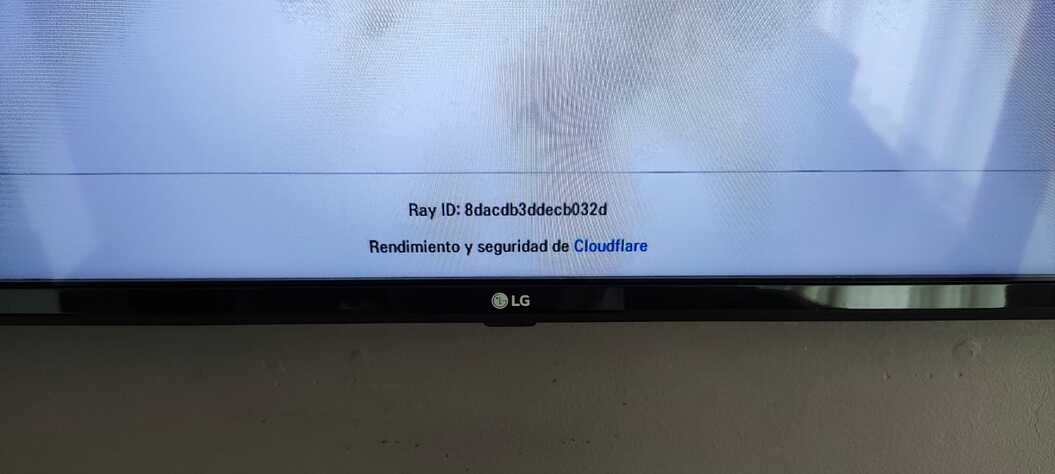
Ok, here it is, also with the detail of the bottom part:
Now, suddenly it works again on my FIVE LG SmartTV, as I was suspecting it was a server-side problem, that now Plex has corrected.
Bye.