Server Version: 1.16.6.1592
Player Version#: 1.3.1.916-1cb2c34d
I have tried everything I can see & think of to restore Remote Access which was working prior to an Aug PLEX update, then stopped. I had AT&T ck my router settings, restarted the router, rebooted my PC which also performed a Win10 update as well another PLEX upgrade. RA then worked fine for 2-3 hours of uninterrupted PC time (no other programs running) then it stopped again. Now it will only connect for 5 seconds using the 32400 manual port setting then disconnects.
My son can see the server remotely but cannot connect. He can connect to a friend who also uses PLEX, so this appears to be on my end.
don’t post pictures of your external/public IP address.
your other pictures of your router ( i assume that’s what they were) did not show up. might want to use the forum itself to make the reply rather than by email.
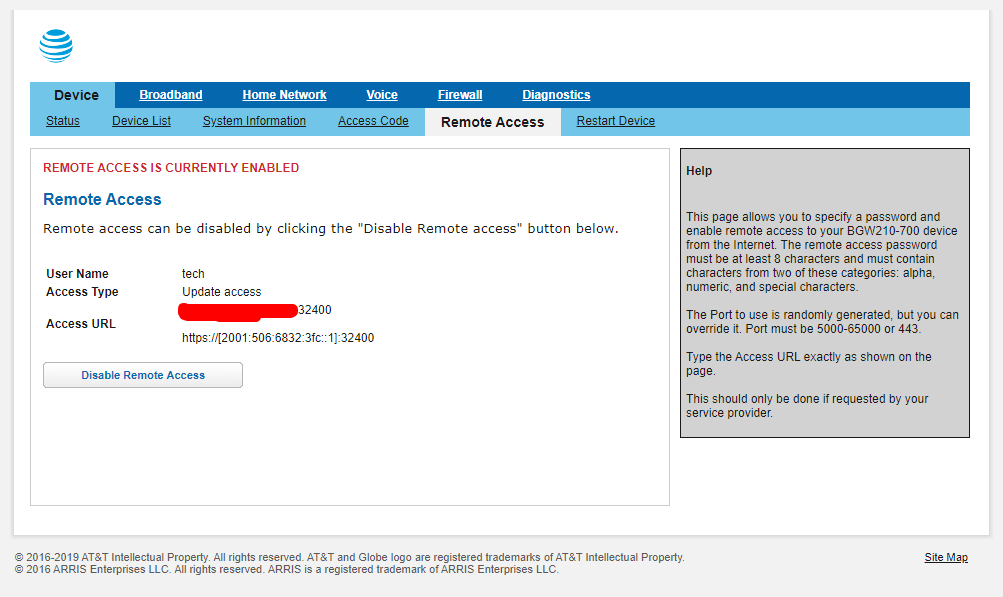
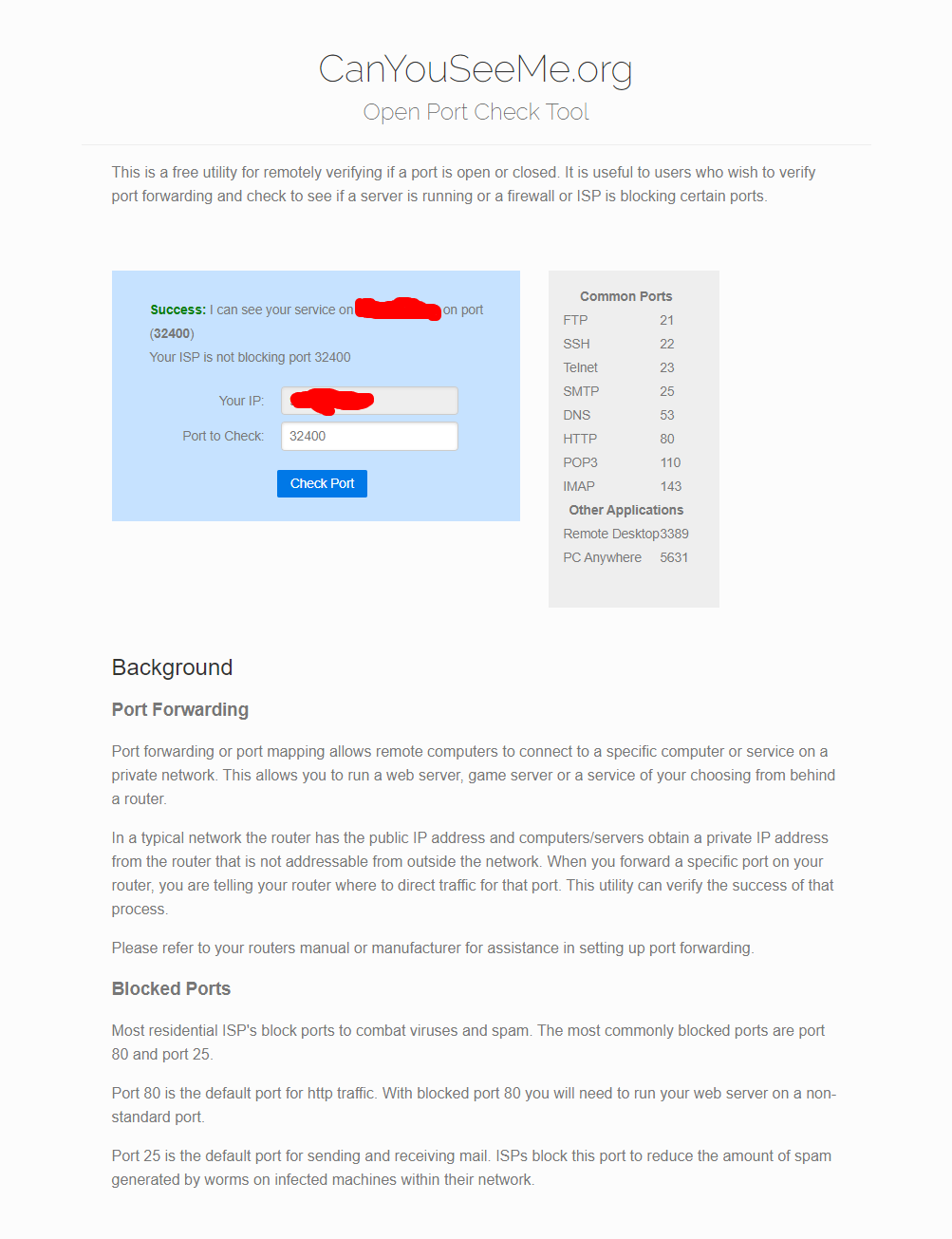
They were a pdf of the screen of my router Remote Access page, a pdf of the CanYouSeeMe page and a jpg from my camera phone of the PLEX Remote Access setup page. Thought that was the info that was requested. If not, then what and where and how would you like to receive it?
what i am saying is do not reply via email like you are doing, email attachments will not always come through.
go to the actual forums and upload the images/files here. click the orange reply button at the bottom and drop them in the text entry window. Live support - Please!
if you are going to upload an image of the remote access setup page do something do cover up the Public ip address.
that remote access page from your router is for access your router remotely. need to see the port forwarding page where ever that is in that AT&T router
I haven’t a clue, you asked for the Remote Access, that says Remote Access. Surely, everyone does not have to jump thru these hoops just to get your program to work?
If there is something specific on the router and the PLEX program that need to be set to match, then just tell me what they are and I will set the PLEX and have ATT set the Router.
I said don’t show me the remote access up page of Plex and hide the public IP in it. which you still provided again and did not hide the IP. I am talking about the black one. which i removed again so some random hacker on the internet does not see it.
Remote Access is not a term unique to Plex. the remote access of your router is not important. that At&T page would exist whether you had Plex or not. What the “canyouseeme.org” page is showing that you opened access to your router itself. which you should not do and should hit that Disabled Remote access button.
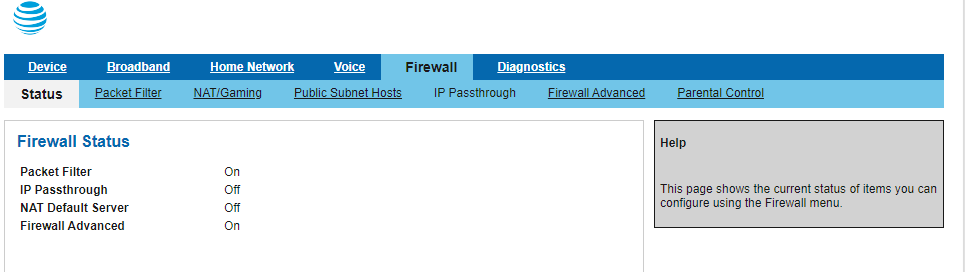
You are trying to get your router to work by opening a path through ports of the router to your computer. We don’t make routers and don’t have instruction manuals for them. I don’t own an At&T router and have no idea where the port forwarding page is. I am going to guess it is likely under Firewall.
Ok, I gathered that - that remote access was not the one and disabled it! I had ATT set up the router to allow remote access and it worked for about 3 hours, then it stopped again. But even then my son whom I invited could see my server, but could not connect. IT was all working before an update PLEX sent in August and has not worked since. I don’t’ know what that update did to cause whatever conflict or resetting of something. I just know that I am extremely frustrated that NO one seems to know how to make your program work.