Server Version#: latest beta
Player Version#: multiple devices
Tuner Make/Model: HD home run
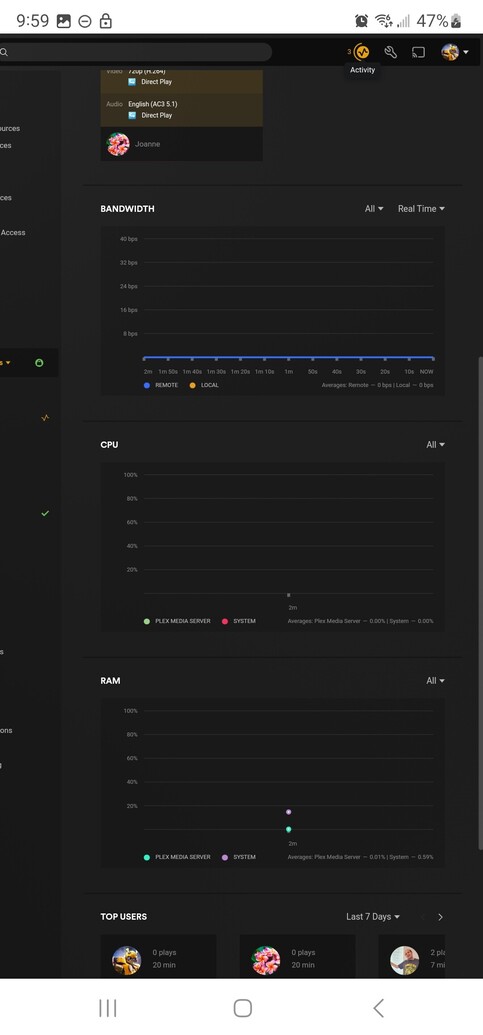
Watching recorded content is fine but when going to watch live TV the server seems to freeze up. I can still access recorded content but cannot tune a live TV channel. To get live TV back I have to close and reopen plex on Windows 11. I’ve tried to do a database rebuild, made sure everything’s up to date, tried different internet access options like Wi-Fi and ethernet. For the life of me I can’t figure it out, do you guys see anything in my logs? When I go under the dashboard I can actually see Plex stop reporting bandwidth CPU and memory info.
Plex Media Server Logs_2023-02-03_21-39-14.zip (1.8 MB)
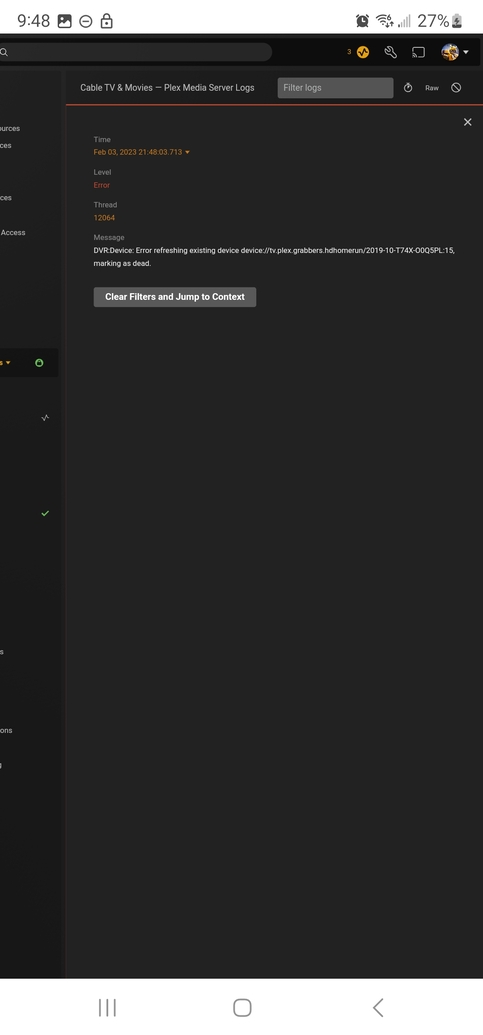
I see this, could this be the cause? And what does it mean?
It’s been working fine for over 8 months and I’ve done nothing that I know of to interfere with it.
What is the topology of your LAN, and has it changed? Your Plex server is on what I’m assuming is your primary subnet at 192.168.1.x, but I’m seeing messages that it is looking for a HDHomeRun tuner at IP 192.168.248.1. If you haven’t set up another subnet at 192.168.248.x then this is just odd, and the .1 would normally be the gateway for the subnet, not a tv tuner device so it’s really odd. Regardless, it is looking for this device over and over. This is so strange to me; maybe it is causing network issues?
Feb 03, 2023 21:20:58.491 [27300] ERROR - DVR:Device: Error refreshing existing device device://tv.plex.grabbers.hdhomerun/2019-10-T74X-O0Q5PL:15, marking as dead.
Feb 03, 2023 21:20:58.491 [27300] DEBUG - DVR:Device: Testing grabber HDHomerun device device://tv.plex.grabbers.hdhomerun/2019-10-T74X-O0Q5PL:3 at http://192.168.248.1:34400
Do you know what the IP address of your HDHR is supposed to be, and how many tuners do you have? In the logs I also see it finding a tuner at 192.168.1.43, which appears normal to me.
I’d take a look in Plex Web under Settings → Live TV&DVR and see if this 192.168.248.1 tuner is listed. If you didn’t expect a device at that IP and it is listed, then delete it.
Thank you for the info. Yeah I only have one subnet 192.168.1.x. I have five HD home run Primes, one 4k flex 4k and 2 connects.
I have a feeling it’s a failing trans code m.2. Although smart is saying it’s fine I don’t seem to have any issues when it’s transcoding on a different m.2. Testing my theory out now.
Wasn’t the transcoding m.2. But I did figure it out. The ethernet head on one of my access points went bad. The painter had unplugged it to paint the ceiling and when they plugged it back in it started having problems , it must have been a bad splice. What’s weird is Plex shouldn’t freeze up if one or two TVs are messed up on an access point as all my other TVs are on a different access point but they were also affected. I’ve seen this in the past though Plex needs a perfect signal on all devices or none of it works right