Local connect problem

Greetings!

Today I decided to connect to my server on Synology NAS through :32400/web but it gives me error - This Page Isn’t Working - ERR_EMPTY_RESPONSE

Server Version#: 1.42.2.10156-720010156
Player Version#:
<If providing server logs please do NOT turn on verbose logging, only debug logging should be enabled>

As first step,

  • Open an incognito tab
  • Open the server in that tab using HTTP (not HTTPS)

If you get a valid populated page then you’ve confirmed a plug-in in the browser is conflicting

1 Like

Still noting.. tested in incognito and other browser

As all server is working through app.plex.tv

Have tested to stop and run server on NAS

  1. Disable the Synology firewall
  2. Stop Plex Media Server, wait 30 seconds, start Plex Media Server, wait 2 minutes for it to fully start and log the startup sequence.
  3. Point a browser at the NAS IP: http://nas_ip_address:32400/identity
    You should see one line of XML with claimed="0" (unclaimed) or claimed="1" (claimed).
  4. If you get a response, try to access the server via http://nas_ip_address:32400/web.

If still no response or otherwise unable to access:

  1. Stop Plex Media Server
  2. Using File Station, navigate to the Plex Data Folder
  3. Right click on the Logs directory and choose Compress to Logs.zip.
  4. Download the zip file and attach to the thread.

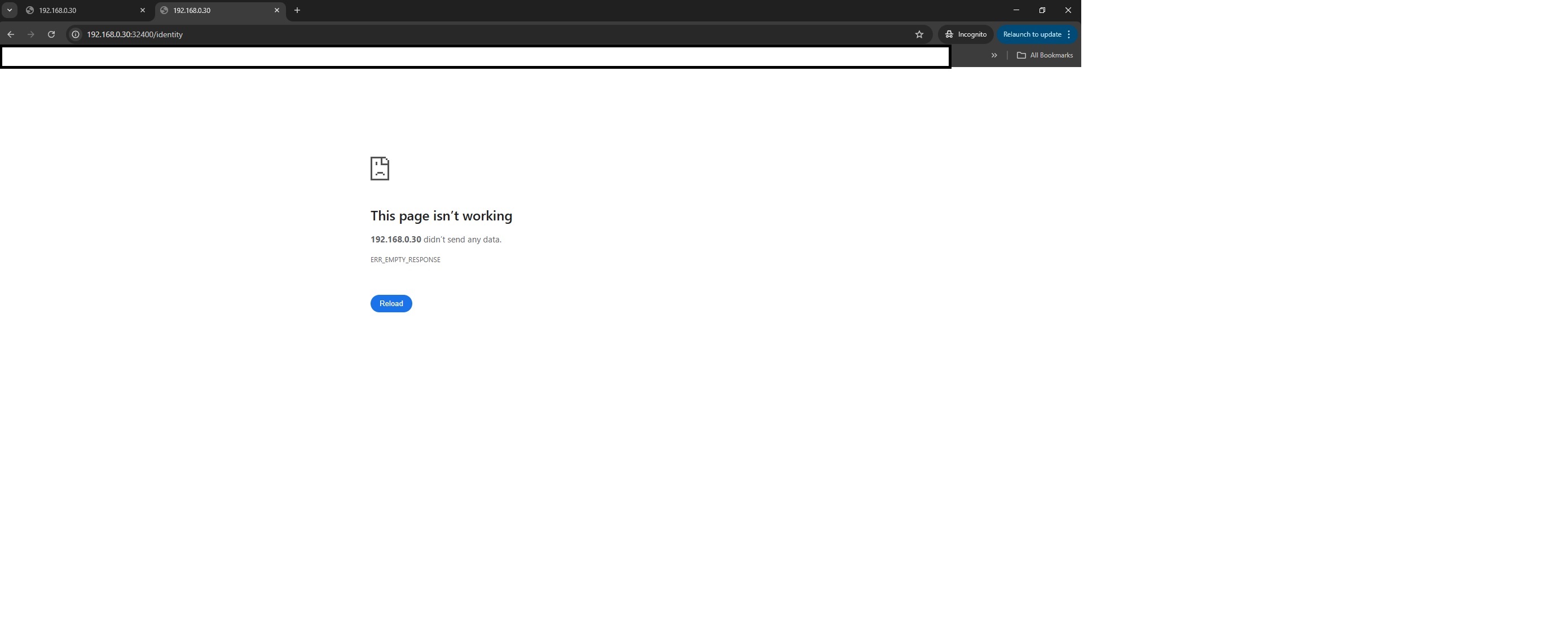
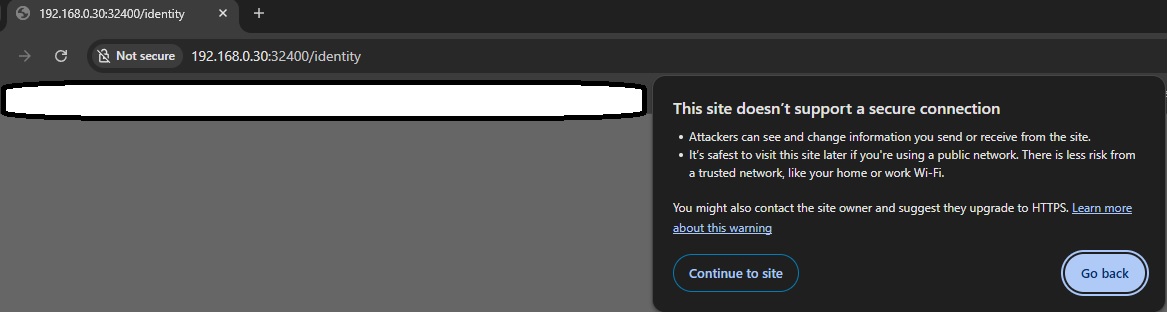
For the first part I am sending you 2 screenshots, but overall no change.

For the second part - I don’t think I will send all Logs

Also make sure the browser has local access. See Important note about the Plex Web app - Local Network Access.

I have done this during my old question No Plex on Browser in LAN

Thanks for the update.

Use http://192.168.0.30:32400/identity (not https). If you still see the secure connection message then continue to site. You are connecting to your own server.
Is the NAS running DSM 6.x or DSM 7.x?

Can you reach the server via https://app.plex.tv/desktop/

I tested http://192.168.0.30:32400/identity as supposed previous. Still nothing - I attached screenshots on previous reply.

Yes, server is mine.

NAS is DSM 7.3.2 version

app.plex.tv - works.

Just wonder why would not work on direct IP:port call

We need the server’s logs

  1. FileStation
  2. Navigate to PlexMediaserver / AppData / Plex Media Server
  3. Right-click Logs → Compress to Logs.zip
  4. When it completes, Download that ZIP file
  5. Attach it here.
