Server Version#: 1.18.5.2309
Player Version#: 4.12.3
Hi everyone, might sound like a stupid question but I can’t figure out how to add local subtitles to extra movie files like interviews or deleted scenes. I tried naming the *.srt file same as video file with the eng added before extension but it doesn’t work.
“Local Media Assets” is at the top of the list in “Agents” section. All other local subtitles for movies work as intended just can’t figure out how to add subtitles for any extras I’m adding.
Any help is greatly appreciated.
Thanks!
Thanks for that, it clears things up.
One more dumb question… what does muxing them in actually mean? Does it mean subtitles are permanently on? Can I switch them off if needed? Sorry, not very experienced in this area.
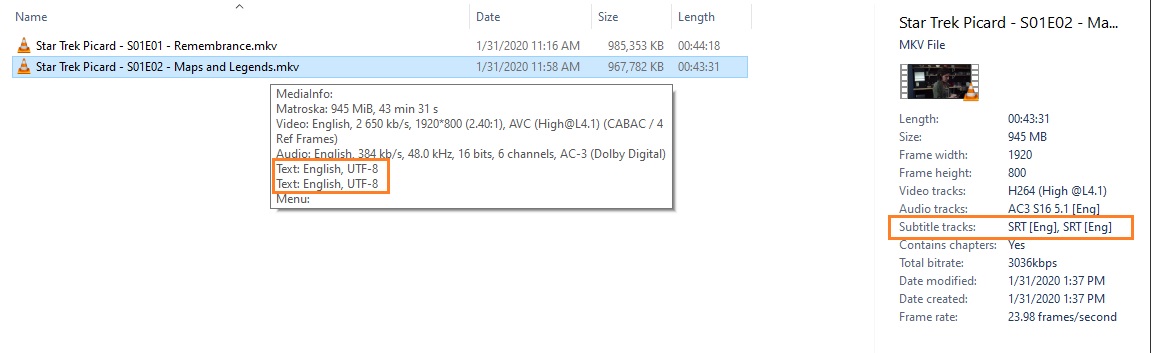
Internal sub tracks work best in MKV files, IMO. Here, there are actually two sub tracks, the first one is ‘Forced’ and the second one is ‘Full’. If I don’t need the full track, the forced track plays automatically for ‘Space Alien’ (or French maybe), the full track has everything if I’d rather see that one - I can switch it on (or off):
“muxing in” means the subtitles are stored inside the video file. But they can be still activated/disabled by the user. (also called “soft” subs)
This way, you can even have several different subtitle tracks inside the same video file.
What you probably have in mind is “burning in” subtitles. But this requires a complete re-compression of the whole file, which reduces the visual quality and makes it impossible to disable the subs. (also called “hard” subs)
… and when you open a file with MKVToolNix with internal subs, or you have ‘muxed’ in some subs, you can see the various ‘flags’ that control subs. It’s also important to flag your ‘Audio’ tracks properly, so Plex can make good decisions when playing the subs… for instance:
If you have a Japanese Audio track and English Subs, if your Server Language is English, Plex knows you’re gonna need those Subs and turns them on for you. It can’t do that if your Audio Language is ‘Unknown’.
Two basic ways to fiddle with tracks in MKVToolNix is:
The Header Editor - can make many changes to tracks without re-muxing.
The Multiplexer - can remove/add unnecessary/necessary tracks while making changes during a ‘Remux’.
@ JuiceWSAYes, I am using MKV files, I’ll give that a shot and see how it works. Would be my first time doing it so maybe dumb questions to follow, hopefully not.
@ OttoKerner Yes, burning the subtitles was what I was afraid of and did not want to do. Had no clue that you can add subtitle files inside the video container itself. Live and learn I guess.
Thank you both for taking the time and explaining this to me. Much appreciated.