Server Version#: 4.1.142.2
Player Version#: ?
I tried to move my PMS from Win10 PC to Win11 PC. I installed the new PMS software and copied my backed-up PMS folder into the Win11 PC. I also merged the registry file. When I logged back into Plex, it said my content was missing. My media is stored on an external drive.
On the main Plex menu located on the left side of the screen. I don’t have any options to add my libraries. I have a friends library showing, but not mine.
I backup my PMS every week, but I’ve tried multiple backup PMS folders and get the same result each time.
I tried installing a fresh PMS (without using a backup folder) and a fresh registry, but I am not able to add my libraries.
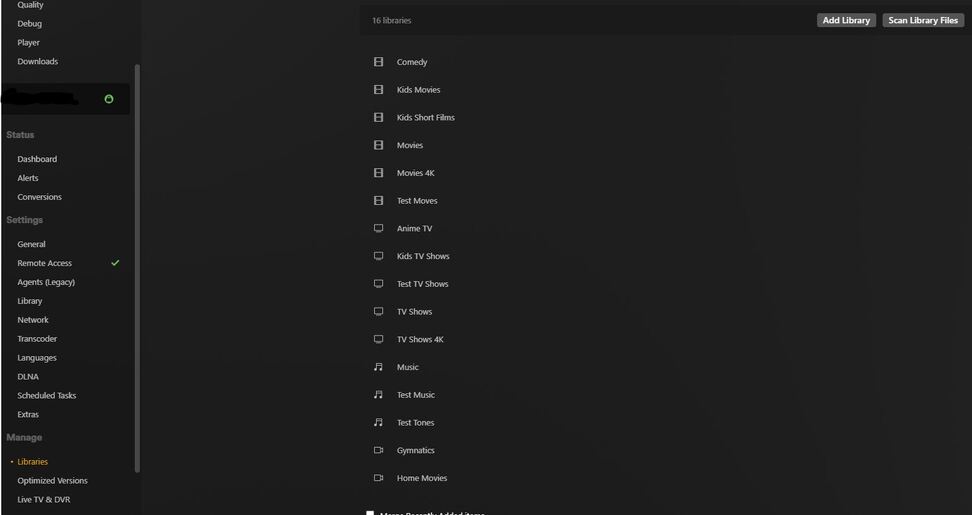

I got it working again. I uninstalled Plex. Reinstalled then replaced database folder in %LocalAppData%. Back to good.
