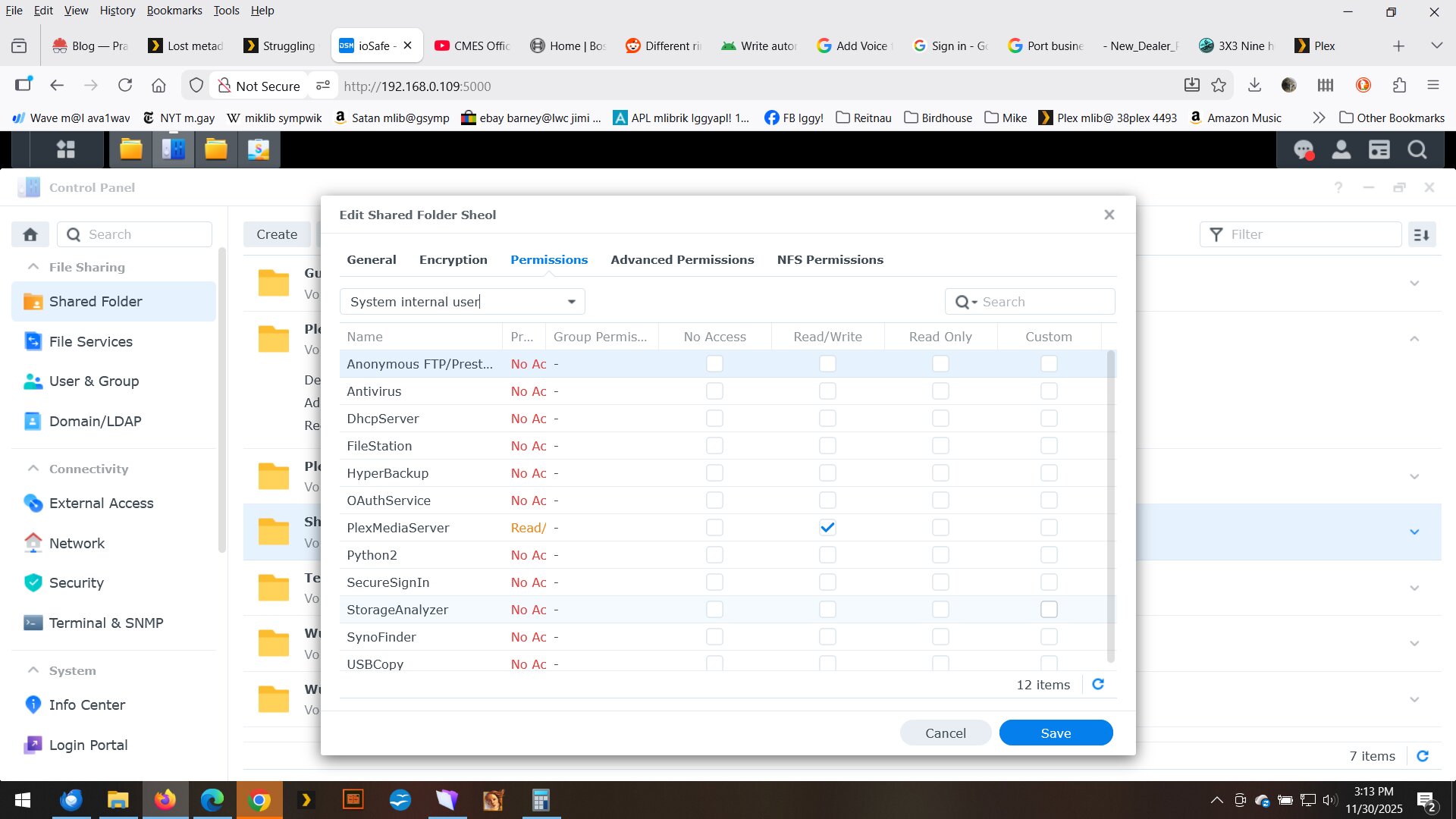
I’m not sure how this question classifies. I recently did an update to my Iosafe 214 server software after it got so old that Plex lost contact with it.
I ended up creating a new… (I’m not sure what to call it)… “connection” through Plex to the music library on my server. The old connection wasn’t working, and what I wanted to do was fix it, but I created another one.
Then my old connection, which wasn’t working, disappeared, leaving only the new one. The problem is I had all these ratings on songs and albums, and all these playlists defined, and they all disappeared with the old connection.
I’d sure like to get all this metadata back, but I’m not sure how it is stored or archived. It isn’t stored with the data on my server, and must have been on Plex’s server. I’m pessimistic that I’ll ever get it back, though I’d like to for all the work I put into it.
Any suggestions? Is there a better group to ask this on?
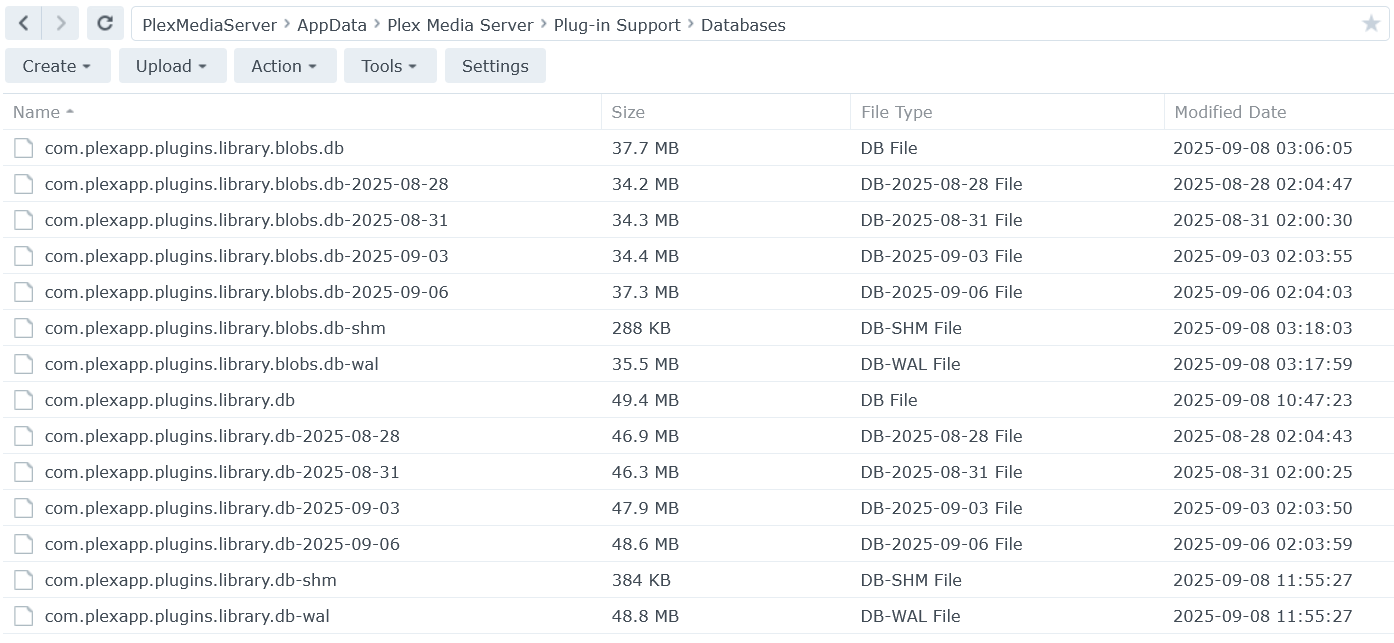
b) Are the database files still present in /Plex/Library/Application Support/Plex Media Server/Plug-in Support/Databases?
c) Using Synology File Station, navigate to /Plex/Library/Application Support/Plex Media Server/Plug-in Support/Databases. Make sure the file names, file sizes, and dates are visible. Take a screenshot and post it to the thread.
The metadata is stored in the databases in the Plex Data Folder.
Synology required Plex to make many changes when moving from DSM 6 to DSM 7. One of the changes involves moving the Plex Data Folder to a new location (from /Plex to /PlexMediaServer).
It is possible your old server is still present in the /Plex shared folder. The information can be recovered but your current server will be lost. That is the reason for the questions above.
Read it completely before starting the process and write back with any questions.
Note 1: The process involves uninstalling and installing Plex Media Server. When re-installing PMS, use either the public or beta version from plex.tv.
Note 2: Before starting the process, enable Sync Watch State & Ratings on your account. Have anyone you share with enable it as well (it is an account, not server, setting). This will save the watch state for any media watched since June 11.
Regarding the two instances of your server ,
– Go here (shortcut to authorized devices: https://app.plex.tv/desktop/#!/settings/devices/pms )
– Scroll down and find the duplicate
– Compare the “Last seen” time under the
– The old/now-abandoned one will have the longest not-seen time
– Click the and confirm to REMOVE it.
After removing the old server, restart the player apps so they pull a fresh server list. Everything should be fine now.
If you can’t figure it out, I’ll remove it for you


 . I’m just replying to keep this topic open.