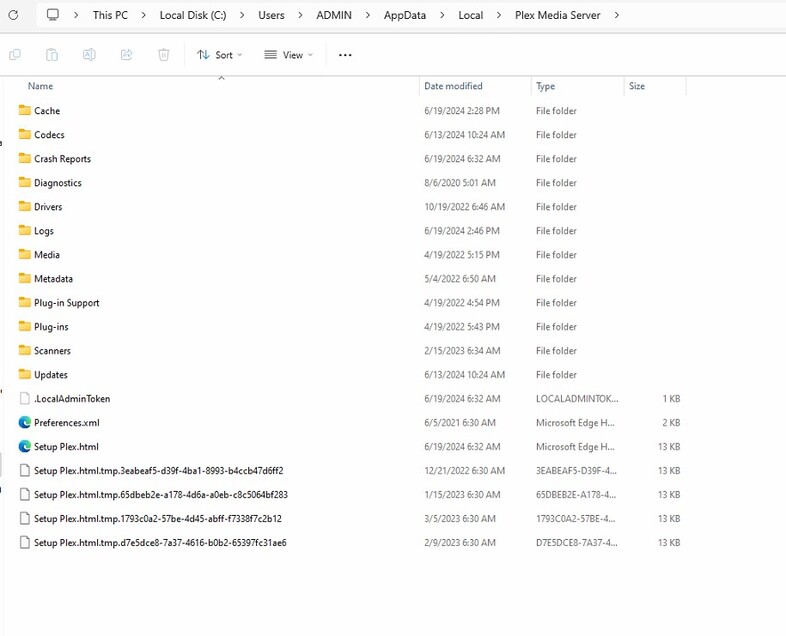
I am currently running Version 1.40.3.8555. that moved Plex from “Program Files (x86)” to “Program Files” on a Windows 11 computer that we use as a home server.
As a result, I had to change the startup of Plex so that it would launch automatically a few minutes after the computer comes on in the morning. No problems there.
For about a half a day Plex could not find my Libraries until I tried adding one, then it started to scan. I do not seem to have lost any content.
Somewhere in all this my sync program stopped working, not sure why. But it is back.
My Remote status changed, but I have not played with that yet.
However, Plex did find some duplicate files that it had not found before. I have resolved that by manually removing the duplicate files.
Also, the meta data that I have corrected or changed seems to be gone, including the preferred posters and backgrounds. I found this article:
https://support.plex.tv/articles/202485658-restore-a-database-backed-up-via-scheduled-tasks/
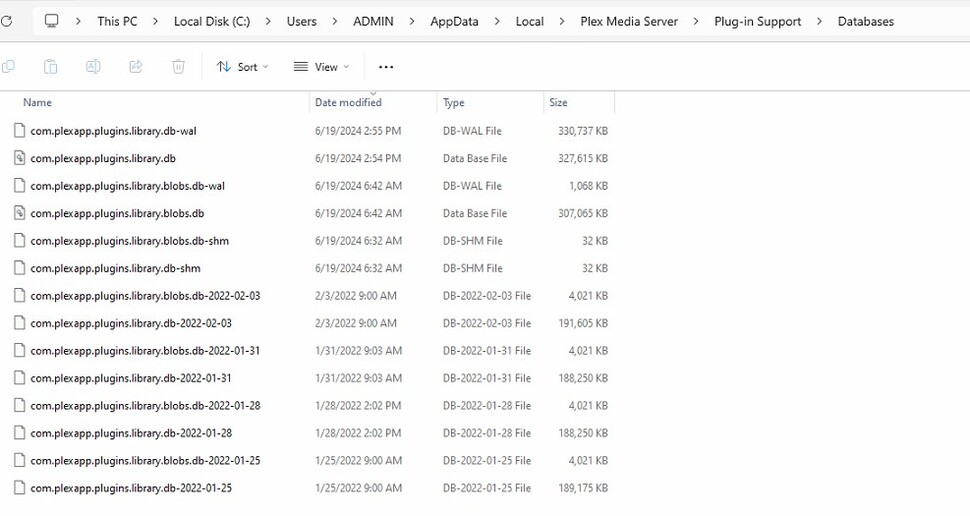
And I did find the backup files from a couple days ago:
com.plexapp.plugins.library.blobs.db-2024-06-13
com.plexapp.plugins.library.db-2024-06-13
However, when I lookup the files I find
com.plexapp.plugins.library.db located in
C:\Program Files\Plex\Plex Media Server\Resources and
com.plexapp.plugins.library.blobs.db (dated two years ago) located in
E:\Plex files - Move\Plex Media Server\Plug-in Support\Databases
So. Are these the file to use to get my old meta data back? Will it come back? It is the two years ago date that is throwing me.
Any help is appreciated.
Best.