Here’s the dilemma:
Libraries of pictures of grandkids are growing unmanageable in size, so keep having to split them off (eg, “Eric 0yr”, “Eric 1yr”, “Brian 0yr”, “Brian 1yr”).
But then we have too many libraries to scroll through!
Simplest solution would seem to be making a library type that is a library of libraries - eg, have one library “Eric” and one “Brian” and then I select all the libraries I want under each.
Alternatively, you could create folders within a library, but they would have to be automatic in some way (not like this “collections” feature). For example, all the things in Pictures/Eric/School Pictures/ would appear in the “School Pictures” folder under library “Eric”.
Yet another solution - have drill-down for the sort, so you can sort-by-date and then select 2020 rather than having to scroll back 2 years worth of photos to get to the 2020 photos.
Basically what I want to achieve is being able to sort my own content (grandkid photos & videos) as manageably as Plex sorts out TV shows and movies.
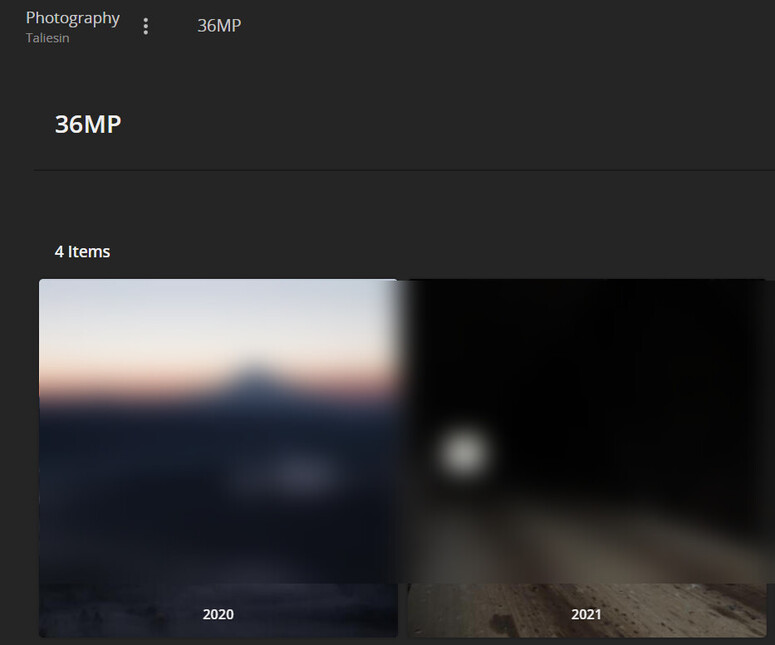
Your item #2 is already implemented. The Library view in Plex Photo libraries are organized according to your folders, so if your folders look like this:
I think you should go with backfield’s approach… beyond the folder structures, Plex offers a number of options to sort/filter the content of your libraries… that’s rather helpful if you want to be able to still find related content across those sections (e.g. pics with kid1 + kid2 from 2019-2021).
If that’s not cutting it for you and you want/need to organize things into different libraries…
There’s actually an existing feature suggestion discussing an option to group libraries in the sidebar into folders. I suggest you comment/vote in that thread in order to avoid distracting or cannibalizing votes.
Unless I’ve missed some unique aspect of your suggestion, I’ll close it as a duplicate.