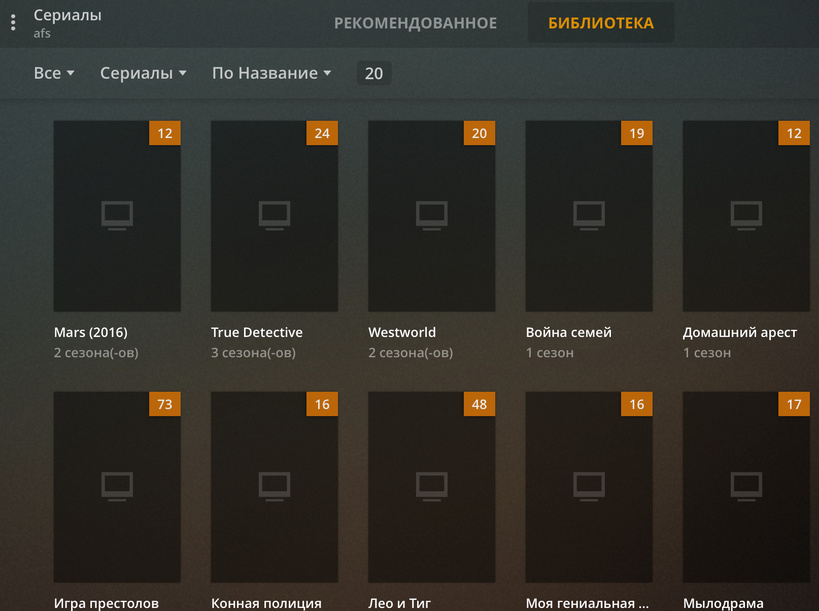
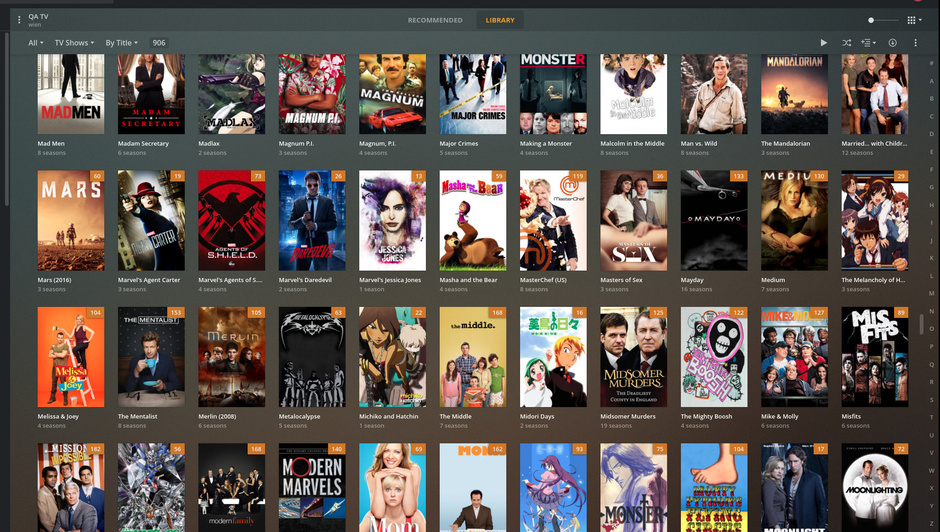
For some time now (I would estimate two to three weeks), metadata recognition has not been working correctly or has only worked occasionally.
If I add 20 new series, he might recognize four or five of them in the first attempt. The others I have to search again by hand. But even here it only works sometimes and after several attempts.
Affected are TVDB as well as TMDB, series and movies.
The series have all been named correctly with the filebot before.
I emptied the trash, optimized the database, cleared packets, cleared the cache directories and tried multiple reboots from the plex as well as from the server itself.
The Plex itself runs as a UnRAID docker (linuxserver version).
IPv6 is disabled in UnRAID network settings. MTU is 1500.
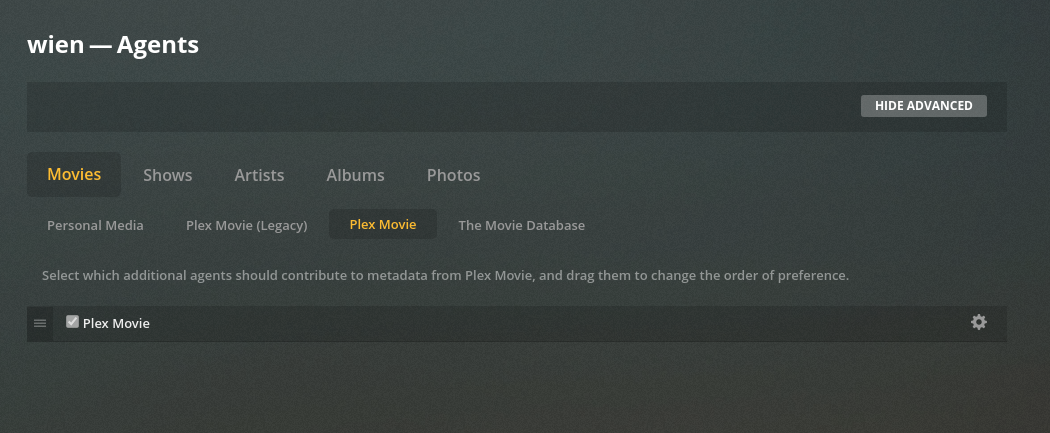
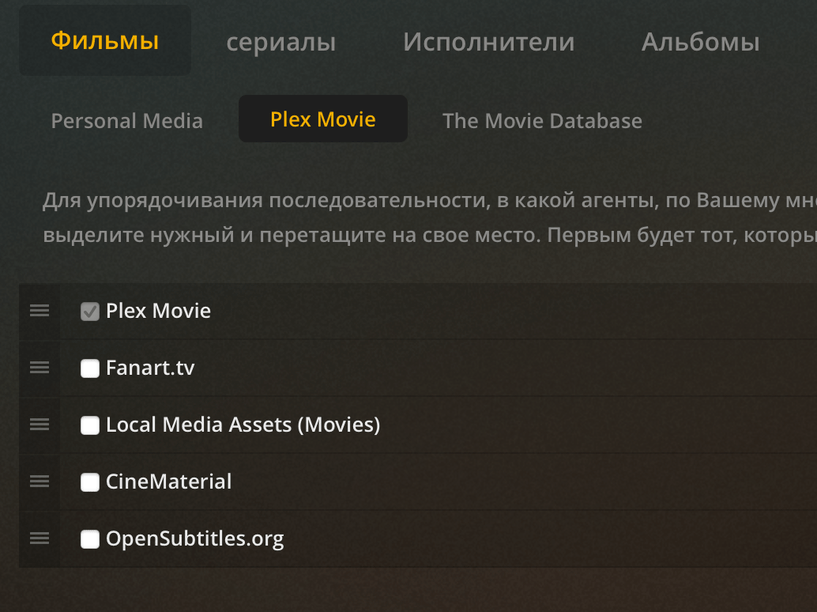
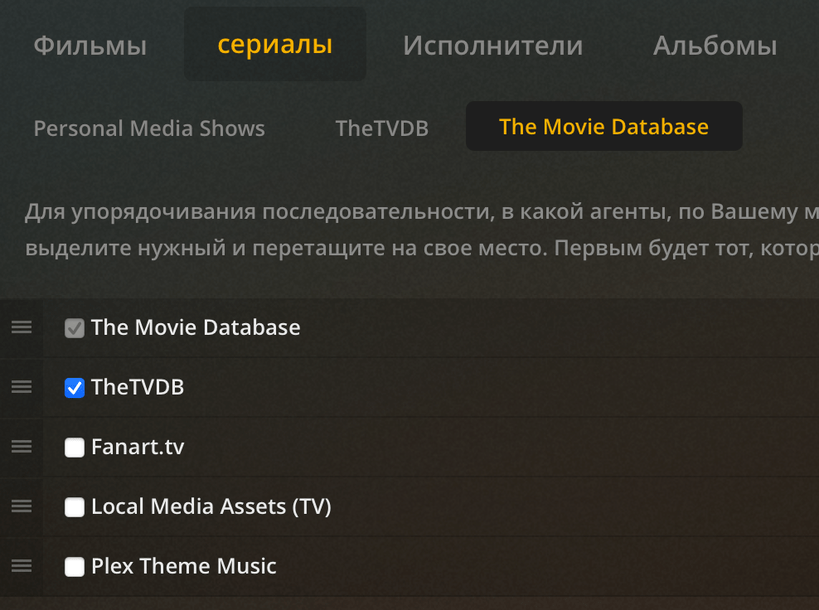
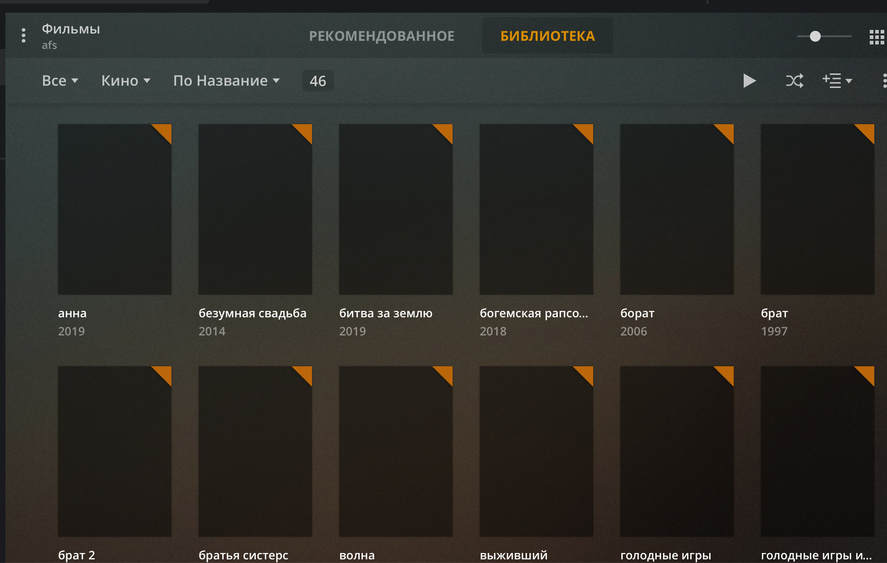
In the appendix the logs and screenshots regarding the agent settings after I added the last series and tried to tag (assign and search) some by hand.
Server Version#: 1.19.4.2935
Player Version#: 4.30.2
you need reorder some of agents. top is 1st priority, bottom last etc…
In agents “Filme > Plex Movie” drag Plex movie to top.
In Filme > The Movie Database turn Plex Movie on (tick it) and drag it up under The Movie Database.
In Serien > TheTVDB, at top have TheTVDB 2nd The Movie Database and turn it on.
In all of them have Local Media Assets at the bottom of the list.
And check this is turned off. Settings > Library>Run scanner tasks at a lower priority
I just added two new series as a test, Catch-22 was not assigned at all, Disenchantment was assigned, but you couldn’t see any progress, but the series was obviously recognized and correctly tagged in the background.
Catch-22 was assigned manually (although the folder was called Catch-22, the assignment made it Catch 22, which I had to correct manually).
In any case, the assignment takes ages. Where in the past, lots of series were tagged in a short time, now individual series sometimes take several minutes without any noticeable progress.
Of 10 newly added series at most 2-3 are recognized and correctly tagged, although I have previously named and sorted them correctly with the filebot.
In addition, the process takes up to 15 minutes per series and works without a recognizable pattern either immediately, or when searching manually via TVDB or via manual search via TheMovieDatabase, or after several attempts, or for some series not at all.
This is definitely not a permanent state and there must be a solution.
Hey, Chuck, I don’t see what kind of reference your post should be. I would be very happy if it would work as fast as you describe.
I don’t seem to be the only one with this kind of problem right now, there are several posts with the same or similar problem and no final solution for months.
I have now provided log files several times, it would be nice if someone would have a look at them, I can’t see any problems I can try to fix at the moment.
Filebot tags my series correctly, Sonarr and Radarr read the files without problems and super fast and name them correctly, only Plex makes problems here despite the right preparation.
Database optimization, packet cleaning, deleting Plug-in Support/Caches and Plug-in Support/Data, allowing local subnet access without authentication, disabled Firewall of Router and so on.
Same problem here. Running latest version on Synology DS216j. Database reset, complete reinstall - nothing helps. Some of the series or movies are getting the description and airing dates, but for example no posters. All movies and series are named using filebot. And I can confirm, this behaviour appeared few weeks ago.
My logs are attached as well. Logs.zip (1.4 MB)
Please allow me to share how I have things set up and we’ll go from there?
My Agent prioritization is to let the Plex agents have first crack. (shown below)
I don’t use MP4 files if I can help it. If I do, I make certain to strip out all embedded information (Name & Title). Without embedded information, PMS will be forced to use the file name I have given. This is what I want to happen.
I use (religiously) use FileBot on anything I rip. I do this because if FileBot can successfully lookup the name, renaming it for me if necessary before giving to Plex to scan that first time, then Plex will never have that problem because the name and structure are known perfect.
When 1.20.0 gave us the new movie agent, the very first things I did were:
a. Upgraded the library to the new Plex Movie agent
b. Force “Refresh All Metadata” which has the side effect of examining all file names again. If the new agent found a different match, it would supersede the existing (presumably bad) match I had.
Would you please share your agent settings for Shows?
In my post I wrote about problems regardings the TV Shows, for movies I will have to do some extra tests.
All my movies and TV shows are named with Filebot in German Language.
I will give you an example:
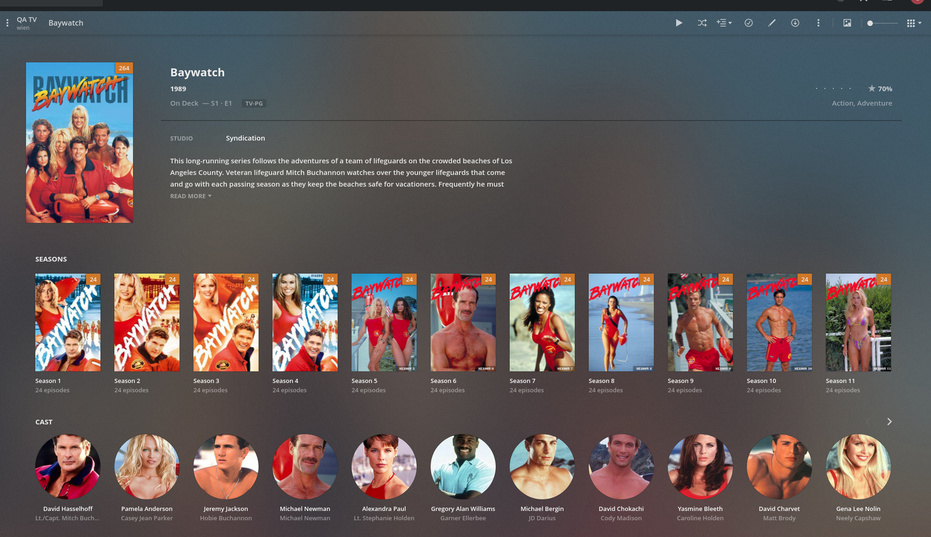
“Serien” -> “Baywatch – Die Rettungsschwimmer von Malibu” -> “Staffel 1” -> “Baywatch – Die Rettungsschwimmer von Malibu - S01E01 - Pilotfilm.mkv”
Nearly all the files are mkv, some old stuff is avi.
I named all the movies and shows in German from beginning and this worked for months to years until some weeks ago.
I’m also having this issue for TV Shows. I’m running 1.19.5.3112 on FreeBSD.
Using one example I’ve been poking at: Episodes 1 through 3 matched, but when I added 4 last week it didn’t. I’ve tried refreshing a few times since and it continues not to get metadata, even though the episode is in TVDB. The logged error is WARN - Unable to load episode file ["seasons/1/episodes/4.xml"]. All episodes are in the same folder with the same naming scheme: Show/Season 1/[Release Group] Show - $episode_number [1080p].mkv. Renaming the unmatched file to Show/Season 1/S01E04.mkv doesn’t help, and plex does recognize it as S01E04 either way, it just fails to grab metadata. Happy to do more testing if it would be helpful
Edit: I haven’t had time to actually try hitting the TVDB API directly but it feels kind of like an API problem?
Baywatch was just one example.
I have other series without the hyphens and the scanner didn’t work as well, or it worked on other series.
On the other hand, Baywatch was not recognized at the beginning, but after several attempts it was recognized. It just can’t be reproduced and as I said, it worked for months.
I just don’t see any system currently why the scanner works or doesn’t work. The series are all built in the same way and named as suggested by FileBot. As a next example I tried to assign Magnum PI yesterday. It was shown as assigned, but not named correctly and the metadata was missing. Today several attempts did not work either. I just tried it again, but it worked after about 10 minutes waiting time.
You only need 1 file named in a fresh English structure.
I would do it this way:
Create “/new/directory/Baywatch/Season 1”
Copy one file there.
Rename it “Baywatch - S01E01 - Some silly title here.mkv”
Now create a new TV library section “ChuckPa TV Test”.
The important point here, which isn’t often realized is that PMS keeps a fingerprint of the file from the first scan. If it failed to match due to bad name on that first scan, the “Plex Dance” is needed to push the media out, erase what PMS knows of it, then pull the media back to where Plex is monitoring for it.
The new scanners address this problem in a big way.
While maybe the scanner is being picky, it does not search for Staffel nor does it look for Besonderheiten oder Specielles . I did check the source code and PMS does not search for multiple language forms. It only uses English (possibly because TheTVDB is English based?)
Localization is uni-directional English -> Your local language IF there translations are available. Not everyting is.