PLEX provides a way for storing/retrieving TV Shows and Movies that are in some database.
We have hundreds of small (4 minute or so) videos that are saved with a descriptive name. I am looking for suggestions to help save those items as TV Shows – Topical Name with various episodes related to that name.
An example would be SummerVacation2007 and then the 25 or so ‘clips’ related to that topic.
There must be some method but I cannot determine what it actually is.
Thank both of you for responding – much appreciated.
Unfortunately, I am one of those nerdy engineer types – take all instruction literally and often trip up on my [literal] interpretation of directions.
So some more questions…
The article that discussed adding local trailers and extras listed -Extra_Type with 8 specific names. Do those names need to be exactly as shown or is -Extra_Type merely a placeholder for any textual item in that format?
The Naming Home Series Media article indicates that
“Currently, the “shows” will only be named as “Episode 1” etc. Any additional information included in the filename (like “Getting Ready”) is currently ignored.”
Is that still true?
Is Embedded MP4 metadata ever used for display purposes?
If I have made a custom poster, the site does not provide specific information on how to use that new .jpg file. My assumption is that it needs to be in the same or a sub-directory. Is that correct?
Still true, unless the file has an embedded “title” tag with the right episode title in it. (Only mp4/m4v)
I must be really dense. Established a new “test” library as TV Shows. Changed the metadata on the only file using File Explorer to Acme Farms Meta Data Test
My test library has exactly 1 file.
I changed the Title and Subtitle in the metadata using File Explorer.
N o change seems to occur.
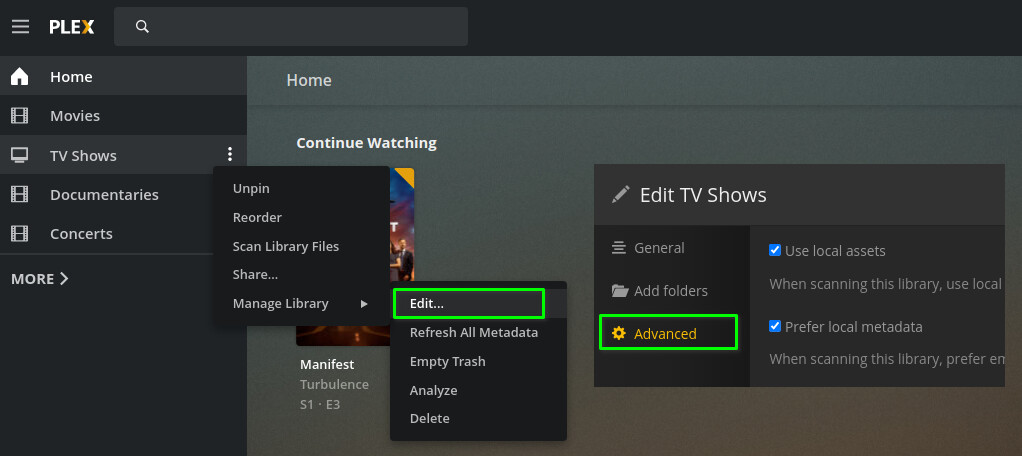
Where do I find the “Prefer Local Metadata” setting?
Is there some method that forces PLEX to read the info again and ‘refresh’ the data on the screen?
Lose the dash.
What does the “QQQ” stand for? I don’t think it belongs in there.
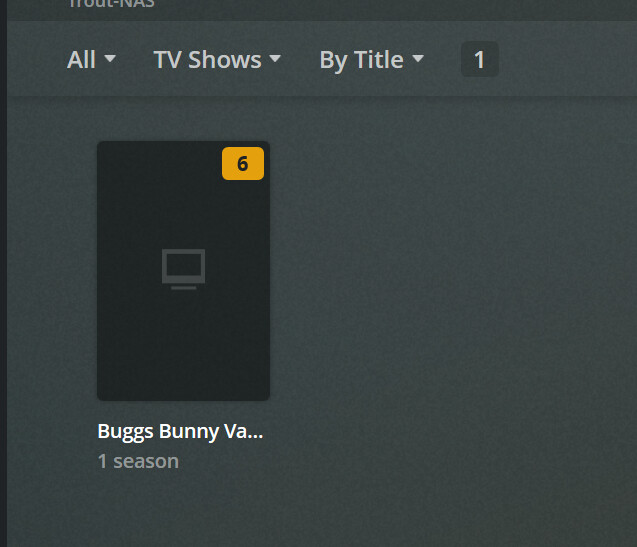
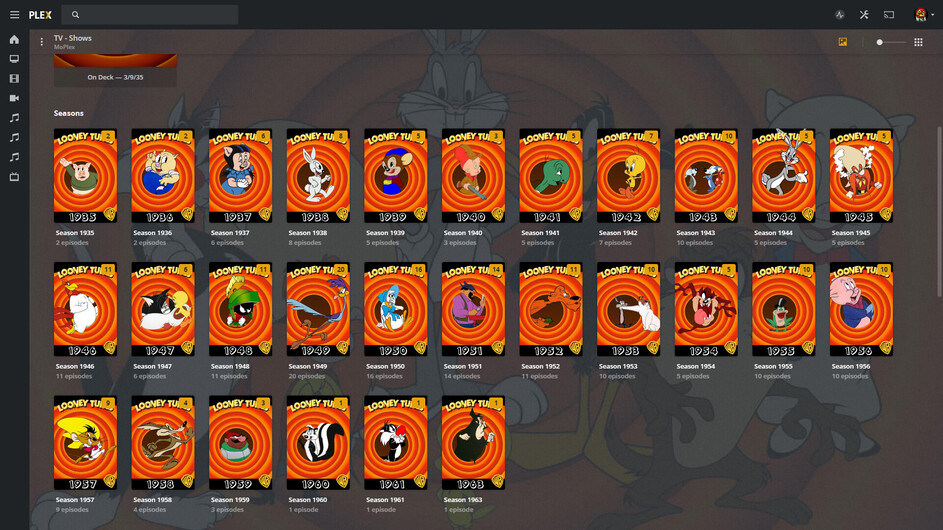
You do know that Bugs Bunny is simply a part of the Looney Tunes series, right?
So you could save yourself the work in large parts and simply determine the actual season and episode numbers of your bugs bunny episodes in the context of the Looney tunes series. https://www.thetvdb.com/series/looney-tunes
As a point of information the Looney Tunes has only a subset of the Bugs Bunny merchandise . There are 95 commentaries, 22 TV Series and WWII related material that are not characterized by any source.
Additionally I have 364 other items regarding other cartoon characters and released material.
Finally I have a variety of home movies.
At this point I am fairly frustrated. I am looking for a method to name series, name seasons and name episodes plus have posters for each level of naming if that is possible. The current documentation seems either incomplete or written for individuals that have a different level of knowledge regarding PLEX than I have.
I am willing to spend real money for some consultant to work with me to determine the method to do this activity.
If some individual wants to assist, please PM me and I will respond. The activity could proceed using TeamViewer or the equivalent software.
You’ll see there are 104 ‘Specials’ and it’s very likely ALL your material is there.
Also with Filebot you’ll be able to locate every single Bugs Bunny in your Giant Looney Tunes Collection. If you happen to have some odds and ends they’re handled a LOT easier than doing every one by hand in an Other Videos Library (that simply won’t work for a TV Show type layout):