Server Version#: 1.24.3.5033
Player Version#:
After last update, when adding new albums to music library using local tags and files do not apply album art (jpg in folder names starting with cover does show in poster section in metadata, so it reads it, but it does not select it and apply it, so in library there is black frame instead of poster, even when poster is in metadata).
So something broke. It reads the image file, adds it to metadata, but does not apply it to use…
For those libraries I am using local info only. Because Plex Is not that good to recognizing Finnish language audiobooks 
Are the files named exactly cover.jpg ?
Some, some have cover-something,jpg. But the point is: Plex DOES find them. They are in metadata, when opening edit for album. It just does not select them to use, you have to go through all new albums one by one and click the image in metadata edit poster… which is stupid. So I do not need to upload image or anything, just open edit and click the image… and it’s fine. It should do that when importing metadata…
Do the files have embedded cover art as well?
Is it possible that the cover.jpg gets selected automatically a little bit later?
i.e. you were just too impatient?
Last time waited an hour at least… just adding couple and let it stand for all day, let’s see what happens, but I doubt that (Plex was on sleep for scanning, refresh metadata for album did not change antyhing, all albums were already auto refreshed metadata, while I waited and visually followed it to do so (the ring) because was trying to figure out what the heck happens, why it does not apply album covers…

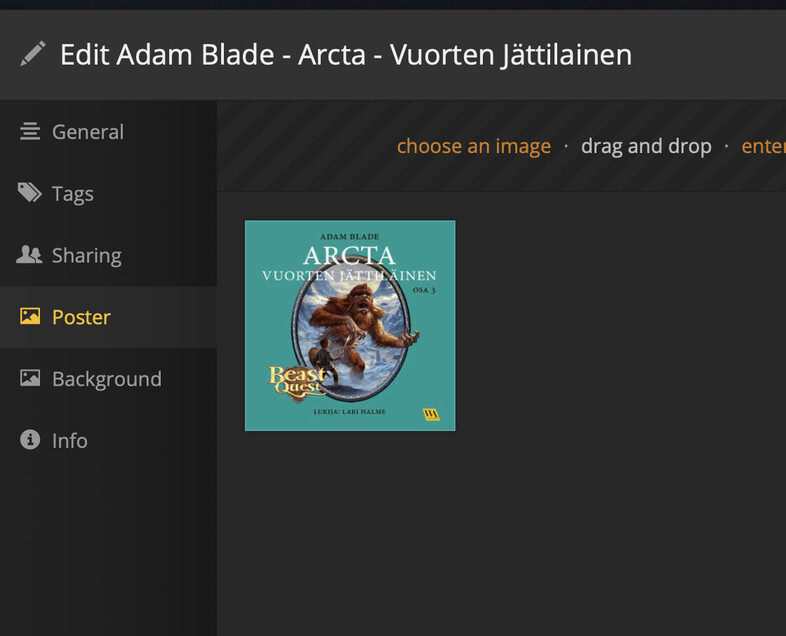
Just to demonstrate. Plex scanner is in sleep. All done. No image on album, but image is in metadata poster, it just does not apply (no tick there), if I click the image tick comes to there and save and it’s on album… so as I said. It scans it, it finds it, it does NOT apply it.

and seems forum does not know how to upload two images…
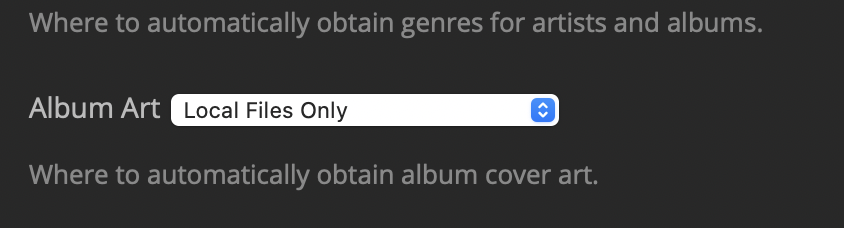
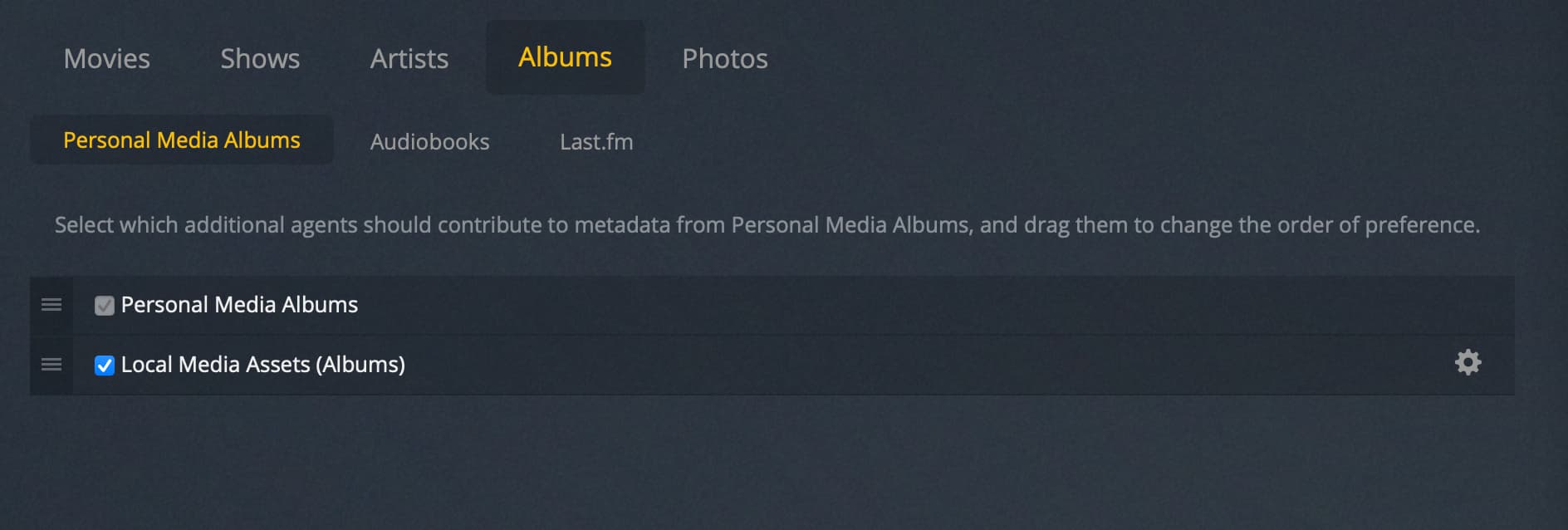
Oh and you can add several images, if you add all at once, not one by one, there this broke something. But yeah, here is full library advanced settings just for more info
Thanks for the screenshots etc.
It appears to be a clear bug.
I have forwarded this to the developers.
O, wait. Your scanner and agent are the “old world”.
With these selected, you shouldn’t even get the cover art selection in the properties of your library.
Have you tried with “Plex Music” as agent?
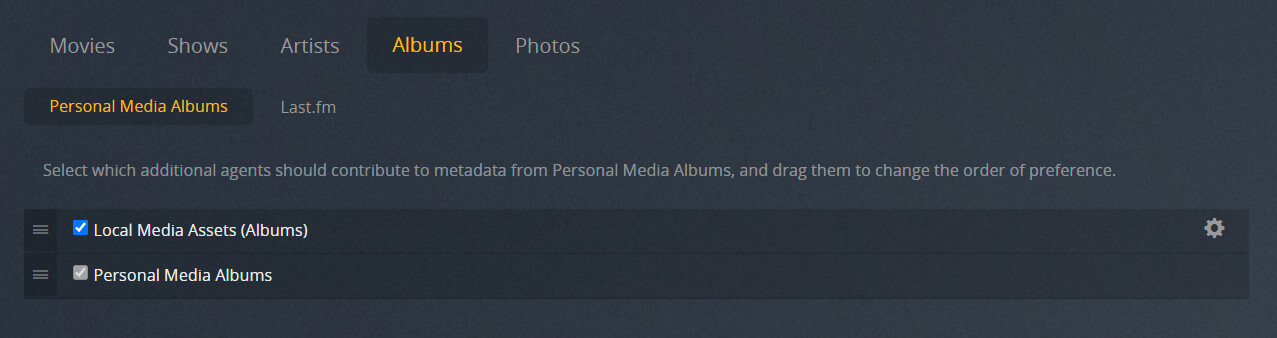
How is it looking under
Settings - Server - Agents - Albums - Personal Media Albums
?
Oh… just a sec, switching, this probably takes a while  If it was that, then it was easy fix (ok still a bug on old format libraries, but you probably do not support those longer…). Although it would be nice if you pretty soon rename the scanner to “legacy” “old” or something… it’s kinda of impossible now remember which I should use…
Oh this way. Libraries are now scanning after switching to Plex Music. Seems that “Personal Media Artist” agent is not available on new scanner, just that old. Hope this does not mess things up… let’s see. Earlier I had problems with it (with Finnish music), while the automatic scanner of yours does not know it and it tried to guess rather than over local tag info… let’s see if it’s fixed so it does not create complete mess… (this is reason for why these libraries are tightly ONLY on local data, your automatic recognition is great for movies and tv shows, but at least earlier not so much for music and definitely not for audiobooks… server though is perfect and much better for audiobooks with Prologue than Booksonic…
But yes, this take a while until everything is rescanned and I can test it with new additions…
Enable “prefer local metatags”.
Then “un-match” the album where it got it wrong.