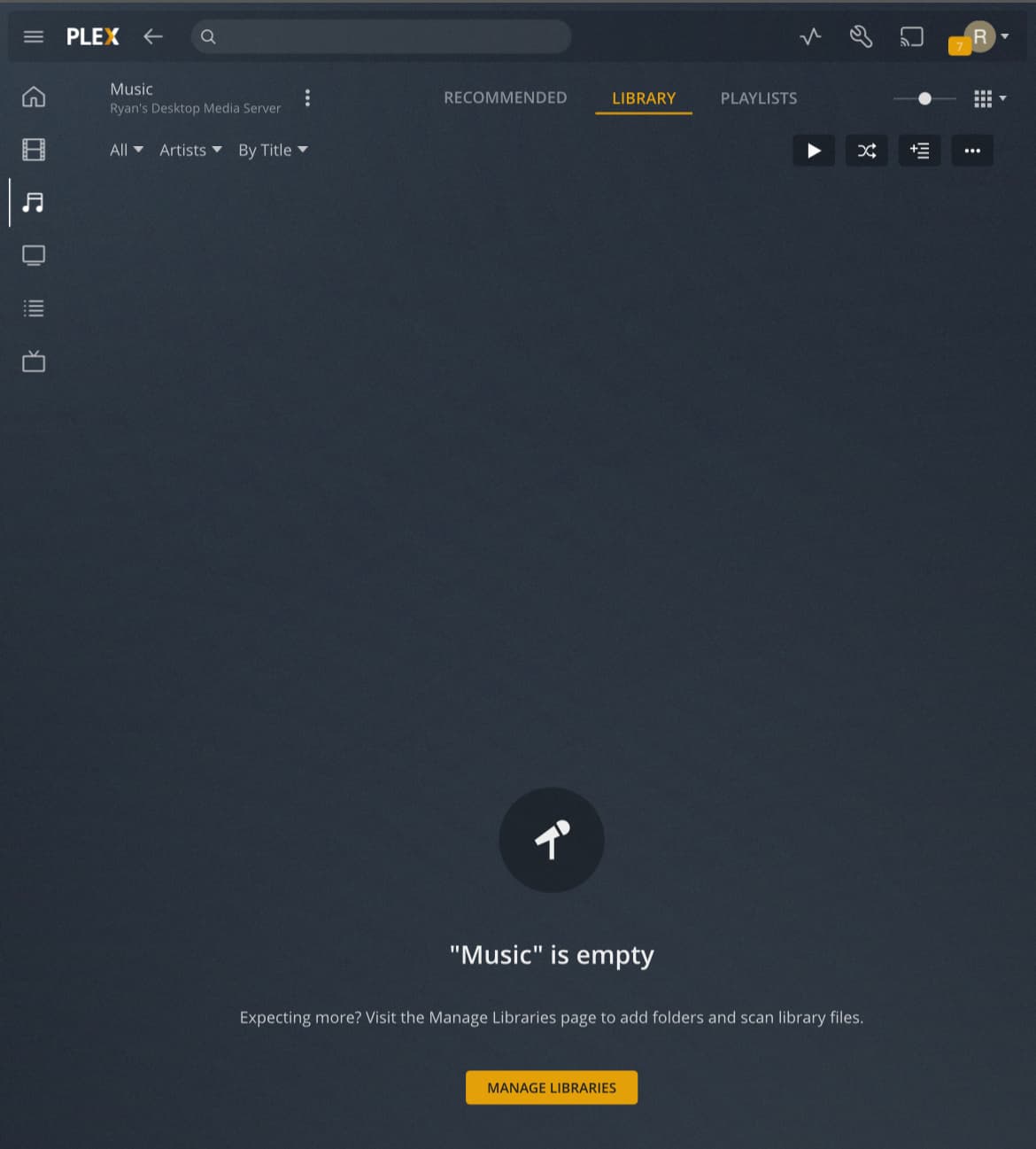
I am a Plexamp user and wanted to take advantage of the radio stations and new Sonic Analysis feature. I was receiving the “Radio couldn’t start playback” error on Plexamp for as long as I can remember (two phones, both Android and now iOS).
I learned that I needed to have the “Popular Tracks” setting enabled in order to use this feature, so I turned it on and saved the changes. The radio still didn’t work (same error). So, I did a Refresh All Metadata and now I get the ‘ “Music” is empty ‘ message on my library of 19,300+ tracks. I’ve also tried doing a Scan and Analyze, and still nothing is showing after 24+ hours.
Update: I changed the scanner to “Plex Music Scanner” and the Agent to “Last.fm”. My library is now populated and things are slowly being scanned. So, the default “Plex Music” scanner was crapping out for some reason.
Will sonic analysis work with “Plex Music Scanner”? It sounds like this is the old version and last.fm is deprecated.
I’m having the same problem. I’ve got 3 music folders, 2 were added before the update and one was added today, however, the folder added today is showing as: “music” is empty
It would be great to see an update from staff here.
Update on this one: Despite having “Prefer local metadata” checked off, the new “Plex Music” scanner bombs out unless music is organized per this FAQ: Adding Music Media From Folders | Plex Support
This was not the case with the old “Plex Music Scanner”, as every music file I have was under one central folder with no folder structure per artist and album.
I have meticulously maintained the ID3 tags on my MP3s over the years, so the Mp3tag application made short work of renaming the files and creating this structure. Still an extra step I would prefer to not do, but it is what it is for now.
I was able to solve this problem. In my case, unlike OP, I’m using Synology NAS. In case other synology users have this problem, this may work for you:
@clintonlee I feel your pain with Linux permission issues. I just spent all last night trying to get a new instance of Plex set up on Linux Mint and issues with permissions were my biggest pain points. Coming from Windows previously, so this was new to me.