Plex Server has 4 categories:
- Movies
- Music
- Photos
- TV Shows.
All the libraries have been set up exactly the same way - linking to the folders that carry those respective files.
However, only the Music folder consistently fails to work and the “This library is currently empty” message appears.
Deleting all the library references and restarting the NAS appears to have fixed the issue, though this does not seem like a satisfactory solution, particularly if being accessed remotely.
Is there an audit tool or some other means of forcing Plex to scan a library or otherwise provide useful information on what the error is? In plain language, ideally.
UPDATE: I’ve uninstalled Plex (choosing to erase and start fresh), rebooted both the CPU and NAS, installed latest version of Plex Media Server DSM7. Same issue - Movie and TV libraries appear, Music will not.
When I force a scan of libraries, it processes both the Movie and TV (little spinning wheel), but will not do so for music. The file structure for all three categories follows the same organization, with all three on the NAS.
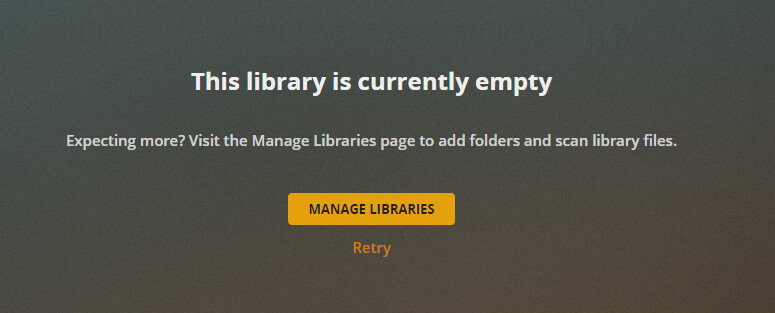

At a complete loss as to what is required. The fact it can see two library and not the other is bewildering as they follow the exact same file structure, drawing from the same source.
Further, when I scan just the Music, I’m told there’s no internet connection, but not so for the other two.

The Plex Media Scanner Matcher.log files offer no insight on music files. A few comment on the same movie file, but still shows this file and still plays it.
Please help.
