I know, I know, I’ve not even scanned my library in yet and so many questions
The 453D has a max limit of memory of 8GB according to QNAP. And yet there are a lot of (what to sound to me) credible articles on Youtube and the like, showing that 16 and even 32Gb can be installed.
Whilst that does work, the jury seems inconclusive as to the benefits of doing so. If I read correctly, folks running VM stuff do benefit. But I’m wondering if it might be beneficial in the Plex environment?
More space, more memory, more CPU, faster pipes usually offer up the promise of better performance. And I have to confess to being a sucker for that type of stuff. And indeed I’m keen get my base platform as ‘match fit’ as possible before importing, setting up and blasting on with the world of Plex.
So I think I’d ask the question at this early stage. I’m hoping the answer is yes but would like to hear from folks with NAS memory experience … and Plex performance experience. The memory can be sourced fairly cheaply and we all love performance. What you think?
Many thanks
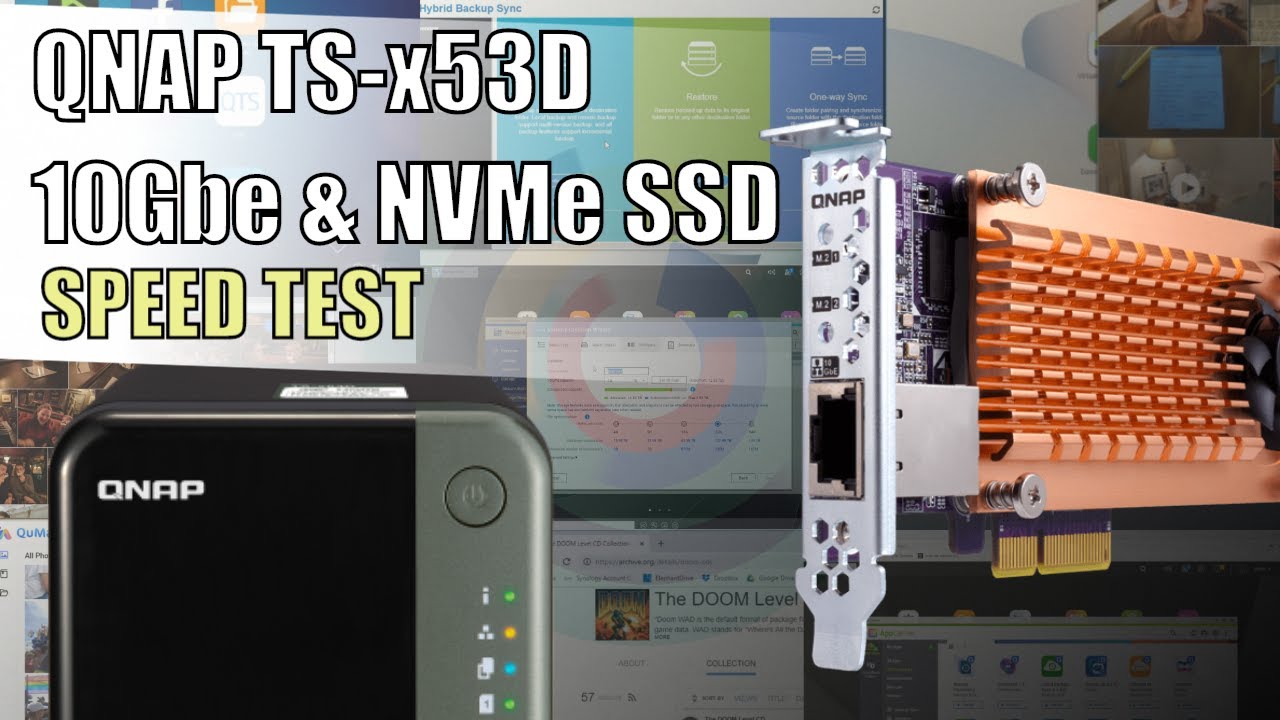
Maybe useful for others considering this as well. A couple of the videos I have been looking at. The first one focuses on QNAP’s 10Gbe card with 2 x SSD storage … my NAS came with this option FOC under an offer a couple of years back, but a little pricey otherwise.
And one talking about all sorts of SSD / 10Gbe and HDD performance options …
And yet there are a lot of articles out there showing performance improvements with 16Gb and 32Gb upgrades?
Well correction … a lot of successful and working installs, less confirming performance improvements. I have read confirmed cases of people running multiple VM environments who say they have seen this.
So the CPU dictates the limit of the memory addressing. Thanks for explaining that, I’d not seen that on any of the articles I mentioned. I suppose I’m thinking and coming from a laptop and PC mentality were maxing out and often exceeding memory ceilings has tended to significantly improve performance … on older units anyway. I guess that does not necessarily directly transpose to the NAS world.
Thanks for sharing that kaelaria … is good to know the reality.
As it goes I did drop on some cheap 16Gb and good make (Crucial) memory, so will install it. But it seems I can not expect any real performance benefits … for Plex at least.
And in a way this is a good thing to know that Plex is modest in it’s memory expectations.
Many thanks for sharing your experience here. It’s really helpful, especially for us newbie’s and those just setting out.
Many do this, some it works others it does not. There are NUMEROUS threads here and at QNAP forums where adding the extra memory above 8GB has caused the QNAP to become unstable.
Also QNAP recommends only using QNAP memory for the same reason. I bought my box from QNAP direct, a 3rd party vendor. They used non QNAP memory, I had to buy QNAP memory to get my box to work without issues.
@ChuckPa you may recall all those issues I think back around 2020 when the whole memory debacle was occurring? QNAP even had some bad firmware that involved memory issues around that time…
They don’t state whether that’s per DIMM or total but TOTAL is implied because of how address bits in the CPU.
They don’t publish the memory SPECS either (CAS, RAS, CL, etc)
The whole issue is further complicated by memory organization on the DIMM and how many ranks.
At this point, you’re getting into signal loading and resultant shaping/distortion due to reactance (electrical level)
LOGICALLY —
The CPU can handle 1 DIMM of 8 GB – reasonable assumption
Any good engineer will have the circuit balanced so it doesn’t matter which one
UNKNOWN - How does the firmware configure the memory controller after reading the SPD chips on each DIMM and getting a total greater than CPU spec limit?
UNKNOWN - How does the firmware configure the memory SLOT when the SPD chip reports memory greater than CPU spec limit ?
At the risk of getting flamed / inciting riot –
Can you get away with putting 2x 8GB High Quality - REPUTABLE DIMMS in the machine? – Probably
Can you repeat that with 2x 16 GB ? RISKY
QNAP knows what its machines can do because they built them.
The spec limit exists for a reason
Magically, people are going to stick “Joe Schmoe Memory” in the NAS and expect it to work? As an engineer, I have one word — IRRESPONSIBLE
Lady Luck will only take folks so far. At some point, the check comes due.
Is a strong point you make Chuck. And for sure, I don’t want to risk anything on my main NAS.
Actually it just crosses my mind that I have a slightly unique and entirely accidental opportunity to put this to the test. Having just bought an identical 2nd NAS (bar the 10Gbe card) I can load the 32Gb on the 2nd back up NAS as a test, preserving the 1st NAS for the critical stuff.
Given I’ve bought it anyway and it’s decent stuff then it’s a low risk if slightly excessive test with zero risk. What it will prove I don’t really know … but it will address the reliability question I guess if nothing else. But will be interesting to compare the two over time.
As a rule, I’d agree your point entirely, especially with something as inherently design critical as a NAS.
I followed the manu recommendations. My memory utilization went from around 70% to around 15%. I want a stable system and I don’t see a reason to experiment with more memory than what’s recommended.